

Understanding Custom Dimension Portal Linking Rules
One of the most frustrating moments for a Minecraft builder or server administrator is activating a meticulously crafted custom dimension portal, only for it to fail, sending you nowhere, or worse, to an unexpected location. This common pitfall often stems from a misunderstanding of the intricate rules governing interdimensional travel, rules that vary significantly depending on whether you’re working with vanilla mechanics, datapacks, or sophisticated mods and add-ons.
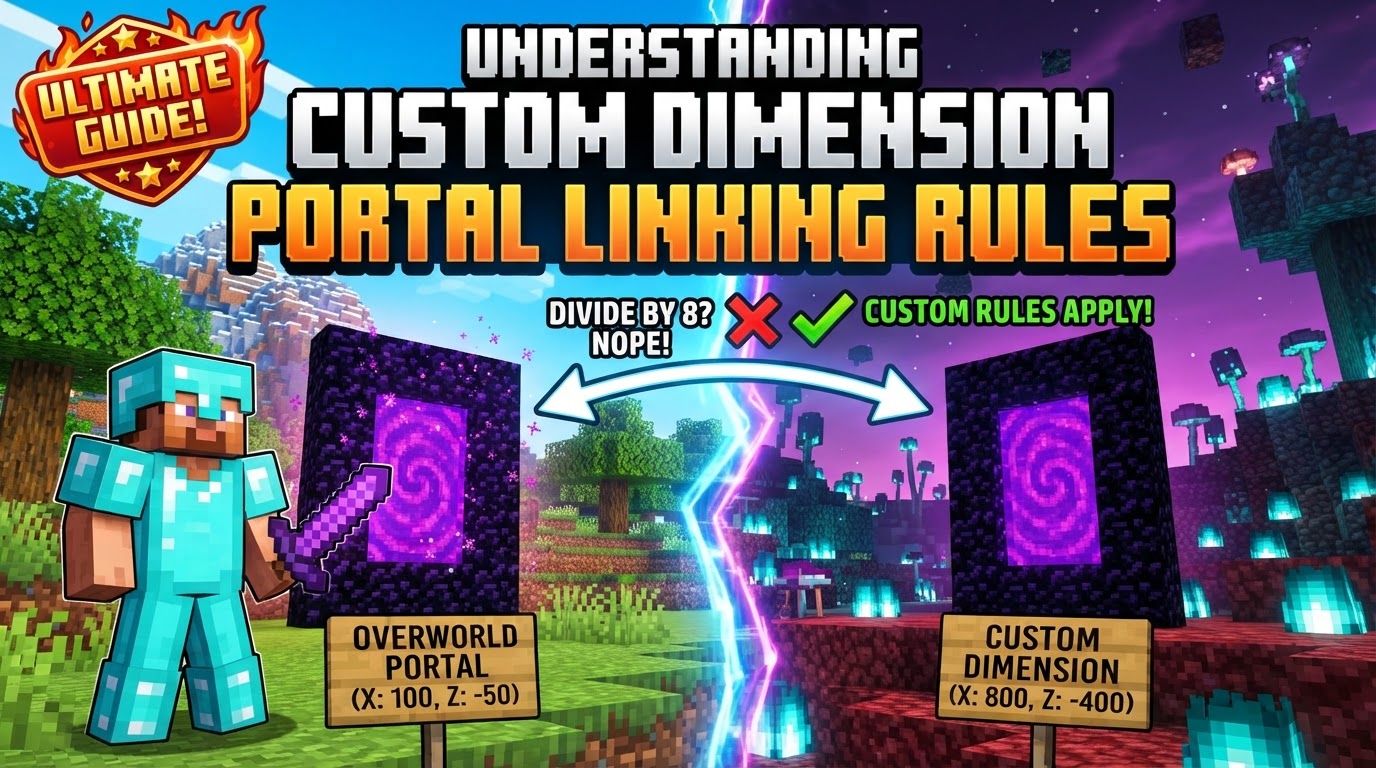
Custom dimensions unlock a universe of possibilities in Minecraft, offering new biomes, challenges, and gameplay. Seamlessly connecting these realms is crucial for immersion. This guide explores the fundamental principles and practical considerations for establishing robust portal connections, covering how portals link, search for destinations, and generate new gateways.
The Core Principles of Portal Travel
At the heart of custom dimension linking are key mechanics mirroring or extending vanilla Nether portal behavior.
- Coordinate Scaling: Like Nether portals, custom transitions use coordinate scaling, adjusting X and Z for an ‘ideal’ destination (e.g., Overworld X/Z by 8). The Y-coordinate generally doesn’t affect the horizontal destination.
- Portal Search Radius: After ideal coordinates, the game searches for existing portals within a radius (e.g., 3×3 chunks Overworld to Nether, 17×17 Nether to Overworld). If none, a new one generates. Custom systems may allow specific radii or direct linking.
- Custom Frame Blocks and Ignition Sources: Many custom portals define unique frame blocks and ignition items, moving beyond obsidian and flint-and-steel. This allows for thematic consistency, like a gold frame lit with an Ender Eye.
- API and Mod-Driven Linking: Custom dimension linking often relies on modding APIs (e.g., Fabric’s CustomPortalAPI) or add-ons (e.g., Portal Link for Bedrock). These frameworks register portals, specify destination IDs, and manage complex behaviors.
- Dynamic Portal Generation: If no existing portal is found, the game (or mod/datapack) generates a new one. Safeguards often include a landing platform or clearing blocks for safe entry.
- Dimensional Properties: Custom dimensions possess properties like
logical_height(max portal height) andmin_y/height(vertical build limits), ensuring portals generate within valid boundaries.
Crafting Your Interdimensional Gateway
Implementing a custom dimension portal requires careful planning, with specifics varying by method.
- Define the Custom Dimension: First, create the dimension via datapacks, mods, or APIs, defining its properties, world generation, and biomes.
- Design the Portal Structure: Decide on frame block(s) and the item/method to “light” the portal – a traditional frame with igniter or complex detected structure.
- Implement Linking Logic:
- Datapacks/Commands: Use commands (e.g.,
/execute in <dimension_id> run tp) triggered by detected structures. Procedures check shapes and fill with portal blocks. - Modding APIs (Java Edition): Integrate libraries like Kyrptonaught’s CustomPortalAPI. Use
CustomPortalBuilderto define frame, igniter, and destination ID. - Add-ons (Bedrock Edition): Utilize add-ons like “Portal Link” for crafting, placing, naming, and linking portals via interactive menus.
- Datapacks/Commands: Use commands (e.g.,
- Register the Portal: Ensure the portal is registered with the game or framework for proper recognition upon activation.
- Build and Test: Construct the portal in-game and verify it correctly links to and from the custom dimension.
Expert Advice for Seamless Transitions
For flawless custom dimension portals and a great player experience, consider these tips:
- Plan Coordinates: Meticulously calculate corresponding coordinates (e.g., Overworld X/8, Z/8) for optimal, predictable linking with vanilla-like scaling.
- Utilize Libraries/Add-ons: Leverage established modding libraries (like CustomPortalAPI) or Bedrock add-ons for ease, robustness, and advanced features.
- Test Bidirectional Linking: Always test functionality in both directions (to and from) for seamless, reliable travel.
- Provide Landing Platforms: In empty or hazardous custom dimensions, ensure a safe landing platform is generated at the destination.
- Back Up Your World: Before significant changes, always back up your world to prevent data loss.
- Use Portal Helper Blocks/Wands: Some mods offer “Portal Helper” blocks or “portal wands” for easier creation and manipulation during development.
Pitfalls to Avoid
Awareness of these common mistakes saves troubleshooting time.
- Incorrect Dimension IDs: Invalid or unrecognized dimension IDs in linking logic prevent portal function or send players to unintended locations.
- Missing or Incorrect WorldGenSettings: Custom dimensions require correct
WorldGenSettings; malformed settings prevent loading and portal functionality. - Biome Loading Issues: Dimensions may fail to load if biomes are incorrectly configured or flagged as unable to spawn.
- Building Portals in Other Dimensions: Some custom portal systems restrict creation to specific dimensions, leading to failure if built elsewhere.
- Portal Structure Errors: Incorrect frame block arrangement or wrong ignition item prevents activation.
- Teleporting Entities: Many custom systems only teleport players. Ensure settings explicitly allow other entities (mobs, items) if needed.
- Overlapping Portals: Close proximity of multiple custom portals can cause unintended teleports if linking rules aren’t distinct.
Mastering custom dimension portal linking is crucial for advanced Minecraft world creation. By understanding coordinate scaling, search radii, and API-driven linking, creators can design immersive, interconnected experiences. Always prioritize meticulous planning, thorough bidirectional testing, and adherence to your chosen method’s requirements. With these principles, your custom dimensions are just a step through the gateway away.
Tags:
YOU MAY ALSO LIKE...


