Why Certain Structures Generate Backwards in Specific Biomes
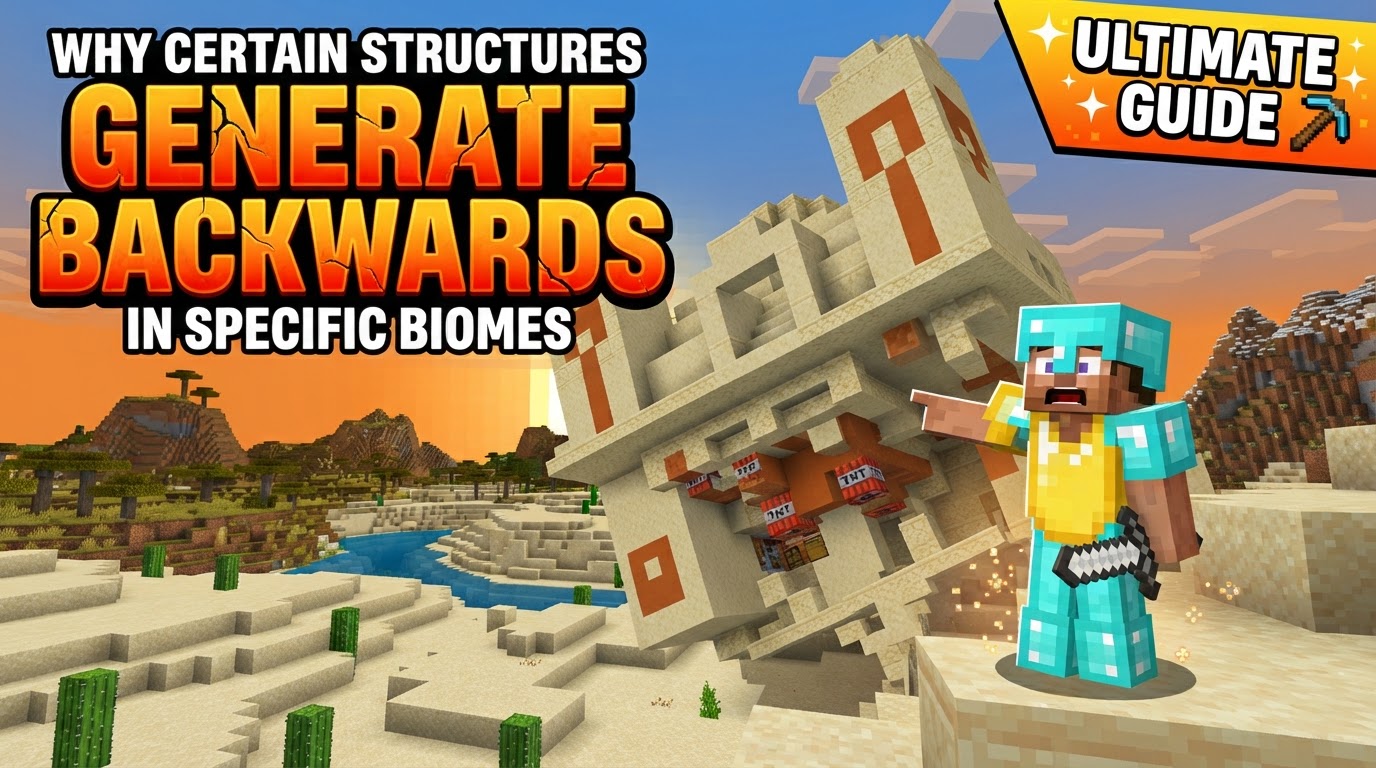
The primary reason a meticulously designed Minecraft structure might appear “backwards” or incorrectly oriented in your world isn’t a random glitch, but often a fascinating interplay of the game’s deterministic generation logic and specific block properties. Many players encounter structures like village houses facing the wrong way, desert temples with misaligned entrances, or even shipwrecks with their bow pointing landward, leading to confusion about the underlying mechanics. Understanding these occurrences requires a deep dive into how Minecraft’s world generation system, from its foundational seed to its advanced modular building blocks, handles the placement and orientation of its countless architectural wonders.
The Genesis of Worlds: Deterministic Randomness and the Seed
At the heart of every Minecraft world lies a numerical code known as the seed. This seemingly simple number is the master key to the game’s entire generation process, governing everything from terrain elevation and biome distribution to the precise location and nature of every structure. This system is known as deterministic randomness: while the initial seed might be random, for any given seed, the world will always generate identically, down to the last block. This consistency is crucial for multiplayer servers, speedrunning, and simply revisiting a familiar landscape.
Structures, far from being scattered arbitrarily, adhere to a strict set of structure placement rules. Each type of structure has defined parameters, including minimum and maximum spacing, specific biome requirements (e.g., igloos only in snowy biomes, desert temples only in deserts), and a calculated region size within which it can generate. The world seed plays a vital role in determining not just *if* a structure appears, but also its exact position within its designated region, ensuring variation without completely randomizing the layout. This prevents structures from forming repetitive, grid-like patterns and adds an organic feel to exploration.
Modular Marvels: Jigsaw Blocks and Rotational Dynamics
For more complex and adaptable structures, such as the diverse layouts of villages or the intricate pathways of woodland mansions, Minecraft employs a sophisticated system utilizing Jigsaw Blocks. These special blocks act like procedural LEGO connectors, defining attachment points and specifying a “target pool” of other structural pieces that can connect to them. This modular approach allows large structures to grow organically, adapting to varying terrain and creating unique configurations each time they generate, even within the constraints of a single seed. A village, for instance, isn’t a single monolithic blueprint but a collection of individual houses, paths, and farms that connect dynamically.
A critical component of this generation process, and central to why structures can appear “backwards,” is rotation. During world generation, structures are not simply plopped down; they are assigned an orientation. This rotation typically occurs in increments of 0°, 90° clockwise, 180° clockwise, and 270° clockwise (which is equivalent to 90° counter-clockwise). This random rotation ensures variety in how structures are presented, preventing every desert temple from facing due north, for example. However, it’s the interaction of this rotation with other game mechanics that can lead to unexpected visual outcomes.
The Generation Sequence: A Step-by-Step Overview
To fully grasp why a structure might end up facing an odd direction, it’s helpful to understand the sequential process Minecraft follows:
- Initiation: The game begins generating the world using the provided world seed, first establishing the base terrain and distributing biomes across the landscape.
- Structure Eligibility: For any given area, the game checks if a structure is eligible to generate there, based on its specific spacing requirements and biome compatibility.
- Location Calculation: If a structure is eligible, a precise location for its spawn is calculated using the world seed, ensuring its placement within a designated region.
- Modular Assembly (if applicable): For complex structures like villages, Jigsaw Blocks are utilized to assemble the various components and connect them into a cohesive whole, adapting to the local terrain.
- Rotation Application: A specific rotation value (0, 90, 180, or 270 degrees) is applied to the entire structure, determining its overall orientation within the world. This is a crucial step where the “backwards” phenomenon often originates.
- Final Placement: The structure, complete with all its blocks and components, is then placed into the world according to its calculated position and the applied rotation.
When Blueprints Go Awry: The Causes of Misaligned Structures
The “backwards” appearance of structures is rarely a true bug in the sense of a crash or game-breaking error, but rather an unintended consequence of how the game’s complex generation logic interacts with its block properties. Several factors contribute to this:
- Incorrect Rotation Application: This is arguably the primary reason structures appear “backwards” or incorrectly oriented. While the overall structure might rotate, certain individual blocks or sub-components within it might fail to correctly interpret or apply that rotation. The game’s procedural generation, while robust, can sometimes have subtle errors in how it propagates rotation instructions to every single block, especially in older or more intricate structure templates.
- Blocks with Side Information: Many blocks in Minecraft possess specific “side information” or directional properties. Examples include logs that have a specific orientation (up-down, east-west, north-south), redstone components that point in a direction, or even blocks with connected textures that change based on adjacent blocks. If the game’s rotation algorithm doesn’t correctly update the internal state of these directional blocks to match the structure’s new orientation, they can end up facing the original cardinal direction, creating a visual misalignment within the rotated structure. A door might face inward, or a furnace might be placed with its interactive face against a wall.
- Nested Structure Rotation Bugs: In some cases, a structure might contain other “structure blocks” that are essentially placeholders for nested, smaller structures. When the main structure is rotated, issues can arise if the rotation isn’t correctly applied recursively to these nested elements. This can lead to deformation or incorrect rotation of the inner components. This particular issue has been observed and noted, especially in the Bedrock Edition of the game, where the handling of nested rotations can sometimes be less robust, leading to more noticeable misalignments.
- Mod Conflicts and Version Mismatches: For players using custom content, structures introduced by mods or add-ons can sometimes generate with errors, including incorrect rotation. This typically occurs if the mod is not fully compatible with the current game version, or if there are conflicts with other modifications that alter world generation. The custom structure’s rotation logic might not correctly integrate with the vanilla game’s systems, leading to unpredictable orientations.
Navigating Oddities: Tips for Understanding and Managing Structure Orientation
While encountering a “backwards” structure can be amusing or frustrating, understanding its origins provides clarity:
- Understanding Seed Influence: Always remember that the world seed dictates structure generation and rotation. If you share a seed with another player, they will find the same “backwards” structures in the same locations. This consistency means it’s not a random one-off glitch but a predictable outcome of that specific seed’s generation.
- Manual Rotation with Structure Blocks: For creative builders or map makers, Minecraft offers “Structure Blocks.” These powerful tools allow users to save, load, mirror, and most importantly, manually rotate structures. If you’re building a custom map and a structure generates incorrectly, you can use Structure Blocks to correct its orientation before finalizing your creation.
- Mod Compatibility Vigilance: If you’re experiencing frequent structure generation issues, including incorrect rotations, with custom content, always ensure your mods are up-to-date and compatible with your current Minecraft version. Checking mod documentation and community forums can often provide solutions or explanations for known generation quirks.
In essence, a “backwards” structure is a testament to the intricate, sometimes imperfect, symphony of Minecraft’s world generation algorithms. It’s a visual anomaly born from the game’s attempt to procedurally place and orient complex builds, occasionally stumbling when translating the grand rotational design to the granular level of individual blocks or nested components. Far from being a simple bug, it’s a fascinating insight into the depths of Minecraft’s blocky creation engine.
Tags:
YOU MAY ALSO LIKE...