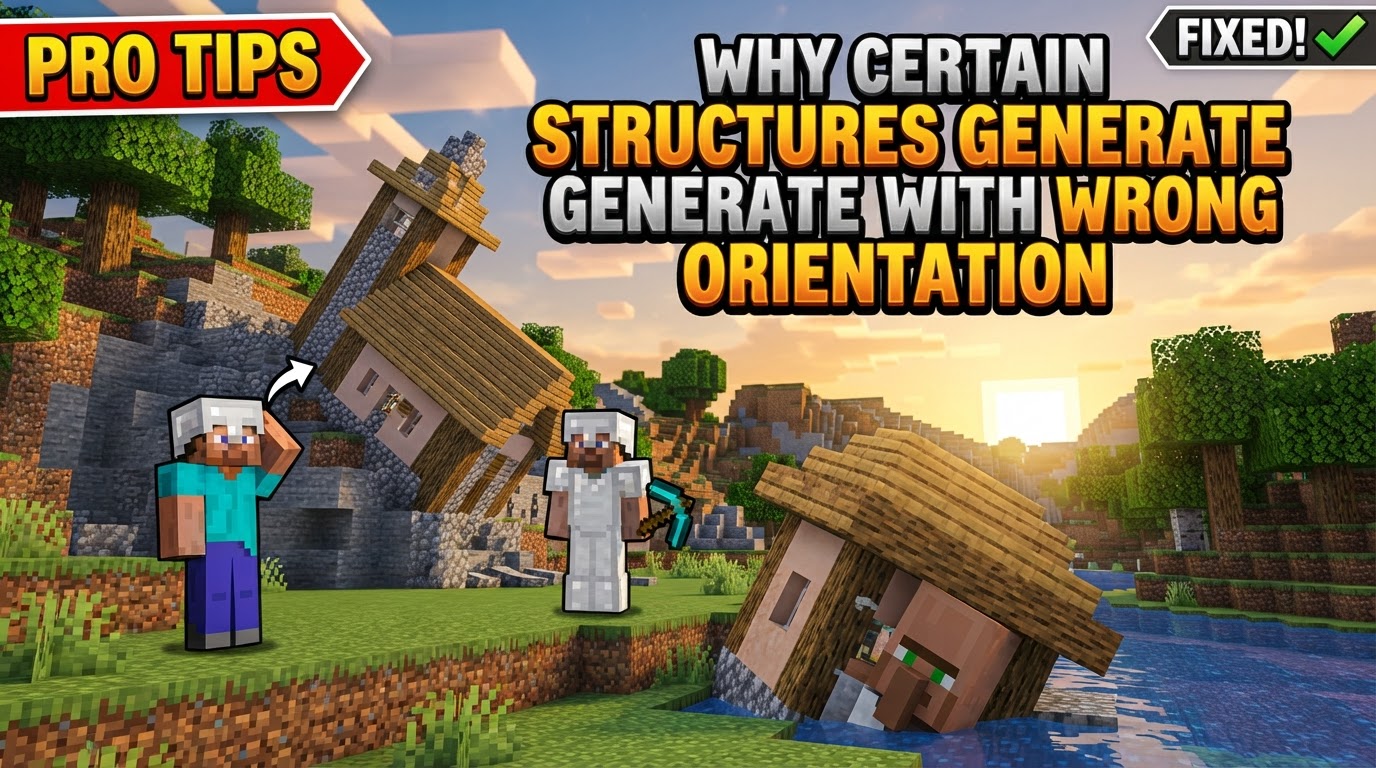
Why Certain Structures Generate With Wrong Orientation
Have you ever meticulously crafted a building in Minecraft, saved it with a Structure Block, and then watched in dismay as it spawned facing an entirely different direction, or worse, with parts of it completely askew? This common frustration stems from a complex interplay of game mechanics, block properties, and the tools available for structure generation. Understanding these underlying systems is key to mastering structure placement and avoiding those head-scratching moments of misorientation.
The Intricate Dance of Block Orientation
At its core, Minecraft structures generate with specific orientations due to how individual blocks store and interpret rotational data. It’s not just a simple ‘north, south, east, west’ for every block; the game employs several distinct types of orientation, each with its own rules:
- Axis Alignment: Blocks like logs often align along a specific axis (X, Y, or Z), determining their visual and functional orientation.
- Block Face Attachment: Certain blocks, such as ladders or buttons, attach to a specific face of an adjacent block, and their orientation is dictated by that attachment point.
- Cardinal Orientation: Many blocks, including carved pumpkins or furnaces, adhere to the four cardinal directions (North, South, East, West).
- Facing Orientation: Blocks like dispensers or observers have a ‘front’ face that can point in one of six directions (including up and down).
- Sixteen-Way Rotation: Banners, for instance, can rotate in 16 different directions, offering a much finer degree of orientation.
This rotational information is typically stored through data values or block traits specific to each block type. When structures are generated, whether naturally or through player intervention, the game attempts to apply these stored orientations. Furthermore, many vanilla structures are inherently designed to generate with random rotations, adding an element of unpredictability to world generation. Jigsaw Blocks, used for creating multi-part structures, are also directional and play a crucial role in how larger, more complex builds can have randomized orientations within their components.
Mastering Orientation with Structure Blocks
For players and mapmakers, the Structure Block is the primary tool for saving, loading, and manipulating structures, including their orientation. It offers robust control, but also presents opportunities for error if its settings aren’t fully utilized. Here’s a step-by-step guide to controlling orientation using Structure Blocks:
- Save the Structure: Begin by placing a Structure Block and setting it to ‘Save Mode’. Define the structure’s name, its size (X, Y, Z dimensions), and its relative position within the save area. This captures your build in its initial, reference orientation.
- Place Load Block: Move to the location where you wish to generate your structure. Place another Structure Block and switch it to ‘Load Mode’.
- Enter Name: Input the exact name of the structure you saved previously. The Structure Block will display a wireframe preview of your structure.
- Set Rotation: This is the critical step for orientation. Before activating the load function, access the Structure Block’s interface and select your desired rotation. Options typically include 0, 90, 180, or 270 degrees. The wireframe preview will update to show the chosen rotation. Structure Blocks also offer mirroring capabilities, which can further alter the structure’s appearance.
- Load: Once you’re satisfied with the preview and selected rotation, click ‘Load’ to generate the structure with the specified orientation.
For developers of custom structures, extending the Structure class or using custom placement classes allows for the implementation of specific rotation logic, offering even greater control beyond the standard Structure Block interface.
The Crucial Role of Multi-Block Traits
One of the most frequent causes of misaligned structures, particularly with horizontal multi-blocks like double doors or beds, lies in their specific rotational requirements. For these blocks to rotate correctly when a structure is loaded, they must possess the minecraft:placement_direction trait with the minecraft:cardinal_direction state enabled. Without this crucial configuration, these multi-blocks may “pop” out of place or fail to align as expected when the structure is rotated, resulting in a visually broken or functionally incorrect part of your build. Always ensure that custom structures or blocks intended for rotation are properly configured with these traits to guarantee seamless generation.
Common Pitfalls and How to Avoid Them
Even with a solid understanding of mechanics, several common mistakes can lead to structures generating with the wrong orientation:
- Entity Rotation Issues: Entities, such as armor stands or item frames, saved within a structure block often do not rotate correctly when the structure is loaded with a rotation, even if the surrounding blocks do. Their orientation might remain fixed to the original save direction.
- Nested Structure Deformation: Repeatedly rotating nested structures (structures containing other structure blocks) without properly breaking and resetting the generating blocks can lead to cumulative errors and deformation over time.
- Modded Block Incompatibility: Many modded blocks may lack the necessary rotation data or implementation to correctly orient themselves when generated within rotated structures, causing them to appear incorrectly or facing the wrong way.
- Expecting Fixed Vanilla Orientation: It’s a mistake to assume that naturally generated vanilla structures will always have a consistent orientation. Many, by design, are randomly rotated upon world generation.
- Incorrect End Portal Placement: End Portal frames have an extremely specific orientation requirement. Placing them from the wrong spot or in the wrong sequence will prevent the portal from activating, as their internal facing direction is critical.
- Stair Misalignment: Stairs are notorious for sometimes mis-orienting due to subtle building glitches or complex placement scenarios, often requiring careful manual adjustment.
- Forgetting Rotation Setting: A very common oversight is simply neglecting to set the desired rotation in the Structure Block interface before clicking ‘Load’, resulting in the structure generating in its default (0-degree) orientation.
- Size Limitations: In Java Edition, a single structure block has a size limitation; it cannot rotate structures larger than 48x48x48 blocks. Attempting to do so will result in an incomplete or improperly rotated structure.
Advanced Control and External Tools
For more specific or complex orientation needs, especially in custom mapmaking or mod development, additional considerations come into play:
- Custom Code for Fixed Orientation: If a custom structure absolutely must face a specific direction regardless of its placement context, relying solely on JSON files may not be enough. Implementing custom code is often required to enforce this fixed orientation.
- Strategic Door Placement: A simple but effective tip for ensuring doors are oriented correctly and function defensively is to always place them from the outside of the structure. This usually guarantees they swing open in the intended direction.
- Recurrent Complex Settings: For users of powerful generation tools like Recurrent Complex, specific settings can dictate orientation. The “Front” setting helps define how a structure should rotate to fit a generation slot. Additionally, “Rotatable” and “Mirrorable” flags are available, though they work best with simpler, more directionless blocks to avoid complex orientation conflicts.
Understanding why structures generate with “wrong” orientations in Minecraft boils down to appreciating the granular detail of block data, the capabilities and limitations of generation tools like Structure Blocks, and the specific requirements of multi-block components. By internalizing these mechanics and carefully applying the available controls, players and creators can overcome rotational woes and ensure their blocky creations appear exactly as intended.
Tags:
YOU MAY ALSO LIKE...