Why Your Automatic Item Sorter Sometimes Jams
The satisfying click of items flowing smoothly into their designated chests can quickly turn into the frustrating silence of a jammed automatic item sorter.
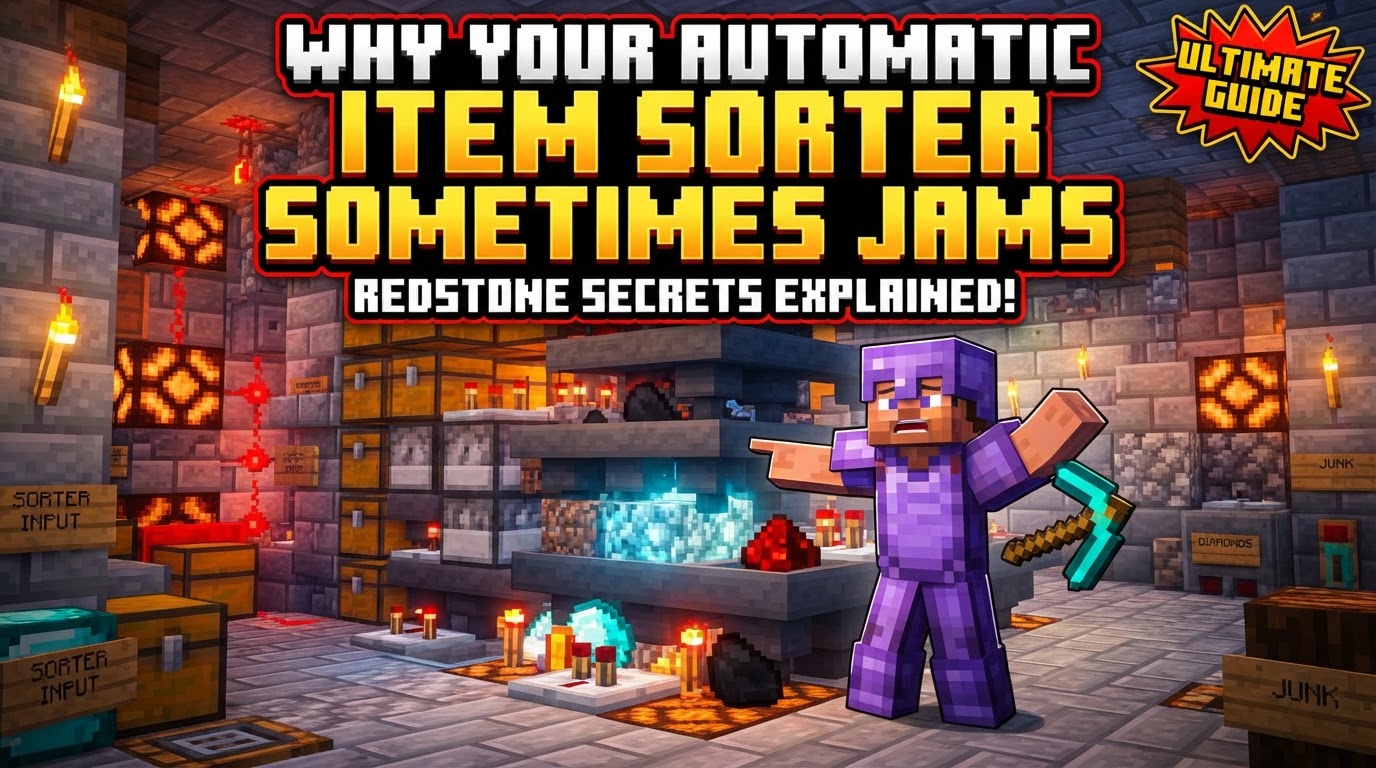
For many Minecraft players, the automatic item sorter is a cornerstone of an efficient base, transforming chaotic inventories into perfectly organized storage. However, these intricate Redstone contraptions, while incredibly useful, are prone to various issues that can bring your meticulously designed system to a grinding halt. Understanding the underlying mechanics and common pitfalls is key to building a robust and reliable sorting solution.
The Redstone Heart: How Sorters Function
At its core, an automatic item sorter relies on a precise interplay of Redstone components to direct items. Hoppers are the workhorses, transporting items from one container to another. In a sorting system, a “filter hopper” is crucial, pulling items from an input line.
Comparators are the brains of the operation. They detect the fullness of a container, like a hopper, and output a Redstone signal strength proportional to the number of items inside. This signal is the trigger for the sorting mechanism.
The magic happens when a filter hopper contains a specific number of items – typically 41 of the desired item type you wish to sort, alongside one renamed “dummy” item in each of the remaining four slots. This precise configuration generates a specific Redstone signal strength. This signal then activates other Redstone components, which in turn temporarily unlock the hopper, allowing only the designated items to pass through.
A Redstone torch usually plays a vital role by powering and locking a hopper. When the comparator activates and powers the block the torch is on, the torch momentarily turns off, unlocking the hopper and permitting item flow. This delicate dance of components ensures items are routed correctly.
Anatomy of a Standard Sorter: A Brief Overview
To better understand potential jam points, it helps to visualize a typical sorter setup:
- Chests: These are placed in a row to hold the sorted items, often stacked for increased capacity.
- Bottom Layer Hoppers: Attached to the chests, facing into them, these hoppers receive the sorted items.
- Filter Layer Hoppers: Positioned above the bottom hoppers, these face sideways and act as the crucial filter.
- Comparator Setup: Behind each filter hopper, a building block holds a comparator facing outwards from the hopper.
- Redstone Circuitry: Behind each comparator, Redstone dust leads to a block. Below this block is a Redstone torch. On top of the torch, another block sits, with a Redstone repeater facing into it. This intricate circuit controls the hopper’s lock state.
- Filter Items: Each filter hopper is carefully loaded with a “filler” item (e.g., a renamed junk item) in the first four slots, and 41 items of the type to be sorted in the fifth slot.
Why Your Sorter Grinds to a Halt: Common Jam Causes
Even with a perfect build, various factors can lead to your automatic item sorter jamming. These often stem from misconfigurations, external pressures, or fundamental design limitations.
Excessive Item Input Speed
One of the most frequent culprits is simply overwhelming the system. If items are fed into the sorter too quickly – for instance, from an unthrottled dropper or a high-yield farm – the hoppers, which have a limited transfer rate, can easily back up. This bottleneck can cause items to spill out of the input line or halt the entire process, leading to significant jams. A continuous stream of items without a buffer is a recipe for disaster, as the system needs time to process each item individually.
Incorrect Filter Setup
The heart of any sorter is its filter configuration. If the precise count of 41 items of the desired type in the fifth slot, or the single renamed “dummy” item in each of the first four slots, is incorrect, the Redstone signal strength will be wrong. This can manifest in several ways: items might not be pulled at all, they might be pulled into the wrong chest, or the comparator might not activate the Redstone torch correctly, effectively breaking the sorting logic for that specific item type.
Hopper Alignment and Item Sticking
Items traveling through water streams, a common input method for sorters, can sometimes get stuck on the edges of hoppers rather than flowing into them. This is often due to poor item alignment within the water flow. If items aren’t perfectly centered or are brushing against blocks, they can become lodged, preventing further items from reaching the sorting mechanism and causing a backlog in the water stream itself.
Redstone Timing Issues
The Redstone circuitry in a sorter relies on precise timing. An improperly timed Redstone clock, especially if used for an input dropper, can interfere with the delicate unlocking mechanism of the hoppers. Similarly, Redstone interference from adjacent circuits or an overloaded Redstone line can cause signals to drop or activate incorrectly, leading to hoppers remaining locked when they should be open, or vice-versa, thus halting item flow.
Chunk Loading Problems
Minecraft worlds are divided into “chunks.” If your item sorter spans across multiple chunk borders, it can become highly unstable. When chunks unload and reload (for example, when a player moves away and returns, or during server restarts), Redstone signals can be interrupted or reset incorrectly. This often breaks the Redstone logic, leaving hoppers locked or unlocked in an unintended state, causing items to stop flowing or be misrouted.
Non-Stackable Items
Most standard item sorters are inherently designed for items that can stack (e.g., up to 64 or 16 per slot). Attempting to sort non-stackable items, such as tools, armor, potions, or enchanted books, using a conventional filter hopper setup will almost certainly lead to jams. These items will fill up the filter hopper’s slots quickly, preventing the comparator from generating the correct signal, or they will simply get stuck in the input line because there’s no suitable filter to pull them.
Preventing Jams: Building a Reliable Sorter
Fortunately, many common jamming issues can be mitigated or entirely avoided with careful planning and construction. Incorporating these tips into your sorter design will significantly improve its reliability.
Regulate Item Flow
To prevent overwhelming your system, implement a slower Redstone clock for any droppers feeding items into the sorting line. This ensures items are processed one by one, giving the hoppers ample time to transfer. Additionally, placing an extra hopper at the very beginning of the input line can act as a small buffer, further regulating the flow and absorbing minor surges.
Ensure Precise Filter Configuration
Always double-check the contents of your filter hoppers. The exact count of 41 items of the desired type in the fifth slot and one renamed filler item in each of the first four slots is paramount. Any deviation will disrupt the Redstone signal, leading to sorting errors. Consider using a renamed item like “Filler” or “Junk” for the dummy items, as this prevents them from accidentally being sorted or consumed.
Optimize Item Alignment in Water Streams
If using water streams for item transport, employ techniques to align items efficiently. Bends in the water path, strategically placed honey blocks, chests, or non-full blocks above the hoppers can guide items to one side of the stream, making them reliably flow into hoppers. Avoid excessively long water streams where items might lose momentum or become desynced.
Consider Performance Optimizations
For large-scale sorting systems, performance can become an issue. Barrels are a more lag-friendly alternative to chests, especially when dealing with numerous storage units. Similarly, using signs instead of item frames for labeling can reduce lag, as item frames are tile entities that continuously update. Placing a constant light source near Redstone dust can also mitigate lag caused by light updates each time Redstone components turn on and off.
Implement an Overflow/Trash System
It’s impractical to have a dedicated sorting slot for every single item in Minecraft. Designate a specific chest or, for unwanted items, a void/lava pit as an overflow or trash system at the end of your main sorting line. This ensures that any unsortable items or those without a specific category don’t back up the entire input line, allowing the rest of the system to function unimpeded.
Utilize Hopper Minecarts for High Throughput
When dealing with extremely high volumes of items, standard hoppers often become a bottleneck. Hopper minecarts can transport items significantly faster than static hoppers. Integrating them into your input or transfer lines can drastically reduce processing times and prevent jams in high-yield farms or collection systems.
Thorough Testing is Crucial
After constructing or modifying any part of your item sorter, extensive testing is vital. Drop a variety of items, including stackable, non-stackable (if applicable to an overflow), and large quantities, into the input. Observe the flow carefully, ensuring all items are sorted correctly and that no blockages occur at any point in the system. Proactive testing can save hours of troubleshooting later.
By understanding the delicate balance of Redstone, hoppers, and comparators, and by implementing these preventative measures, you can transform your automatic item sorter from a potential source of frustration into a reliable and efficient backbone of your Minecraft world.
Tags:
YOU MAY ALSO LIKE...