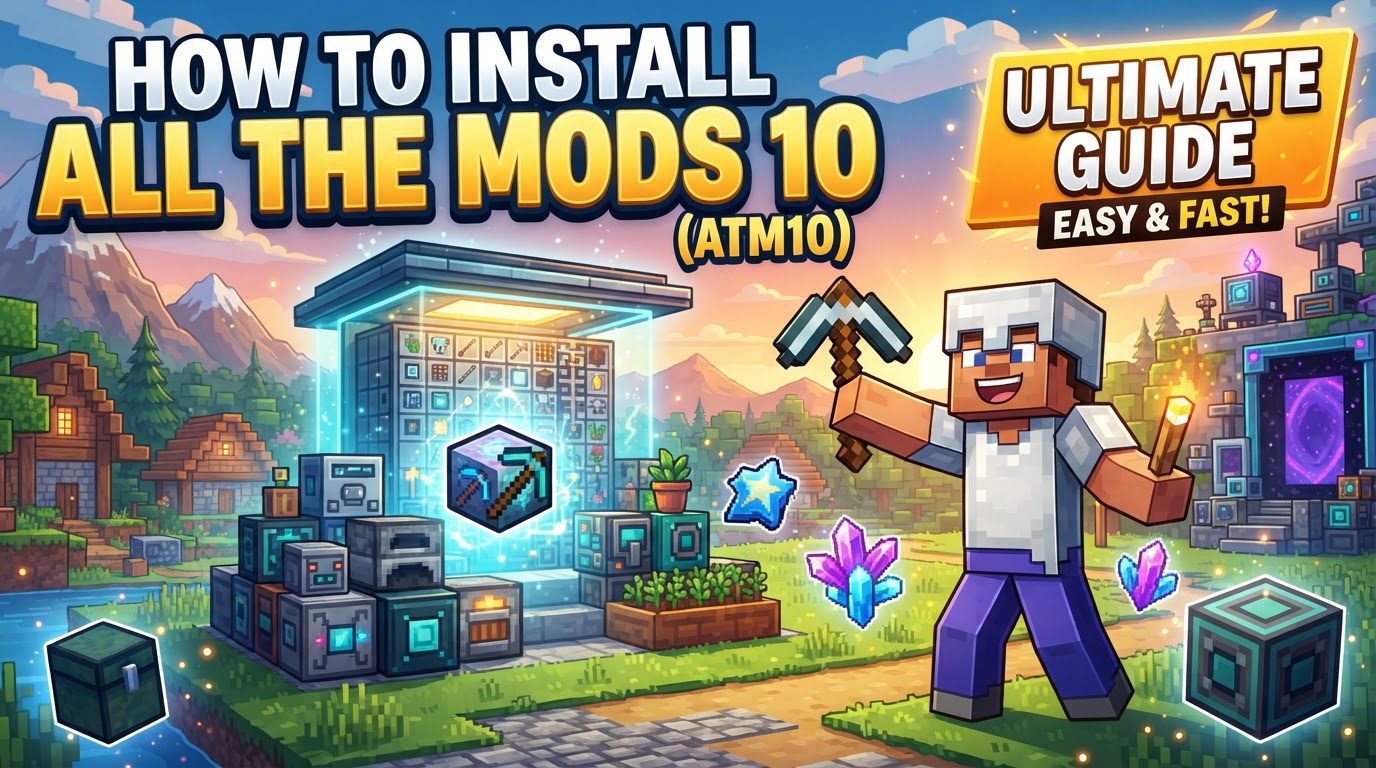
Installing All the Mods 10 (ATM10) — A Quick Guide
All the Mods 10 (ATM10) stands as a monumental modpack for Minecraft 1.21, potentially extending to 1.21.1 depending on subsequent updates. This comprehensive collection transforms the vanilla Minecraft experience into an expansive universe brimming with an intricate blend of technology, magic, exploration, and automation. Players are introduced to a vast array of new systems and challenges, designed to provide hundreds of hours of engaging gameplay. ATM10 is renowned for its depth, offering everything from advanced machinery to potent magical artifacts, all integrated seamlessly into a cohesive world.
Among its many features, ATM10 includes a highly convenient Vein Miner mod. This tool significantly streamlines resource gathering, allowing players to instantly mine entire ore veins, chop down complete trees, or clear connected blocks with a single action. By default, this powerful ability is activated by pressing the grave key (`). Beyond simple block destruction, the Vein Miner mod also offers shape selection, enabling players to execute more strategic digging operations, such as creating efficient tunnels or intricate staircases with ease.
For those who enjoy crafting and customization, Silent Gear provides a robust modular tool-building system. This allows players to construct highly personalized tools by combining various materials and templates, tailoring their equipment to specific tasks and playstyles. The early game also offers exciting opportunities for mobility, with initial flight capabilities accessible through a Wooden Jetpack from the Iron Jetpacks mod. This jetpack is powered by Forge Energy (FE), a common power system across many tech mods. As players progress, more advanced potion-based flight options become available, offering enhanced aerial maneuverability.
The ultimate long-term objective in ATM10 is the creation of the “ATM Star.” This legendary item serves as the pinnacle of progression, demanding materials and resources from a multitude of different mods integrated within the pack. Players can track their journey towards this ambitious goal through the FTB Quests book, which provides guided objectives and rewards. Furthermore, exploration is greatly enhanced by the Mining Dimension, a unique flat world specifically designed to be rich in ores. Access to this valuable dimension is granted via a Teleport Pad, which is crafted using precious Allthemodium Nuggets.
How to Install All the Mods 10 Using the CurseForge App
The most common and recommended method for installing All the Mods 10 is through the CurseForge desktop application. This process simplifies modpack management, handling all necessary downloads and configurations automatically. Follow these steps to get ATM10 up and running:
- Download and Install CurseForge App: Your first step is to obtain the CurseForge desktop application. This application acts as a central hub for managing Minecraft modpacks, providing a user-friendly interface for installation and updates. Ensure you download it from the official CurseForge website to guarantee you receive the legitimate and most up-to-date version.
- Select Minecraft: Once the CurseForge app is installed and launched, you will see a list of supported games in the left sidebar. Click on the “Minecraft” icon or text to navigate to the Minecraft modpack section. This action will display various modpacks available for Minecraft.
- Search for Modpack: Utilize the search bar located within the CurseForge app to find “All the Mods 10.” You can also try searching for “ATM10” as an abbreviation. The search functionality will quickly filter the vast library of modpacks, presenting you with the correct entry for All the Mods 10.
- Install Modpack: After locating “All the Mods 10” in the search results, click on the “Install” button associated with it. The CurseForge app will then take over, automatically downloading all the necessary mod files, configuration files, and dependencies required for ATM10 to run. This includes the specific version of Forge or Fabric (if applicable) and all the individual mods comprising the pack. This automated process is one of the primary benefits of using CurseForge, as it eliminates the need for manual file management.
- Launch and Play: Once the installation process is complete, which may take some time depending on your internet connection and computer speed, the “Install” button will change to a “Play” button. Click “Play” to launch the modpack. This action will open the standard Minecraft Launcher. If prompted, you will need to log in to your Minecraft account. Ensure that “Minecraft Java Edition” is selected and that “All the Mods 10” is the chosen profile in the launcher before clicking the final “Play” button. The game will then load with the ATM10 modpack active.
Important Tips for Playing All the Mods 10
To ensure a smooth and enjoyable experience with ATM10, consider these crucial tips:
- Allocate Sufficient RAM: Modpacks of ATM10’s scale are inherently RAM-intensive. It is highly recommended to allocate at least 6 GB of RAM to the modpack, with an ideal allocation ranging from 8 to 10 GB. Insufficient RAM is a common cause of performance issues, lag, and crashes. You can adjust RAM allocation through the settings within the Minecraft Launcher, typically found under the “Installations” tab for the specific ATM10 profile.
- Learn Keybinds Early: Many mods introduce new functionalities that are accessed via specific keybinds. Familiarizing yourself with essential keybinds early on can significantly save time and improve efficiency. Keybinds such as ` (tilde) for Vein Mining/Ultimine, `J` for JourneyMap (an excellent minimap), `R` for EMI Recipe Lookup (to see how to craft items), and `U` for EMI Usage Lookup (to see what an item is used for) are invaluable. Regularly checking the in-game keybind settings is a good habit.
- Prioritize Early Tools: Establishing a strong foundation in the early game is vital. Crafting a Copper Ore Hammer as one of your first tools is highly beneficial. This specific hammer is crucial because it doubles your ore output, providing a significant boost to resource gathering and accelerating your progression through the initial stages of the modpack.
- Secure Early Food: Sustainable food sources are critical for survival. Instead of immediately focusing on traditional wheat farming, which can be slow and resource-intensive in the early game, prioritize finding alternative food options. Look for wild onions, fruit trees, or the rare “Infinity Ham” relic. These alternatives offer more efficient and readily available sustenance, allowing you to focus on other pressing early-game tasks.
- Establish a Starter Base: Getting a secure base up quickly is important. Consider using a “Supply Camp” or “Supply Ship” item, which can be found by searching “supply” in EMI (Essentially Minecraft Items). These items provide pre-built structures with some basic starter materials, offering an instant shelter and a head start. Once you’ve settled on a spot, use the `/sethome` command to mark your spawn point, allowing for easy return after excursions.
- Match Server and Client Versions: If you plan to play ATM10 on a multiplayer server, it is absolutely critical that your client’s ATM10 version exactly matches the server’s version. Version mismatches will inevitably lead to compatibility issues, preventing you from connecting to the server or causing severe errors and crashes during gameplay. Always confirm with the server administrator or server listing what specific version of ATM10 is required.
Common Mistakes to Avoid When Installing and Playing ATM10
Being aware of common pitfalls can save you from frustration and ensure a smoother experience with All the Mods 10:
- Insufficient RAM Allocation: As mentioned, this is one of the most frequent causes of problems. Not allocating enough RAM to ATM10 will severely impact performance, leading to persistent lag, stuttering, and frequent game crashes. Always ensure you have allocated at least 6-10 GB of RAM in your Minecraft Launcher settings for the ATM10 profile.
- Ignoring Version Mismatches: Attempting to connect to a server with a different version of ATM10 than your client will result in immediate connection errors or in-game bugs. Always verify that your client’s modpack version is identical to the server’s version to avoid these frustrating compatibility issues.
- Skipping CurseForge: While alternative Minecraft launchers exist, CurseForge is overwhelmingly the most popular and user-friendly method for installing modpacks like ATM10. Bypassing CurseForge means you would have to manually download, install, and configure each mod, handle Java settings, and manage updates yourself. CurseForge automates these complex processes, making it the easiest and most reliable approach.
- Forgetting to Log In to Minecraft Launcher: After installing ATM10 via CurseForge, the modpack is prepared within the CurseForge environment. However, when you click “Play” from CurseForge, it will still open the standard Minecraft Launcher. You must then log in to your Minecraft account within this launcher before you can launch the game itself. Forgetting this step will prevent you from starting the game.
- Overlooking Mod-Specific Keybinds: ATM10 is a colossal modpack, and many of its individual mods introduce unique keybinds essential for utilizing their features effectively. Ignoring or forgetting these keybinds means you might miss out on powerful abilities, convenient tools, or crucial information. Always take the time to review the in-game keybind settings or consult mod-specific guides to fully leverage the modpack’s content.
- Not Backing Up Server Files: If you are setting up or managing an ATM10 server, it is paramount to regularly back up your server files, especially your world data and configuration files. This is particularly important before performing any major updates, reinstallation, or significant changes. Failure to back up can result in irreversible data loss, including your entire world progression and player data, which can be devastating.
Tags:
YOU MAY ALSO LIKE...