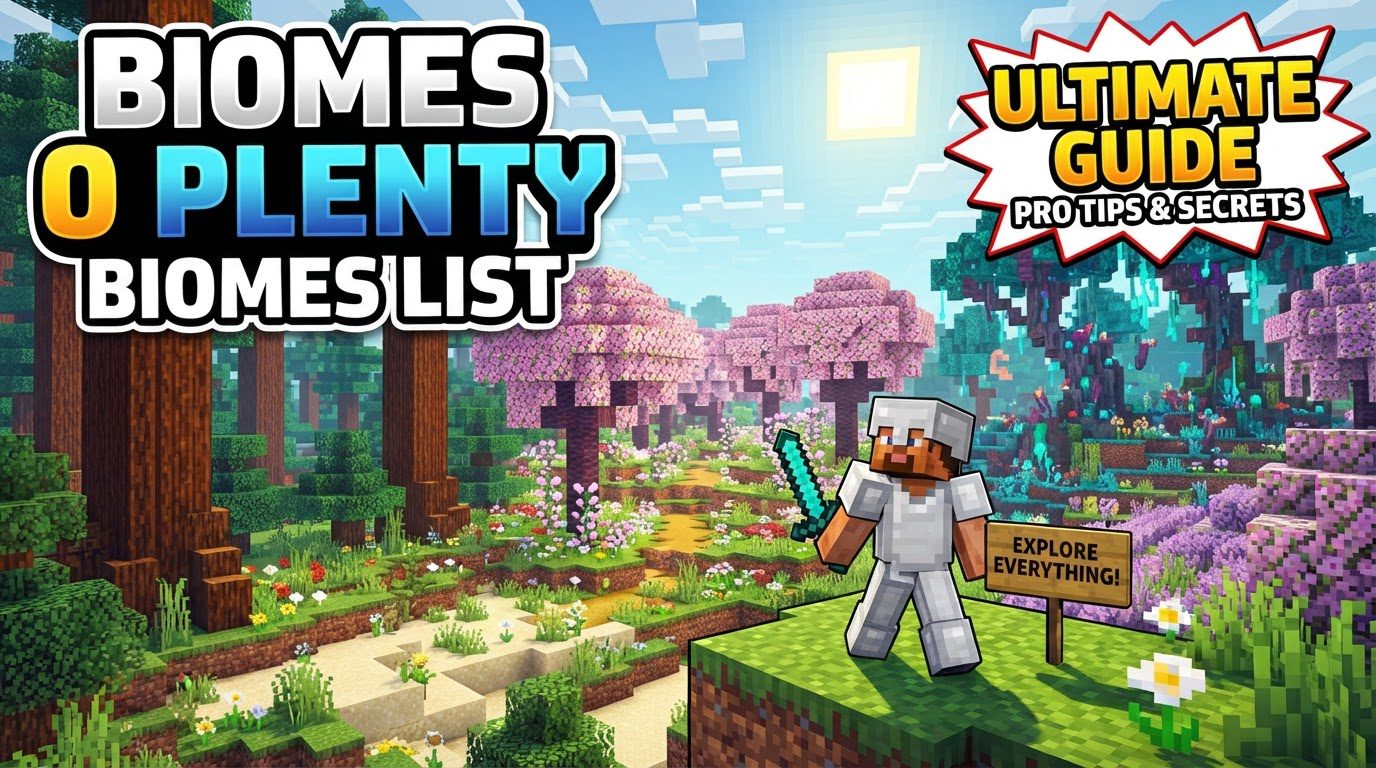
Biomes O Plenty Biomes List
Did you know Biomes O’ Plenty introduces a staggering 80 new biomes and 12 sub-biomes to Minecraft? This popular modification fundamentally transforms world generation, offering an unparalleled level of environmental diversity that far surpasses the vanilla game. For explorers, builders, and survivalists alike, Biomes O’ Plenty (BoP) isn’t just an add-on; it’s an entirely new way to experience the blocky world, brimming with unique landscapes, resources, and challenges.
Far from merely adding a few new tree types, BoP crafts entire ecosystems, from lush, vibrant forests to desolate, ethereal plains. This guide delves into the essence of Biomes O’ Plenty’s extensive biome list, exploring its core mechanics, offering crucial tips for navigating its vastness, and highlighting common pitfalls to help you make the most of your modded Minecraft adventure.
The Expansive World of Biomes O’ Plenty
Biomes O’ Plenty stands out as a colossal world generation mod. Its primary appeal lies in its dramatic expansion of the game’s geographical repertoire. Instead of the familiar plains, forests, and deserts, players are greeted with a kaleidoscope of environments, each meticulously designed with distinct flora, terrain features, and atmospheric effects. These biomes often boast unique trees, such as the elegant bamboo, the vibrant cherry, and the towering eucalyptus, alongside a myriad of new ores, exotic flowers, and diverse building materials.
The sheer number of new biomes-over 90 in total, including sub-biomes-means that every journey feels fresh and unpredictable. You might stumble upon a mystical Ominous Woods shrouded in perpetual twilight, discover a bustling Redwood Forest with colossal trees piercing the sky, or find tranquility in a serene Cherry Blossom Grove. This rich tapestry of environments not only enhances exploration but also provides an unprecedented palette for creative builders looking for specific aesthetics or unique natural resources.
Core Mechanics: What Makes BoP Tick?
Understanding the underlying mechanics of Biomes O’ Plenty is crucial for a fulfilling experience. The mod isn’t just a cosmetic overlay; it integrates deeply with Minecraft’s core systems to deliver its diverse worlds.
- Expanded World Generation: This is the cornerstone of BoP. The mod injects its vast array of biomes directly into the world generation algorithm, ensuring that your world is filled with unique terrain, vegetation, and natural structures. This drastically increases the visual appeal and exploration value of any new world you create.
- New Blocks and Items: With new biomes come new resources. BoP introduces a wealth of new blocks, including numerous wood types (each with its own unique color and texture for planks, fences, and doors), decorative blocks, and unique plant life. These additions provide unparalleled opportunities for crafting and building, allowing for more intricate and personalized creations.
- Seamless Biome Integration: For Minecraft versions 1.18 and above, BoP biomes are designed to integrate seamlessly into the vanilla biome generation pool. This means you no longer strictly need to select a specific “BoP world type” during world creation, though the option often remains for those who prefer it. This integration ensures a more natural blend of vanilla and BoP biomes, creating truly hybrid and diverse landscapes without jarring transitions.
- Resource Diversity: Beyond just new wood types, BoP enriches the game with new ores, flowers, and other natural resources. This expanded resource pool offers more options for crafting, brewing, and decoration, making exploration not just visually rewarding but also resourcefully beneficial.
Navigating the Vast Landscapes: Finding Specific Biomes
With so many biomes to discover, locating a specific one for its unique resources or aesthetic appeal can be a challenge. Fortunately, Biomes O’ Plenty provides tools and methods to aid in your search.
The Biome Finder Tool
The mod includes a specialized item called the “Biome Finder.” This tool is invaluable for targeting particular biomes without endless, aimless wandering.
- Crafting the Biome Finder: To create this essential item, you will need four Ender Amethysts and one Terrestrial Artifact. These are unique resources introduced by the mod, requiring a bit of exploration and potentially combat to acquire.
- Obtaining Biome Essence: Once you have the Biome Finder, you’ll need “Biome Essence” for the specific biome you wish to locate. The research notes do not detail how to craft Biome Essence, but typically such items are crafted using resources unique to the target biome or require specific crafting stations.
- Activating the Biome Finder: With the Biome Finder in hand and the appropriate Biome Essence, activating the tool will pinpoint the desired biome within an impressive 13,045-block radius, providing coordinates to guide your journey.
Command Line Exploration
For players with cheats enabled or in creative mode, game commands offer a quick and efficient way to locate biomes.
- Using the
/locate biomeCommand: You can use the command/locate biomefollowed by a numerical ID. For Biomes O’ Plenty biomes, these IDs typically range between 40 and 102. Experimenting with these IDs or consulting an up-to-date list (often found on the mod’s wiki or community pages) can help you find specific locations instantly.
Nature’s Compass Integration
If you’re using a modpack that includes Nature’s Compass, this popular utility mod can also be used to locate Biomes O’ Plenty biomes, often providing a more user-friendly interface than raw commands.
Expert Tips for Seamless Exploration
To truly master the world generated by Biomes O’ Plenty, consider these expert recommendations:
- Explore Thoroughly: The sheer variety is BoP’s greatest strength. Dedicate time to extensive exploration; you’ll be constantly surprised by the unique landscapes and the diverse resources they offer. Each biome has its own charm and utility.
- Utilize the Biome Finder: Don’t underestimate this tool. If you’re hunting for specific resources (e.g., a particular wood type) or a specific aesthetic for a build, the Biome Finder can save countless hours of aimless travel.
- Backup Your World Regularly: This is paramount for any modded Minecraft experience. Before major updates, adding new mods, or making significant changes, always back up your world. This safeguards your progress against unforeseen issues.
- Check Modpack Compatibility: When running BoP with other mods, be mindful of potential conflicts. Issues can arise, such as water mechanics from one mod destroying BoP flowers or different “mud” or “plank” types from various mods not unifying correctly. Always check for known incompatibilities.
- Be Patient with Bedrock Edition: The Bedrock version of Biomes O’ Plenty is still under active development. Expect potential missing features, such as a lack of villages in BoP biomes, incomplete crafting recipes for new blocks, or visual glitches like dark-rendering pine leaves. Developers are actively working to address these, so patience and reporting bugs are appreciated.
Common Pitfalls and How to Avoid Them
Even seasoned players can encounter issues with Biomes O’ Plenty. Being aware of these common mistakes can save you frustration:
- Incorrect Installation: A surprisingly common issue, especially in complex modpacks, is simply not having the mod installed correctly. Ensure the Biomes O’ Plenty .jar file is placed in the correct ‘mods’ folder for your Minecraft instance.
- Expecting Vanilla World Generation: New players might be taken aback by the drastic alteration of the landscape. BoP is designed to fundamentally change world generation, so embrace the new environments rather than expecting vanilla familiarity.
- Cross-Mod Compatibility Issues: As mentioned, mixing BoP with other mods can lead to unexpected behavior. For instance, different mods might introduce their own versions of common blocks (like mud or planks) that don’t interact or unify, leading to inventory clutter or inconsistent aesthetics. Always test combinations and prioritize well-maintained modpacks.
- Disappearing Blocks: A critical issue reported by some users involves Biomes O’ Plenty blocks disappearing from player-built structures after logging out, while vanilla blocks remain intact. This can be devastating for builds and underscores the absolute necessity of regular world backups.
- Lack of Villages in BoP Biomes (Bedrock): In the Bedrock edition, players often report a severe scarcity of villages within BoP-generated biomes. This means extensive travel might be required to find a village for trading or resources. Developers are working on implementing custom village generation to alleviate this.
- Missing Recipes or Visual Glitches (Bedrock): Bedrock players may also encounter situations where new BoP blocks lack crafting recipes or suffer from visual bugs, such as incorrectly rendered textures or lighting issues. These are known development hurdles that are being actively addressed in updates.
Biomes O’ Plenty revolutionizes the Minecraft experience by introducing a world of unparalleled diversity and beauty. Its extensive biome list, coupled with unique resources and immersive landscapes, offers endless opportunities for exploration and creativity. By understanding its mechanics, utilizing its tools, and being mindful of common pitfalls, you can unlock the full potential of this incredible mod and embark on truly unforgettable Minecraft adventures.
Tags:
YOU MAY ALSO LIKE...