How Does Sophisticated Storage Controller Work
Most players, when encountering a central storage solution in Minecraft, instinctively look for an inventory GUI. However, the Sophisticated Storage Controller completely flips this expectation, offering a powerful, unified storage system that ironically doesn’t possess an inventory of its own. This unique approach is precisely what makes it an indispensable tool for advanced item management in Minecraft, serving as the brain behind a network of specialized containers from the Sophisticated Storage mod.
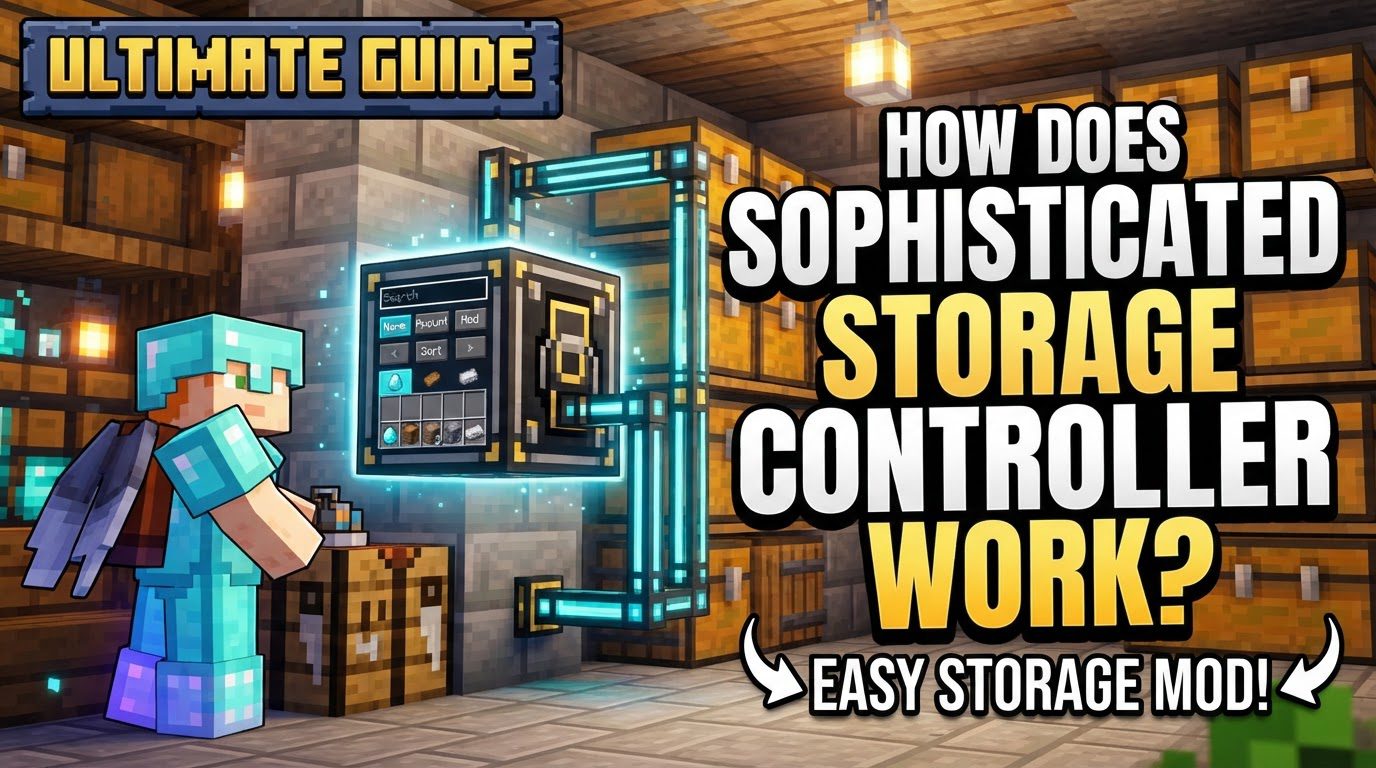
At its core, the Sophisticated Storage Controller is designed to bring order to chaos. It acts as a central hub, seamlessly linking various Sophisticated Storage containers-chests, barrels, and even shulker boxes-into a single, interconnected, and highly efficient inventory system. This guide will delve into the intricacies of how this clever block operates, allowing you to master your item logistics and transform your base into an automated powerhouse.
The Core Principle: Centralized Inventory Management
The magic of the Sophisticated Storage Controller lies in its ability to abstract away individual container inventories and present them as one unified pool of items. Imagine all your scattered chests and barrels behaving as a single, massive storage unit, accessible from any point in the network. This is the promise the Controller delivers.
- Unified Inventory Access: When connected, all Sophisticated Storage containers become part of a single, searchable inventory system. This means you no longer need to hunt through dozens of chests for that one elusive item; the Controller knows exactly where everything is.
- Upgradeable Storage: The individual containers themselves are highly customizable. They can be upgraded through various tiers-Basic, Copper, Iron, Gold, Diamond, and Netherite-each increasing not only their inventory slots but also the number of upgrade slots available. These upgrade slots are crucial for adding specialized functionality to your storage.
- Intelligent Item Distribution: One of the Controller’s most practical features is its intelligent routing. When new items are introduced into the network (e.g., via a Hopper Upgrade), the Controller prioritizes sending them to containers that already hold that specific item type. This helps consolidate stacks and prevents unnecessary item splitting across multiple containers, optimizing your storage layout.
- Indirect Access: This is arguably the most crucial concept to grasp. The Sophisticated Storage Controller itself does not have a graphical user interface (GUI) or an inventory that you can directly open. To interact with the unified storage system-to view items, deposit, or withdraw-you must use external interfaces provided by other mods. Common examples include an AE2 Storage Bus from Applied Energistics 2, an Ars Nouveau Storage Lectern, or similar integration blocks from other tech mods. The Controller is the manager; other blocks are the access points.
Building Your Network: Connecting Containers
For the Controller to manage your storage, containers must be explicitly linked to its network. There are several flexible methods for establishing these connections, catering to different base layouts and distances.
- Direct Adjacency (Multiblock Style): The simplest way to connect containers is by placing them directly adjacent to the Controller. Any Sophisticated Storage container (chests, barrels) placed touching the Controller or another already-linked container will automatically join the network. This creates a contiguous “multiblock” structure, making it ideal for compact storage arrays.
- Storage Tool for Manual Linking: For containers that aren’t directly touching the main cluster, the Storage Tool is your go-to item. By right-clicking the Controller and then right-clicking the desired container, you can manually establish a link. This is perfect for connecting individual containers placed strategically around your base or for bringing existing containers into the network without rearranging everything.
- Storage Link for Extended Reach: When dealing with significant distances or wanting to connect separate storage clusters, the Storage Link comes into play. A Storage Link acts as a bridge, extending the Controller’s network across greater ranges. You place a Storage Link, link it to the Controller with a Storage Tool, and then any Sophisticated Storage containers placed adjacent to the Storage Link will join the network. You can also link individual containers to the Storage Link using the Storage Tool, effectively creating remote access points to your central system.
Unleashing Potential: Modular Upgrades
Beyond simply unifying storage, Sophisticated Storage containers can be customized with a variety of powerful upgrades. These modules slot into the upgrade slots of individual containers, automating tasks and adding specialized functionalities that greatly enhance efficiency.
- Compacting Upgrade: Automatically compacts items into their block form (e.g., nine iron ingots into an iron block) and decompacts them when needed. Essential for saving space with common resources.
- Hopper Upgrade: Enables automated item input and output. Items can be pushed into the container, or pulled from it, making it invaluable for integrating with automated farms, crafting setups, or processing machines.
- Filter Upgrade: Allows you to define which specific items a container will accept or output. This is crucial for precise item sorting and preventing unwanted items from entering specific storage units.
- Magnet Upgrade: Automatically pulls nearby dropped items into the container. Great for collection points in farms or mob grinders.
- Void Upgrade: Destroys any items that exceed the container’s capacity. Useful for preventing overflow from automated systems where excess items are undesirable.
- Stack Upgrade: Increases the stack size limit for items within the container, allowing you to store more of a single item type in each slot.
Setting Up Your System: A Step-by-Step Guide
Implementing a Sophisticated Storage Controller system is straightforward once you understand the core mechanics.
- Craft Containers: Begin by crafting the Sophisticated Storage barrels or chests you intend to use. These are your fundamental storage units.
- Upgrade (Optional): If desired, apply tier upgrades (Copper, Iron, etc.) to your containers to increase their capacity and upgrade slots. This is best done early to plan for future expansion.
- Place Controller: Position your Storage Controller at a central or easily accessible location within your base. This will be the heart of your storage network.
- Connect Containers:
- For direct connections, simply place containers adjacent to the Controller or other already-linked containers.
- For more scattered containers, use a Storage Tool. Right-click the Controller, then right-click the container you wish to link.
- To bridge distances or connect remote clusters, deploy a Storage Link. Place the link, use the Storage Tool to connect it to the Controller, and then connect containers to the Storage Link as if it were the Controller itself.
- Insert Upgrades: Place your desired upgrades into the upgrade slots of individual containers. For example, a Hopper Upgrade will allow items to be piped into the container, while a Filter Upgrade will ensure only specific items are accepted.
Mastering Your Storage: Expert Tips
To truly maximize the efficiency of your Sophisticated Storage setup, consider these expert tips:
- Strategic Placement: Plan your base layout to take advantage of the direct contact linking feature. Grouping related items or automated systems around a central Controller or Storage Link can simplify connections and reduce the need for numerous Storage Tools.
- Leverage Upgrades: Don’t underestimate the power of upgrades. A Compacting Upgrade in a resource chest can save immense space, while a well-configured Filter Upgrade ensures items go exactly where they’re intended, preventing cross-contamination in sorting systems. Hopper Upgrades are essential for any automated input/output.
- Storage Links for Range: Think of Storage Links as network extenders, not just simple range boosters. They are critical for creating distributed storage clusters across different areas of your base or even between dimensions if the modpack allows.
- Pre-fill Limited Containers: If you’re using containers with Hopper Upgrades and especially with limited capacity, it’s wise to “pre-fill” them with at least one of each item type they are intended to hold. This helps the Controller and Hopper Upgrades correctly identify and route items, preventing items from getting stuck due to ambiguous routing or full buffers.
Avoiding Common Traps: Troubleshooting and Best Practices
Even with its intuitive design, users can encounter issues. Being aware of common pitfalls will save you headaches.
- Assuming Automatic Linking: A frequent mistake is expecting all Sophisticated Storage containers within a general area to automatically link. Remember, only direct adjacency or explicit linking via a Storage Tool or Storage Link will establish a connection.
- Misunderstanding Storage Links: A Storage Link is not just a block that extends the Controller’s range; it acts as a separate connection point. You must link the Storage Link to the Controller, and then link containers to the Storage Link, or place them adjacent to it.
- Items Getting Stuck: This often happens with Hopper Upgrades, especially in limited containers. Ensure item types are predefined (by pre-filling) if using filters or if the container is meant for specific items. Incorrect filter configurations or full buffers can also cause blockages.
- Expecting Direct Access: The Controller itself does not have an inventory. Attempting to open it will yield nothing. Always remember that an external mod’s interface (like an AE2 terminal or similar) is required to view and interact with the unified storage.
- Software Glitches: Occasionally, particularly after mod updates, users might report issues with chests and barrels failing to link properly. In such cases, ensure both Sophisticated Storage and its dependency, Sophisticated Core, are updated to their latest compatible versions.
The Sophisticated Storage Controller is a game-changer for item management in Minecraft. By understanding its unique approach to centralized, modular, and upgradeable storage, you can build incredibly efficient and automated systems that scale with your needs, freeing you to focus on exploration, building, and other adventures.
Tags:
YOU MAY ALSO LIKE...