Gravestone Mod 1.21.1
Many a Minecraft adventurer has known the gut-wrenching despair of losing all their hard-earned gear to a sudden creeper explosion or an unexpected fall into lava. For those who find the “keep inventory” game rule too forgiving but the vanilla item-scramble too punishing, the Gravestone Mod for Minecraft 1.21.1 offers a perfect middle ground. This mod elegantly transforms the frustration of death into a manageable recovery mission, ensuring your precious items are safely waiting for your return.
The Inevitable: What Happens When You Die?
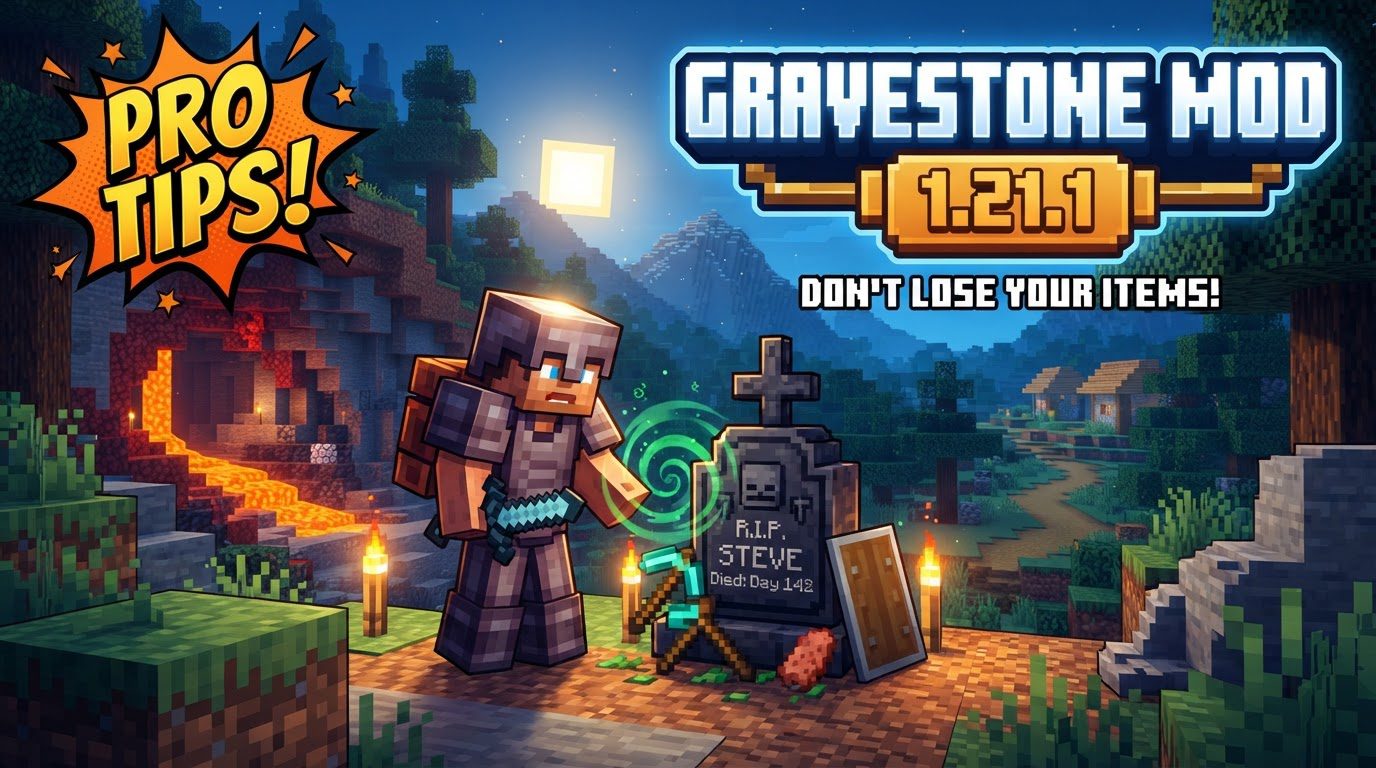
At its core, the Gravestone Mod introduces a crucial mechanic: upon a player’s death, a gravestone is instantly generated at the exact location where they perished. This isn’t just a decorative marker; it’s a secure container. Every single item that was in your inventory at the moment of your demise is meticulously stored within this newly formed gravestone. This feature provides a significant alternative to the default Minecraft death penalty, where items scatter haphazardly and can despawn or fall into inaccessible areas. With the Gravestone Mod, your entire inventory is consolidated and held safely, awaiting your retrieval.
Getting Started: Installation and First Steps
Embarking on a more forgiving death experience begins with proper installation. The Gravestone Mod for Minecraft 1.21.1 requires compatibility with the NeoForge mod loader, so ensure your Minecraft instance is set up with NeoForge correctly. Once the mod is installed into your game’s mods folder, the process becomes remarkably straightforward:
- Install the Mod: Place the Gravestone Mod .jar file into your Minecraft 1.21.1 instance’s mods folder, ensuring NeoForge is also installed and running.
- Play Minecraft: Dive into your world as usual.
- Experience the Inevitable: When your character meets an untimely end, a gravestone will automatically materialize at that precise spot.
- Locate Your Memorial: Navigate back to your death point.
- Reclaim Your Goods: Interact with the gravestone to retrieve your lost inventory items.
This simple cycle transforms death from a potential catastrophe into a challenging, but ultimately surmountable, quest to recover your gear.
Unearthing Your Treasures: Interacting with Gravestones
Once you’ve made your way back to your death location and spotted your personalized gravestone, interacting with it is intuitive. Typically, a simple right-click action on the gravestone will open its interface. This interface serves two primary functions. Firstly, it will display pertinent information about your death, such as who died, when, and potentially other details, offering a small memorial to your demise. More importantly, this interaction is how you access and retrieve all the items that were stored within it. All your lost equipment, tools, blocks, and consumables will be available for you to take back into your inventory, allowing you to quickly get back to adventuring without the tedious grind of re-crafting everything from scratch.
Where Did My Grave Go? Smart Spawning and Recovery
Finding your gravestone might seem like the next big hurdle, especially if you met your end in a precarious or confined space. Fortunately, the Gravestone Mod incorporates intelligent spawning logic to assist in recovery. If you happen to die within a solid block or a wall, the gravestone won’t be trapped inside; instead, it will typically spawn in the nearest unoccupied space directly above your death location. This thoughtful design significantly reduces the chances of a gravestone being permanently inaccessible, making the recovery process much more feasible.
For those truly challenging recovery missions, the mod often includes an obituary system. This system logs details about your deaths, which can be an invaluable tool for pinpointing locations, especially on servers or in complex single-player scenarios. While specific commands or interfaces might vary slightly with mod versions, this logging capability provides an extra layer of reassurance, helping you track down even the most elusive of gravestones.
Tailoring Your Afterlife: Configuration Options
One of the strengths of well-designed Minecraft mods is their configurability, and the Gravestone Mod is no exception. This mod is often highly configurable, allowing players to fine-tune its features to match their preferred gameplay style. These configuration files can usually be found in your Minecraft installation directory: specifically, within the .minecraft/config folder for client-side settings. For server environments, or even single-player worlds (as single-player Minecraft runs an internal server), server-side configurations might be located within the world folder itself. Exploring these files can unlock options to adjust how gravestones behave, what information they display, or even specific item handling rules, allowing for a truly customized death experience.
Avoiding Post-Mortem Pitfalls: Common Issues and Solutions
While the Gravestone Mod significantly streamlines item recovery, a few common issues can arise. Awareness of these can help you avoid further frustration:
- Difficulty Locating Gravestones: As mentioned, if you die inside a block, the gravestone usually appears on top of it. Always check the area directly above your death point if you can’t find it at ground level. Sometimes, complex terrain or extreme heights/depths can still make them tricky to spot, so keeping good mental notes of your death location is always beneficial.
- Items Being Voided Upon Collection: This is a critical issue to be aware of. If your inventory is completely full when you attempt to retrieve items from a gravestone, some items may not be able to transfer and could be lost. Similarly, if items are dispersed into hazardous environments like lava or cacti when collected (perhaps due to a bug or specific configuration), they might be destroyed. Always ensure you have sufficient inventory space before interacting with a gravestone, and be mindful of environmental hazards around the grave.
- Misinterpreting Minimap Markers: It’s a common misconception that the Gravestone Mod itself creates beacon-like markers or waypoints at death locations. In reality, these convenient visual aids are almost always features of separate minimap mods (like Xaero’s Minimap or JourneyMap) that automatically mark death points. The Gravestone Mod focuses solely on the gravestone generation and item storage. If you desire such markers, consider installing a compatible minimap mod alongside Gravestone.
By understanding these potential pitfalls and utilizing the mod’s intelligent features, players can enjoy a much more forgiving and less frustrating death experience in Minecraft 1.21.1.
Tags:
YOU MAY ALSO LIKE...