Why Certain Structures Fail to Complete Generation
A Minecraft world, seemingly endless and perfectly formed, actually begins its life as nothing more than a string of characters. This humble “seed” is the foundation for an incredibly complex system of algorithms and procedural generation that crafts every valley, mountain, and, crucially, every structure. When these meticulously designed structures fail to complete generation, it’s not merely a random occurrence but a symptom of the intricate mechanics at play, often revealing the delicate balance required for a blocky world to come to life.
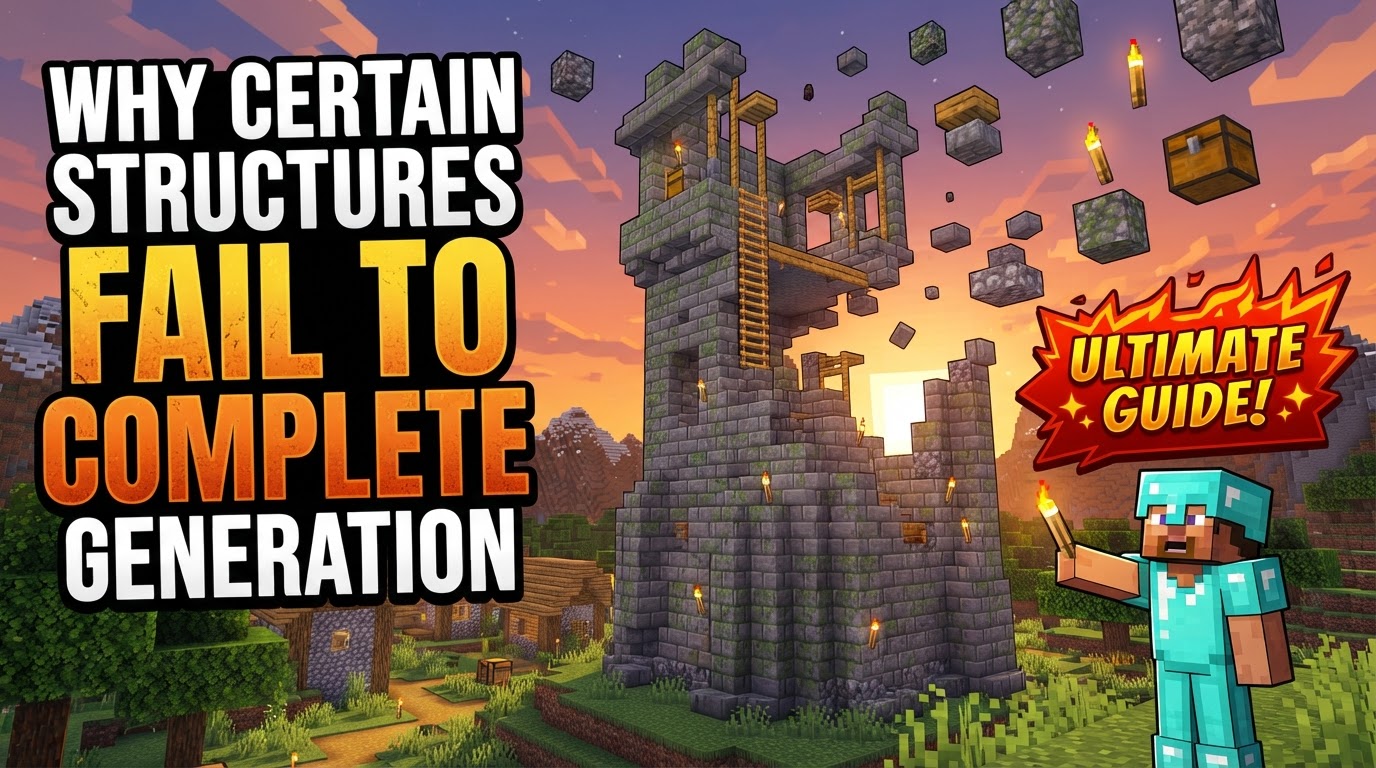
Understanding why a village might be missing a house, a stronghold might lack its End Portal, or a temple appears half-buried requires delving into the very DNA of Minecraft’s world creation. From the initial mathematical noise that sculpts the land to the sophisticated modular systems that assemble complex buildings, numerous points exist where the process can falter, leading to incomplete or entirely absent structures.
The Genesis: Seeds and Procedural Design
At the heart of every Minecraft world lies its seed. This string of characters serves as the input for a pseudo-random number generator (PRNG), dictating the unique arrangement of every block, biome, and feature. It’s a deterministic system: the same seed will always produce the same world, given the same game version. This procedural generation is what allows for infinite, yet consistent, exploration. Structures, whether they are humble desert wells or sprawling woodland mansions, are also governed by this seed, their locations and general forms predetermined long before a player ever sees them.
For more elaborate constructions, like villages or ancient cities, Minecraft employs a sophisticated modular system, often leveraging Jigsaw Blocks. Imagine these as “procedural LEGOs.” A structure begins with a specific starting piece. Jigsaw Blocks on this piece define connection points, which then “pull” from a pool of other pre-designed pieces. This allows structures to grow organically, adapting to the underlying terrain and creating a sense of natural placement, rather than being rigid, pre-fabricated stamps. This system allows for incredible variety but also introduces potential points of failure if connection logic is disrupted or valid pieces are unavailable.
It’s also important to distinguish between “structures” and “features” within the game’s generation lexicon. Structures are typically larger, often exceeding a 16×16 block footprint, can be located using in-game commands, and are designed to adapt to terrain. They generally appear at most once per chunk. Features, on the other hand, are smaller, usually less than 16×16 blocks, and can generate multiple times within a single chunk, often with specific placement parameters. While both are procedurally generated, structures involve a more complex placement and assembly process, making them more susceptible to generation quirks.
The World’s Blueprint: Multi-Pass Generation
Minecraft’s world generation isn’t a single, monolithic event; it’s a series of distinct passes, each building upon the last. This sequential approach is critical for creating a coherent and realistic landscape:
- Seed Input: The world generation process begins with the chosen seed.
- Base Terrain Generation: The initial pass lays down the fundamental landscape. This involves complex mathematical functions and “noise” algorithms to sculpt valleys, plains, mountains, and oceans, creating the raw topography of the world.
- Biome Placement: Once the basic terrain is established, the biome pass defines the different ecosystems. This stage considers factors like height, temperature, and humidity to determine where deserts, forests, tundras, and other biomes will appear. Biome-specific blocks and underground elements like caves are integrated during this pass.
- Structure Placement: Only after the terrain and biomes are largely defined do structures enter the scene. Pre-generated structures such as villages, strongholds, and temples are placed algorithmically. Their placement is governed by factors like biome suitability, rarity, and specific conditions. For structures utilizing Jigsaw Blocks, a starting piece is positioned, and subsequent pieces are recursively added until a predefined size limit is reached, ensuring the structure integrates with its surroundings.
This multi-pass system means that if an earlier pass creates an unsuitable environment, a later pass attempting to place a structure might find itself without adequate space or conditions, leading to incomplete generation or outright failure.
Why Structures Go Awry: Common Pitfalls and Failures
Despite the sophisticated algorithms, structures can and do fail to complete generation for various reasons. These failures are often not random but indicative of specific conditions or conflicts:
- Chunk Overwrites and Terrain Deletion (Bedrock Edition): One of the most frustrating issues, particularly prevalent in Bedrock Edition, involves chunks being overwritten. When older worlds are updated to newer versions, or when unexplored chunks are loaded, new terrain generation can sometimes occur over areas where structures (or even player-built content) already existed. This can lead to parts of a structure being replaced by new terrain, effectively deleting them or leaving them severely damaged. Backups are crucial to mitigate this risk.
- Mod Conflicts and Version Mismatches: For players using custom content, data packs, or mods, conflicts are a primary culprit. Incompatible mods, especially those altering world generation, can disrupt the delicate balance. A mod might introduce “forbidden zones” where structures are prevented from spawning, or simply interfere with the generation pass, leading to crashes or bizarre, incomplete structures. Version mismatches between mods and the game client are also common causes of failure.
- Structural Integrity Bugs: While less common in vanilla generation, the game occasionally struggles with recalculating block stability. This can manifest as blocks falling from a seemingly solid structure after generation, particularly if terrain changes or updates occur around it. This is more of a post-generation issue but can lead to a structure appearing incomplete or damaged.
- Incorrect Placement Conditions: Every structure has specific conditions for generation. Villages need flat land in certain biomes, desert temples require deserts, and strongholds have specific depth and distance requirements. If these conditions aren’t met-perhaps due to an unusual terrain generation or biome placement-the structure might fail to generate at all, or it might generate incorrectly, appearing partially submerged, floating, or on an unsuitable ledge. The algorithms prioritize conditions, and if they can’t be fulfilled, the structure won’t fully manifest.
- Errors in Custom Structure Definitions: For content creators building custom structures via data packs, errors in the JSON files that define the structure’s spawning rules, or incorrect configuration of Jigsaw Blocks, are frequent causes of failure. Exceeding predefined structure size limits or having malformed connection points can prevent the modular system from assembling the structure correctly, resulting in an incomplete or nonexistent build.
- Software Glitches and Game Bugs: Sometimes, the fault lies squarely with the game itself. Early versions of Minecraft, or specific edge cases within the complex code, can lead to genuine bugs where structures simply fail. A classic example is a stronghold generating without its crucial End Portal room, a rare but frustrating occurrence that highlights the unpredictable nature of software.
- Misconfigured World Settings: A straightforward yet common mistake is overlooking world creation settings. If the “Generate Structures” option is disabled when creating a new world, no structures will appear, regardless of the seed or biome. Less common, but possible, are issues with the `level.dat` file, where an incorrect “map features” setting might inadvertently prevent structures from generating.
Ensuring Success: Proactive Measures and Best Practices
While some generation failures are unavoidable bugs, many can be mitigated or prevented:
- Check “Generate Structures” Setting: Always confirm that the “Generate Structures” option is enabled when creating a new world. This simple check can prevent much frustration.
- Ensure Sufficient Space: For custom or natural structures, the generation algorithms require enough ungenerated, empty space around the intended generation point. If the area is too constrained or already occupied by other features, the structure may be cut off.
- Use Backups Regularly: Especially on Bedrock Edition, where chunk updates can overwrite existing builds, creating backups is a crucial safety net. This allows you to revert to a previous state if a structure is lost or corrupted.
- Test Custom Structures Thoroughly: When creating custom structures via data packs or mods, rigorously test them in dedicated “Build Worlds.” This allows you to observe how they generate in various terrains and biomes, ensuring they adapt as intended and don’t encounter unforeseen issues.
- Understand Jigsaw Block Limitations: Familiarize yourself with how Jigsaw Blocks connect pieces and their potential limitations. Knowing the rules of the modular system can help you design custom structures that are robust and less prone to incomplete generation.
Ultimately, the incomplete generation of a Minecraft structure is a testament to the game’s underlying complexity. It’s a reminder that beneath the seemingly simple blocks lies a sophisticated engine, meticulously assembling worlds piece by piece. By understanding these mechanics and common failure points, players can better diagnose issues and, in many cases, take steps to ensure their blocky adventures are as complete as intended.
Tags:
YOU MAY ALSO LIKE...