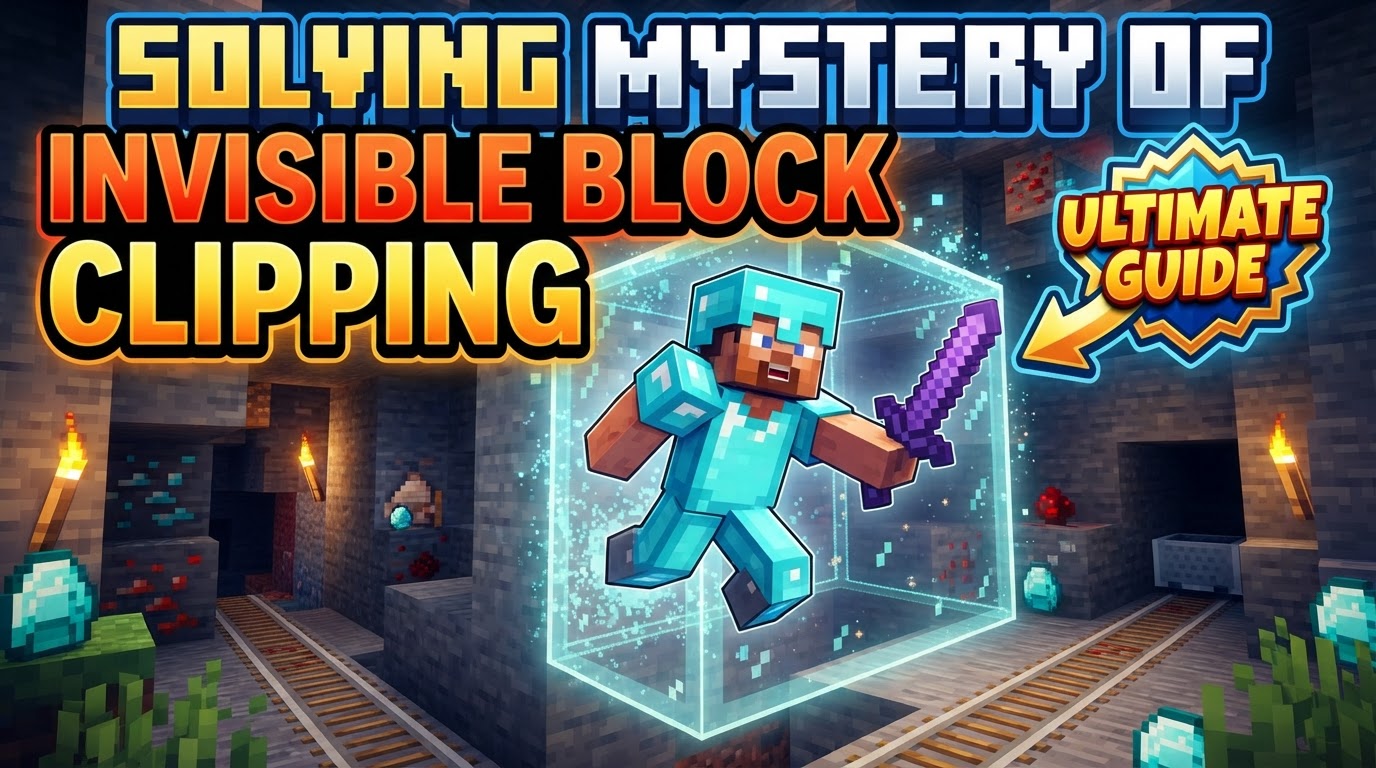
Solving Mystery of Invisible Block Clipping
A perplexing phenomenon in Minecraft, the ‘invisible block clipping,’ often leads players to believe they’ve encountered a glitch, yet not all unseen obstacles are unintended. Understanding the core distinctions between genuine bugs and deliberate game mechanics is the first crucial step to solving this mystery. From phantom blocks that impede movement to cleverly hidden barriers designed for adventure maps, the world of Minecraft’s invisible elements is more nuanced than it initially appears.
Deconstructing the Invisible: Types of Unseen Blocks
The term “invisible block clipping” is an umbrella for several distinct scenarios, each with its own cause and solution. Identifying which type of invisible block you’re encountering is paramount to addressing it effectively.
- Ghost Blocks (Client-Side Desync): These are perhaps the most frustrating type of invisible block, as they represent a genuine bug or synchronization error. A ghost block is a block that exists on the server’s side of the game world but is not rendered on your client’s screen. This desynchronization results in a seemingly empty space that still retains its collision box. Players might get stuck, be unable to place blocks, or even take fall damage from an invisible floor. This issue can manifest in both single-player and multiplayer environments, often leading to confusion and frustration.
- Barrier Blocks: Unlike ghost blocks, barrier blocks are an intentional design feature. They are legitimate, solid, and completely invisible blocks that can only be obtained through commands in Creative mode (specifically,
/give @s barrier). Once placed, they create an unbreakable, invisible wall that players in Survival mode cannot pass through or destroy. A key characteristic is their visibility: they are only rendered as an icon when a player in Creative mode is actively holding a barrier block in their hand. As soon as another item is selected, or if the player switches to Survival mode, they vanish from sight. They are invaluable for map makers creating boundaries or hidden pathways. - Debug Stick Manipulation: In specific versions of Minecraft, particularly around 1.13, the debug stick offers unique capabilities, including the ability to render certain blocks invisible. A prime example involves cobblestone walls. By using a debug stick to manipulate properties like the “up” connection, a cobblestone wall can be made to disappear visually. Interestingly, these manipulated blocks may lack a physical hitbox, allowing players to pass through them, yet mobs might still register their presence and attempt to pathfind around the invisible obstruction. This is a highly specific, creative tool rather than a bug.
- Clipping Through Worlds/Walls (General Glitches): On rare occasions, players might experience clipping through solid blocks or even the entire game world. These instances are typically game bugs or exploits, often triggered by specific movement patterns, interactions with certain blocks, or unusual physics calculations. They are generally unintended and distinct from the more common invisible block phenomena like ghost blocks or barrier blocks.
Confronting Ghost Blocks: Strategies for Resolution
When faced with the most common and aggravating form of invisible block clipping – the ghost block – several troubleshooting steps can be taken to force a resynchronization between your client and the server.
- Right-Click the Suspected Area: Often the quickest and simplest fix, right-clicking on the invisible block’s location can sometimes force the client to re-render it or update its state, making it visible again. This action can trigger a client-side update that resolves the desync.
- Re-log from the Server/Restart Game: For more persistent ghost block issues, disconnecting from the server and then rejoining, or completely restarting your Minecraft client, is a highly effective solution. This action forces a complete reload of the game world and chunk data, almost always resolving client-server desynchronization.
- Reload Chunks (
F3 + A): In single-player or on servers, pressingF3 + Awill reload all rendered chunks around your player. This command forces the game to re-draw the visual information for the blocks in your immediate vicinity, often correcting invisible block errors without needing a full restart. - Place a Block in the Ghost’s Location: If you can identify the exact spot of the ghost block, attempting to place a new block in that location can sometimes force the invisible block to update and reappear, or simply replace it with a visible block.
Harnessing Intentional Invisibility: Barrier Blocks and the Debug Stick
For those looking to create or understand hidden structures, the intentional invisible blocks are powerful tools.
- Deploying Barrier Blocks:
- Obtain the Block: Switch to Creative mode and open your chat. Type the command
/give @s barrierand press Enter. You will receive a barrier block in your inventory. - Placement: Hold the barrier block in your hand. You will see its icon. Place it as you would any other block.
- Observe Invisibility: Once placed, switch to another item in your hotbar, or switch to Survival mode. The barrier block will immediately become invisible, creating a solid, impassable wall. Remember, in Creative mode, you can still see the barrier’s icon when holding another barrier block.
- Obtain the Block: Switch to Creative mode and open your chat. Type the command
- Manipulating with the Debug Stick (for specific blocks like Cobblestone Walls):
- Acquire the Debug Stick: In Creative mode, use the command
/give @s debug_stickto obtain this special item. - Place Target Block: Place a block that can be manipulated, such as a cobblestone wall.
- Apply Invisibility: With the debug stick in hand, right-click the cobblestone wall. This cycles through its properties. Look for the “up” property. Right-click again to change its state, which can make the wall visually disappear while potentially retaining some collision properties depending on the version and specific block.
- Acquire the Debug Stick: In Creative mode, use the command
Unmasking the Root Causes of Invisible Block Glitches
Beyond immediate fixes, understanding why ghost blocks occur can help prevent them.
- Server Lag: This is arguably the most frequent culprit behind ghost blocks. When a server experiences high latency or heavy load, the communication between the server (which tracks the true state of blocks) and your client (which renders them) can desynchronize. The server processes block changes, but your client doesn’t receive the update in time, leading to an invisible, phantom block.
- Mod Conflicts: If you’re playing with mods, especially those that alter world generation, block properties, or client-side rendering, conflicts can arise. A mod might remove a block from your client’s view but fail to properly inform the server, or vice-versa, leading to desync. Always ensure your mods are compatible and updated.
- Building/Mining Speed: Rapidly mining or placing blocks, particularly with highly efficient tools or in a laggy environment, can overwhelm the client-server synchronization. Your client might register the action instantly, but the server takes longer to confirm it, creating a temporary ghost block until the server catches up.
- View Distance Settings: Counterintuitively, a very high view distance can sometimes exacerbate invisible block issues, especially on less powerful systems or high-latency servers. Rendering more chunks means more data to synchronize, increasing the chances of desync. Lowering your view distance might alleviate some problems.
- Graphics Driver Issues: While less common now, in the past, outdated or buggy graphics drivers (notably with certain AMD cards) were known to cause entire game elements or specific textures to render as invisible. Ensuring your graphics drivers are up-to-date and stable is a good general troubleshooting step.
Common Pitfalls to Avoid in the Quest for Clarity
Navigating the world of invisible blocks also means sidestepping common misunderstandings that can lead to wasted effort or incorrect assumptions.
- Confusing Ghost Blocks with Barrier Blocks: This is perhaps the most significant mistake. Ghost blocks are unwanted bugs, indicative of a desynchronization problem. Barrier blocks are intentional, command-only tools for creative building and map design. Expecting a ghost block to behave like a barrier (e.g., being unbreakable by design) or vice-versa (e.g., trying to “fix” a barrier block by reloading chunks) will lead to frustration.
- Ignoring Mod Author Reports: If you suspect a mod is causing invisible blocks, the most effective course of action is to report the issue to the mod developer. They are best equipped to diagnose and fix compatibility or coding errors within their own software.
- Not Relogging for Persistent Issues: While
F3 + Aand right-clicking are quick fixes, if ghost blocks persist or occur frequently, a full game restart or server re-log is often necessary. These actions provide a clean slate for synchronization and are more likely to resolve deep-seated desync problems. - Assuming All Invisible Blocks are Bugs: Remember the distinction. Barrier blocks and debug stick manipulations are designed to be invisible for specific purposes. Not recognizing this can lead to unwarranted bug reports or confusion when encountering such structures in adventure maps or creative builds.
By understanding the different types of invisible blocks, knowing the appropriate fixes for each, and recognizing the underlying causes, players can effectively solve the mystery of invisible block clipping in Minecraft. This knowledge not only helps in troubleshooting but also empowers creative expression through intentional invisible structures.
Tags:
YOU MAY ALSO LIKE...