

Biomes O Plenty All Biomes
One of the most common mistakes aspiring world explorers make is failing to select the correct world type when creating a new Minecraft save with Biomes O’ Plenty installed. This simple oversight can lead to a vanilla world devoid of the mod’s incredible diversity, leaving players wondering why their game looks the same. To truly unlock a universe of environmental possibilities, understanding and correctly implementing Biomes O’ Plenty is paramount.
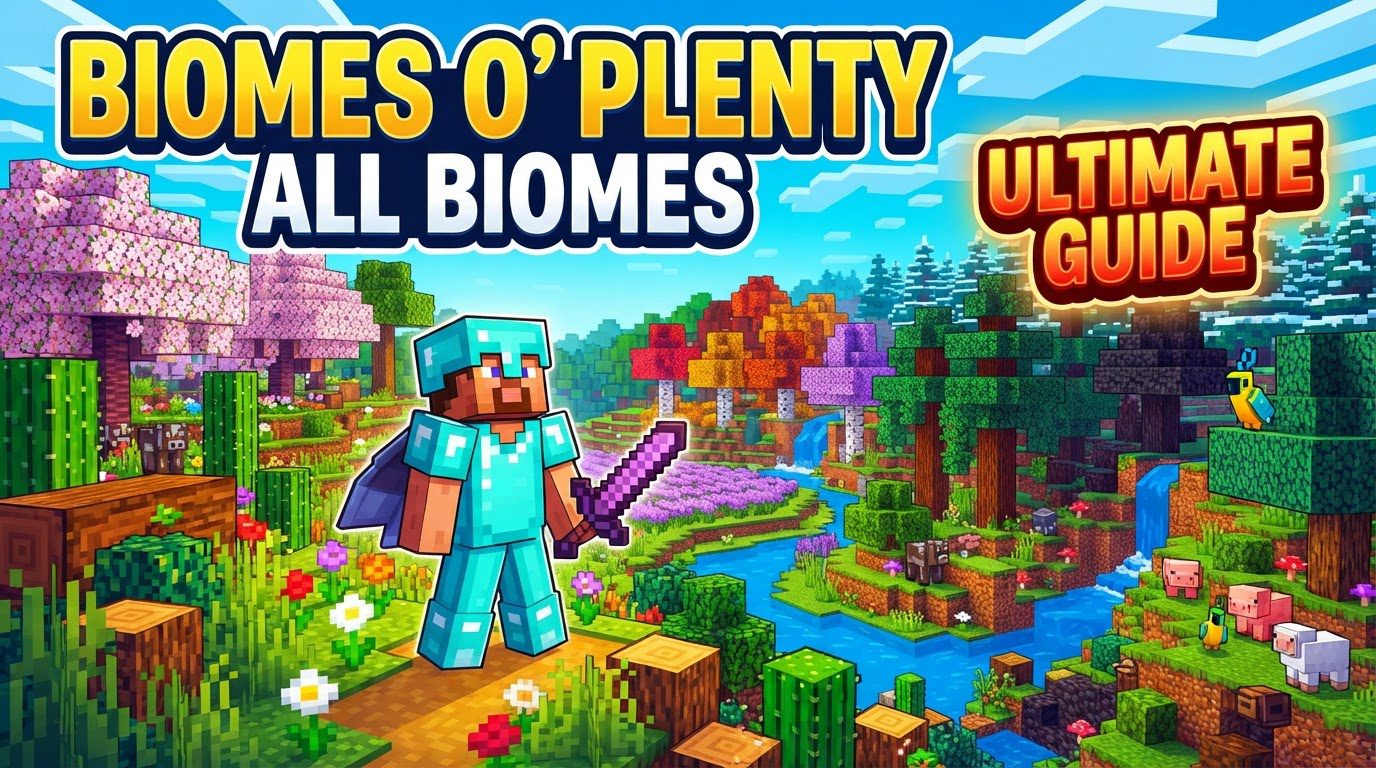
Biomes O’ Plenty (BoP) stands as a monumental achievement in Minecraft modding, dramatically expanding the game’s inherent world generation capabilities. It introduces a staggering array of new biomes, blocks, plants, and trees that span across all dimensions: the familiar Overworld, the fiery Nether, and the enigmatic End. This guide delves into everything you need to know about BoP, from installation to exploration, ensuring you harness its full potential for an unparalleled Minecraft experience.
A Universe of Biomes: The Core of Biomes O’ Plenty
At its heart, BoP is about diversity. The mod injects over 80 new biomes into your Minecraft worlds, transforming landscapes from mundane to magnificent. This isn’t just about adding more biomes; it’s about introducing distinct environmental themes and challenges that enrich gameplay and exploration.
- Overworld Transformation: The Overworld, your primary canvas, receives the most significant overhaul. You’ll encounter sprawling deserts with unique flora, dense forests unlike anything vanilla Minecraft offers, and majestic mountains that pierce the clouds.
- Nether Reimagined: Even the desolate Nether is revitalized, with BoP replacing vanilla portions with its own distinct biomes. Expect new challenges and resources in these fiery, alien landscapes.
- End Expansion: The vast, empty outer islands of the End dimension are no longer barren. BoP introduces unique biomes here, providing new reasons to venture beyond the central island.
These biomes are often grouped into thematic categories, offering a glimpse into the mod’s creative range:
- Fantasy Biomes: Step into realms like the ethereal Mystic Grove, with its glowing vegetation, or the serene Cherry Blossom Grove, famous for its delicate pink trees.
- Extreme Terrain: For those who crave verticality and dramatic landscapes, biomes such as the towering Alps or the deep, winding Canyon present breathtaking vistas and challenging navigation.
- Lush Environments: Immerse yourself in the vibrant greenery of a Rainforest or marvel at the verdant cliffs of the Jade Cliffs, teeming with life.
- Desert Variants: Beyond the standard desert, BoP introduces diverse arid regions, each with its own character and resources.
Beyond Landscapes: New Content and Resources
BoP isn’t merely a biome generator; it’s a content pack. Alongside its environmental diversity, the mod introduces a wealth of new blocks, plants, and resources that expand building possibilities and resource gathering:
- Wood Types Galore: Prepare to discover 14 brand new wood types, each with unique colors and textures for planks, logs, fences, and more. This dramatically expands your palette for construction.
- Unique Building Materials: Find exotic blocks like the luminous Rose Quartz or the fiery Brimstone, perfect for specialized builds or decorative accents.
- Flora and Foliage: The world comes alive with numerous new flowers and foliage, adding intricate details to every biome and providing new decorative items for your base.
Seamless Integration and Deep Configurability
One of BoP’s strengths is its seamless integration. Once properly installed, the mod automatically works with Minecraft’s existing world generation, weaving its new biomes into the fabric of your world without needing complex manual intervention for basic use. However, for those who desire more control, BoP offers extensive configurability.
Users can delve into JSON configuration files to fine-tune their world generation experience. This includes adjusting the spawn frequency of specific biomes, toggling individual features like trees or flowers, and even modifying terrain parameters to sculpt the world to their exact preferences. Furthermore, when creating a new world, you might encounter options beyond “Standard,” such as “Vanilla,” “Archipelago,” or “Continent,” which influence landmass generation. Settings for temperature and rainfall zones (small, medium, large, or latitude-based) also allow for precise control over biome distribution, creating truly unique environmental patterns.
Embarking on Your Journey: Installation and World Creation
To experience the wonders of Biomes O’ Plenty, a few straightforward steps are necessary:
- Install a Mod Loader: Your first step is to ensure you have Minecraft Forge installed for your chosen Minecraft version. Forge acts as the backbone for most Minecraft mods. For BoP versions 1.18 and above, an additional library mod called TerraBlender is also required, so make sure to download that as well.
- Download BoP: Navigate to CurseForge, the primary repository for Minecraft mods. Download the Biomes O’ Plenty
.jarfile (and TerraBlender if needed), ensuring the file version precisely matches your installed Minecraft version. - Client Installation:
- Locate your
.minecraftfolder. On Windows, you can typically access this by typing%appdata%into your Start menu search bar and navigating to the.minecraftdirectory. - Inside the
.minecraftfolder, you should find amodsfolder. If it doesn’t exist, simply create one. - Place the downloaded
.jarfiles (Biomes O’ Plenty and TerraBlender) directly into thismodsfolder. - Launch your Minecraft client. On the launcher, select the Forge profile you installed before clicking “Play.”
- Locate your
- World Type Selection: This is the most crucial step for world generation. When you go to create a new world, instead of leaving the world type as “Standard” or “Default,” make sure to click through the options until you see and select “Biomes O’ Plenty.” Failing to do this will result in a vanilla world, even with the mod correctly installed.
Optimizing Your BoP Experience
While BoP enriches your game, its complexity can demand more from your system. Here are tips for a smoother experience:
- Allocate Sufficient RAM: The increased complexity of world generation and the sheer density of some biomes can be resource-intensive. For optimal performance, it is highly recommended to allocate 6-8GB of RAM to Minecraft, with a minimum of 4GB being essential to prevent crashes or severe lag.
- Explore Configuration: Don’t shy away from the configuration files. The
biome_weights.jsonfile, in particular, is a powerful tool. By adjusting values here, you can increase or decrease the spawn frequency of specific biomes, allowing you to tailor your world generation to your desires. Want more cherry blossoms? Adjust the weight! - Consider World Type Options: Beyond the main “Biomes O’ Plenty” world type, pay attention to any sub-options available during world creation. These might include “Vanilla,” “Archipelago,” or “Continent” for varying landmass distributions, or settings for “small,” “medium,” or “large” temperature and rainfall zones, or even latitude-based climates, all of which influence how biomes are distributed across your world.
Navigating Potential Pitfalls: Common Issues and Solutions
Even with careful installation, users can encounter challenges when integrating such a comprehensive mod:
- Incorrect World Type Selection: As highlighted earlier, this is the most frequent issue. Always double-check that you’ve selected “Biomes O’ Plenty” as the world type when creating a new save. Old worlds will not automatically convert.
- Missing Dependencies: Forgetting to install Minecraft Forge, or the critical TerraBlender library for newer BoP versions (1.18+), will prevent the mod from loading or functioning correctly. Always ensure all required files are present and match your Minecraft version.
- Performance Impact: The visual and generative richness of BoP comes at a cost. Players can expect a 10-20% FPS reduction in standard biomes, and a more significant 20-40% drop in dense, complex biomes. World generation and chunk loading times will also be noticeably longer. Allocating more RAM and adjusting graphical settings can help mitigate this.
- Survival Mode Frustrations: Some BoP biomes, while beautiful, can be challenging in survival. Massive mountains can be difficult to traverse, and flowing water in certain biomes can create navigation nightmares. Additionally, an abundance of unique plants can quickly clutter inventory, requiring more diligent management.
- Compatibility with Other Mods: Interoperability issues can arise. Conflicts might occur with water block types introduced by other mods, or BoP’s unique items might lack ore dictionary tags, affecting crafting recipes or resource unification with other mods. Always check for known incompatibilities.
- Disappearing Blocks: In rare cases, if the mod installation becomes corrupted or the mod is removed and re-added incorrectly, blocks specific to Biomes O’ Plenty might disappear from existing builds, leaving gaps where vanilla blocks remain intact. Always back up your worlds before making significant mod changes.
- Bedrock Edition Limitations: As of early 2026, the Bedrock Edition port of Biomes O’ Plenty may have incomplete features. This can include missing villages in BoP biomes, untextured leaves when viewed from a distance, or a lack of certain crafting recipes for BoP-specific items. Be aware of these potential discrepancies if playing on Bedrock.
Biomes O’ Plenty transforms Minecraft from a game into an epic journey across diverse and breathtaking landscapes. By understanding its mechanics, ensuring correct installation, and being mindful of potential challenges, you can unlock an unparalleled level of exploration and creativity. Prepare to lose yourself in worlds richer and more varied than you ever imagined possible.
Tags:
YOU MAY ALSO LIKE...


