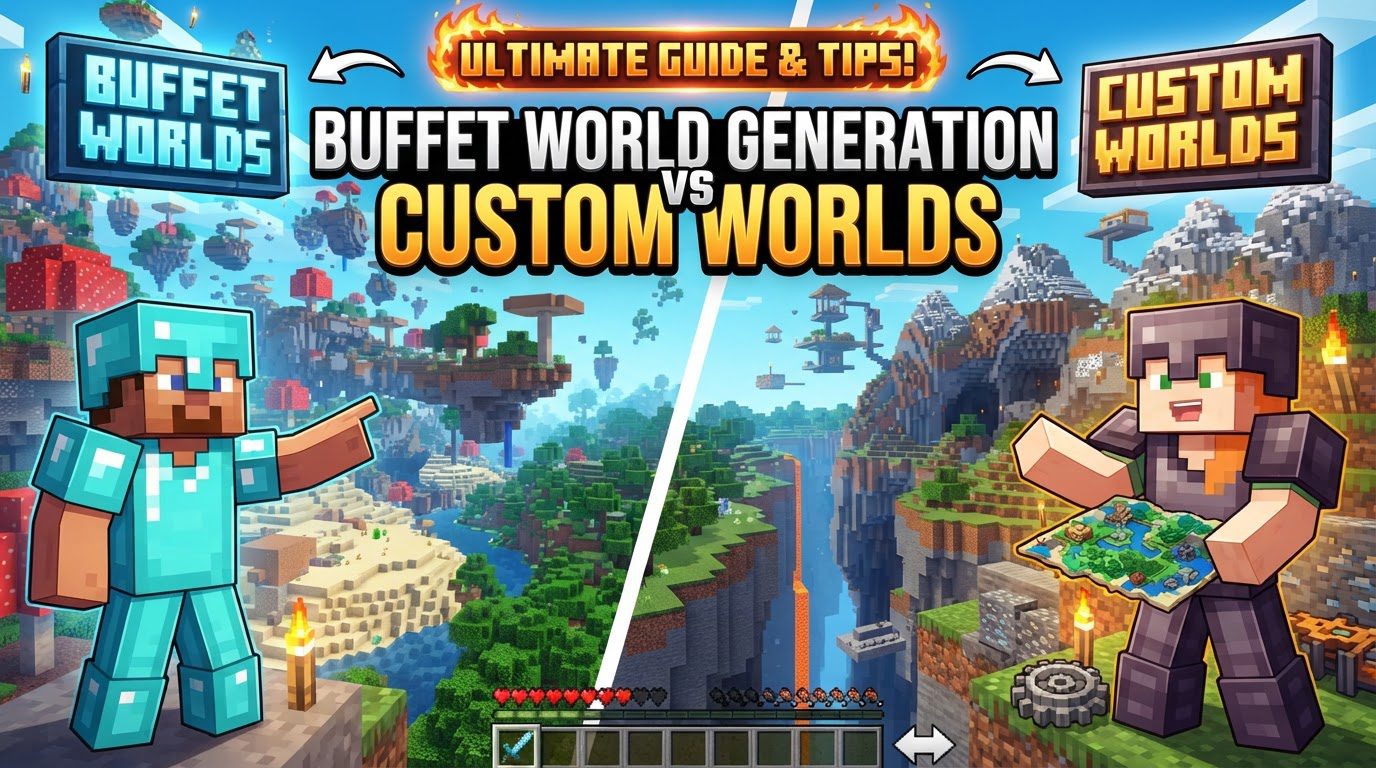
Buffet World Generation vs Custom Worlds
Minecraft’s world generation, often perceived as an immutable force of nature within the game, has, in fact, been subject to radical player control and equally radical overhauls. For builders, adventurers, and redstone engineers alike, manipulating how a world is created can unlock unparalleled creative potential or present unique survival challenges. Over the years, two prominent methods have offered players the ability to sculpt their environments at creation: the now-current Buffet World Generation and the revered, but historical, Old Customized Worlds. Understanding the differences, capabilities, and limitations of these systems is crucial for anyone looking to truly master their Minecraft experience.
Buffet World Generation: A Single Biome Feast
Introduced in Minecraft Java Edition 1.13 (specifically snapshot 18w16a), Buffet World Generation offers a streamlined, yet impactful, approach to world customization. Its core mechanic is elegantly simple: it allows the entirety of the Overworld to generate as a single, chosen biome. This means players can step into a world composed entirely of Jungles, endless Deserts, or even the desolate landscape of End islands, transforming the fundamental feel and challenge of gameplay.
Core Mechanics and Features
- Single Biome Focus: Unlike standard generation that blends multiple biomes, Buffet worlds commit to one. This choice dictates everything from the terrain shape and vegetation to the specific structures that can generate (like temples or villages) and the types of mobs that will spawn.
- Extensive Biome Selection: Players can select from virtually any available biome in the game, including technical biomes not typically found across large swathes of the Overworld in normal generation.
- Evolution of Generator Types: Initially, Buffet offered options like “Surface” (which later became “Single Biome”), “Caves,” and “Floating Islands.” While “Caves” and “Floating Islands” were eventually removed from the in-game menu, they highlighted the ambition of the system to allow for truly alien landscapes.
- Java Edition Exclusive: This particular customization feature is unique to Minecraft Java Edition.
Creating a Buffet World (In-game Process)
The process for setting up a Buffet world is straightforward:
- From the main menu, navigate to “Singleplayer” and then “Create New World”.
- Give your new world a name and select your desired game mode (e.g., Survival, Creative).
- Locate the “World Type” button and click it repeatedly until “Buffet” is displayed.
- Click on the “Customize” button that appears. This will present a list of all available biomes.
- Select your preferred single biome from the list.
- Click “Done” and then “Create New World” to begin generation.
Tips for Maximizing Buffet Worlds
- Unique Challenges: Experiment with biomes like “Deep Ocean” to create an aquatic survival challenge, or “Badlands” for a resource-scarce, visually striking experience.
- Advanced Customization (NBT Editing): For those comfortable with external tools, modifying the world’s
level.datfile using NBT editors (such as NBTExplorer) can unlock hidden generator types. This can lead to fascinating, albeit often experimental, results like Nether noise map generation applied to Overworld biomes. While not natively supported for natural transitions, some advanced users have attempted to create “checkerboard” patterns of different biomes this way.
Limitations and Common Pitfalls
- Single Biome Constraint: The primary limitation is its inability to generate a mix of biomes via the in-game interface. If you want a jungle next to a desert, Buffet isn’t your tool.
- Lack of Sub-biomes: Buffet worlds do not generate “sub-biomes” (e.g., Deep Ocean variants within a larger Ocean biome). This can have practical implications, such as preventing the appearance of specific structures like Ocean Monuments, which require certain sub-biome conditions.
- Compatibility Issues: Using custom biomes from data packs in Buffet worlds can lead to game crashes, highlighting potential conflicts with external modifications.
- Structure Generation Anomalies: Particularly with the older “Floating Islands” generator type (and sometimes in other specific biome choices), generated structures like strongholds, villages, or mineshafts could appear floating mid-air, leading to visual oddities and gameplay challenges.
Old Customized Worlds: The Era of Granular Control
Before the comprehensive world generation overhaul in Minecraft Java Edition 1.13 (specifically snapshot 18w06a), players had access to a vastly more intricate system known as “Customized Worlds.” This feature was a powerhouse of granular control, allowing players to tweak almost every conceivable aspect of world creation.
Historical Mechanics and Unmatched Control
- Extensive Parameter Control: Customized Worlds offered an unprecedented level of detail. Players could fine-tune parameters such as terrain height and roughness, the global sea level, the presence of oceans (and whether they were filled with water or lava), and the generation frequency of various structures like villages, strongholds, and temples.
- Biome and Cave Customization: Beyond terrain, it allowed for precise adjustments to biome size and the specifics of cave and ravine generation, enabling anything from labyrinthine underground systems to wide-open caverns.
- Built-in Presets: The system included several useful presets, such as “Amplified” (for dramatic, towering landscapes), “Large Biomes” (for expansive, less varied regions), and even “Redstone Ready” (a Superflat preset optimized for redstone contraptions).
The Historical Process (Pre-1.13)
For those who remember, creating a customized world involved these steps:
- From the main menu, select “Singleplayer” and then “Create New World.”
- Click on “More World Options.”
- Change the “World Type” until “Customized” was selected.
- Click the “Customize” button to enter a highly detailed configuration screen. This screen featured numerous sliders and advanced text input fields.
- Adjust settings across categories like basic options, advanced terrain noise, and structure generation.
- Once satisfied, click “Done” and then “Create New World.”
Advantages and Creative Applications
- Tailored Environments: This level of control was invaluable for creating highly specific environments for challenges (e.g., a world with extremely high sea level), intricate creative builds, or rigorous performance testing scenarios.
- Ore Generation Control: A significant advantage was the ability to modify ore spawn rates, allowing players to create worlds with abundant resources or extreme scarcity – a feature notably absent in Buffet worlds.
The Demise and Its Impact
- No Longer Available: The most significant limitation of Old Customized Worlds is that they are no longer accessible in modern versions of Minecraft Java Edition. The 1.13 Update Aquatic brought a complete rewrite of the world generation system, rendering the old customization engine incompatible.
- Complexity Barrier: While powerful, the interface could be overwhelming for new players due to the sheer number of sliders, numerical inputs, and the potential for creating unplayable worlds if settings were misconfigured.
- Community Disappointment: The removal of Customized Worlds was met with considerable disappointment from a segment of the player base. Many felt that Buffet mode, with its single-biome focus, was an inadequate replacement for the depth and versatility offered by the older system. The ability to fine-tune so many parameters was a beloved feature that Buffet simply couldn’t replicate.
Buffet vs. Custom: An Evolution of Control
The transition from Old Customized Worlds to Buffet World Generation represents a significant shift in Mojang’s approach to player-controlled world creation. Customized Worlds offered breadth and depth, allowing players to tweak everything from the frequency of dungeons to the exact amplitude of terrain noise. It was a tool for the truly meticulous, capable of generating incredibly specific, often wildly different, landscapes.
Buffet, by contrast, is a more focused tool. It excels at creating worlds with a singular, overriding environmental theme. While it sacrifices the granular control over terrain noise, ore distribution, or complex biome mixing, it provides an easy-to-use interface for experiencing Minecraft’s biomes in a concentrated, unfiltered manner. The removal of “Caves” and “Floating Islands” from the in-game menu for Buffet further streamlined its purpose to primarily serve single-biome surface generation.
The primary reason for the removal of Customized Worlds was the fundamental rewrite of the world generation engine in 1.13. This overhaul, necessary for performance improvements and future features, simply made the old customization system incompatible. While Buffet filled a niche, it left a void for players who desired the intricate control over terrain shaping and resource distribution that the old system provided. Modding communities have since attempted to fill this gap with external tools and data packs, but an official, in-game equivalent to the old Customized Worlds’ power has not yet returned.
Ultimately, both Buffet World Generation and the historical Old Customized Worlds served the player base by offering alternatives to standard world creation. Buffet provides a simple, direct way to experience single biomes across an entire world. Customized Worlds, in its time, offered an unparalleled toolkit for deep environmental sculpting, whose legacy continues to be missed by many who sought ultimate control over their blocky canvases.
Tags:
YOU MAY ALSO LIKE...