Create Big Cannons Laser
Did you know that combining specific Minecraft mods can transform your blocky world into a battlefield featuring remote-controlled laser artillery? Building a sophisticated laser cannon in Minecraft involves an intricate dance between the “Create Big Cannons” mod and its powerful companion, “Create: Energy Cannons,” with the “CBC Scope + Laser” mod adding crucial aiming precision. This guide will delve into the mechanics, construction, and operational nuances of these formidable energy weapons, ensuring you can deploy your own high-tech defenses or offensive capabilities with confidence.
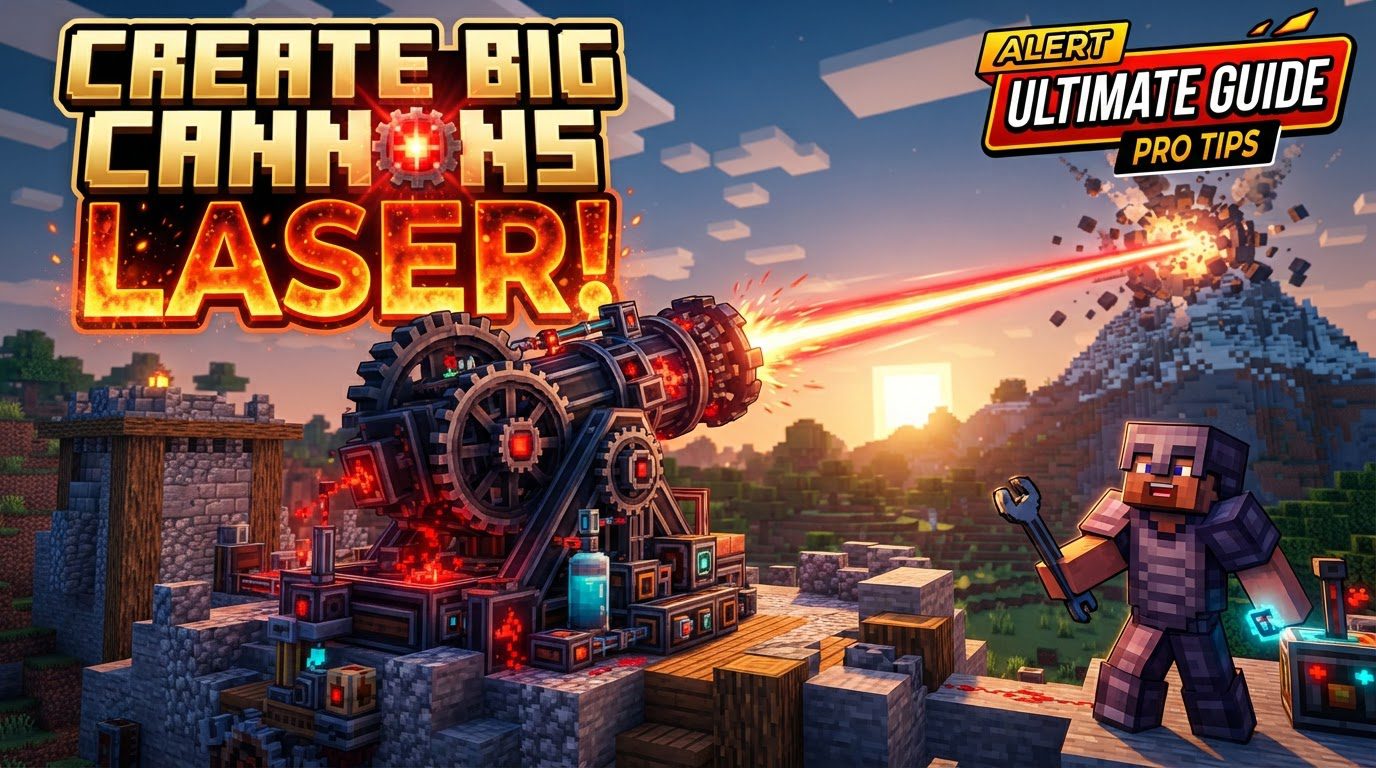
The Core Mechanics of Laser Cannons
At the heart of any laser cannon setup lies a powerful synergy between several key modifications. Understanding these foundational mechanics is crucial before embarking on construction.
- The Laser’s Origin: The primary source of your laser firepower comes from the Create: Energy Cannons mod. This mod functions as a dedicated addon to the larger “Create Big Cannons” framework, extending its capabilities beyond traditional projectile artillery to embrace energy-based weaponry. Without it, laser cannons simply wouldn’t exist within this ecosystem.
- Precision Aiming with Visibility: For targeting accuracy, the CBC Scope + Laser mod is indispensable. It introduces a specialized Cannon Laser Pointer, which projects a visible beam from your cannon. This beam serves as an invaluable aiming aid, allowing you to clearly see where your shot will land. A neat aesthetic and functional bonus is the ability to dye this laser beam different colors, adding a touch of personalization to your destructive power.
- Remote Command and Control: Advanced cannon control systems are a hallmark of this mod suite. You can design sophisticated setups that allow for complete remote operation of your laser cannon. This typically involves intricate mechanical systems that precisely adjust the cannon’s yaw (horizontal rotation) and pitch (vertical angle), giving you unparalleled control from a safe distance.
- Powering the Beam: Unlike traditional cannons that rely on gunpowder, energy cannons demand a consistent power source. The most straightforward way to fuel these high-tech weapons is by integrating a Creative Battery into your design. This ensures an uninterrupted supply of energy, allowing your laser to fire without depletion concerns.
- Physics in Play: Even energy projectiles like laser beams are subject to the inherent physics engine of the game, as influenced by the “Create” mod. While a laser’s ‘projectile’ might not behave identically to a physical shell, the broader principle of projectile physics within the “Create Big Cannons” framework means that factors like barrel length (for traditional cannons) can influence projectile velocity. This contextual understanding helps in appreciating the overall engineering considerations of the mod suite.
Building Your Remote-Controlled Laser Cannon: A Step-by-Step Guide
Constructing a remote-controlled laser cannon is a multi-step process that combines structural integrity, power delivery, and intricate mechanical and Redstone engineering. Follow these steps to bring your energy weapon to life:
- Establish the Base: Begin by placing a temporary supporting block. On top of this, place an energy cannon mount. Once the mount is secure, you can remove the supporting block beneath it, leaving the mount as your cannon’s foundation.
- Integrate Power and Laser: Attach a Creative Battery directly to the energy cannon mount. Immediately after, attach the laser block to the mount, ensuring it’s correctly oriented as depicted in various online tutorials or in-game guides.
- Local Control Levers: For immediate manual control or initial setup, place levers on both accessible faces of the cannon mount. These will allow you to activate or deactivate the cannon.
- Design the Mechanical Aiming System: This is the most complex part of the build. You’ll need to construct a robust mechanical system to control the cannon’s pitch and yaw. This typically involves:
- A vertical gearbox to translate rotational input.
- Two gear shift blocks to control direction.
- Shafts to transmit power.
- Two clutch blocks to engage or disengage rotation.
- Two more vertical gearboxes to provide the final rotational force to the cannon’s axes.
- Provide Rotational Input: Connect a source of rotational power (e.g., from a water wheel, windmill, or creative engine) to your newly built mechanical system. This power will drive the aiming mechanisms.
- Redstone Link Foundation: Place solid blocks adjacent to the shafts where your clutch blocks are located. On these solid blocks, place two torches beside each clutch block. This setup prepares the area for Redstone communication.
- Install and Configure Redstone Links: Install four redstone links around your mechanical aiming system. Use a wrench on each of these links to convert them into receiver links. Crucially, assign a different, unique frequency to each receiver link. These frequencies will correspond to different movement commands.
- Bind Controls with a Linked Controller: Acquire a linked controller. Right-click on each of your configured receiver links with the linked controller in hand. As you right-click, you will be prompted to set an input for that frequency. For intuitive control, assign common movement keys like ‘W’ and ‘S’ for pitch control (up/down) and ‘A’ and ‘D’ for yaw control (left/right).
- Operational Readiness: Finally, turn on both levers located on the cannon mount. With the cannon now powered and its mechanical systems engaged, you can use your linked controller to remotely operate and aim your powerful laser cannon.
Optimizing Your Artillery: Tips for Success
While the focus here is on laser cannons, the “Create Big Cannons” mod offers a broader spectrum of artillery. Understanding some general tips can enhance your overall experience and arsenal.
- Barrel Length for Traditional Cannons: For traditional projectile-firing cannons within “Create Big Cannons,” the length of the barrel is a significant factor. A longer barrel will generally impart greater velocity to the projectile, leading to increased range and impact. While laser beams don’t have a physical barrel in the same sense, this principle highlights the importance of engineering choices in the mod.
- Fuses for Explosive Ordnance: If you’re also dabbling in traditional explosive shells, remember that fuses are paramount. An unfused explosive round will either not detonate at all or will explode with significantly reduced power. Choose an impact fuse for immediate detonation upon collision, or a timed fuse to detonate after a specific duration, useful for airbursts or delayed explosions.
- Automating Firepower: To maximize the firing rate of traditional cannons, consider implementing autoloading mechanisms and utilizing rapid-fire bolts. These systems can drastically increase the sustained damage output of your artillery.
- Mechanical Hands for Efficiency: For further automation of traditional cannons, mechanical hands are incredibly useful. They can be configured to automate the entire loading process for rapid-firing bolts, including the insertion of shells and large cartridges, streamlining your artillery operations.
Avoiding Common Pitfalls
Even the most experienced engineers can make mistakes. Being aware of these common issues can save you time and resources.
- The Importance of Fuses: A frequent oversight, particularly with traditional explosive shells, is neglecting to use appropriate fuses. As mentioned, without an impact or timed fuse, your explosive shells will fail to detonate effectively, rendering them largely useless.
- Correct Cartridge Orientation: When designing auto-loading mechanisms for traditional cannons, pay close attention to cartridge placement. Cartridges must be oriented with their forward-facing side towards the projectile. Incorrect placement will lead to loading failures and jams.
- Powder Charge Precision: For traditional cannons, the amount of powder charge is critical. Loading too many or an insufficient number of powder charges can have catastrophic consequences, often resulting in your cannon exploding due to excessive pressure or a lack of propulsion. Experiment and test charge amounts carefully in a safe environment.
- Obstructed Vision in Specific Setups: A known compatibility issue arises when controlling player-mounted autocannons, especially on vehicles from the Valkyrien Skies mod. In such scenarios, the cannon’s components can completely obscure the player’s view, making accurate targeting extremely difficult or impossible. Be mindful of this limitation if integrating cannons with other vehicle mods.
Mastering the “Create Big Cannons Laser” setup requires patience and attention to detail, but the reward is a formidable weapon capable of precise, remote-controlled destruction. From the intricate mechanical aiming systems to the precise configuration of Redstone links, each component plays a vital role in bringing your high-tech artillery dreams to life in Minecraft.
Tags:
YOU MAY ALSO LIKE...