

Create Factory Logistics Fabric
Many aspiring factory magnates, eager to streamline their Minecraft operations with Create Factory Logistics, often stumble at a seemingly minor detail: forgetting to properly address their packages. This oversight, though seemingly small, can bring an entire automated system to a grinding halt, leaving items stranded and production stalled. Understanding this crucial step, and many others, is key to unlocking the true potential of this powerful Create mod addon.
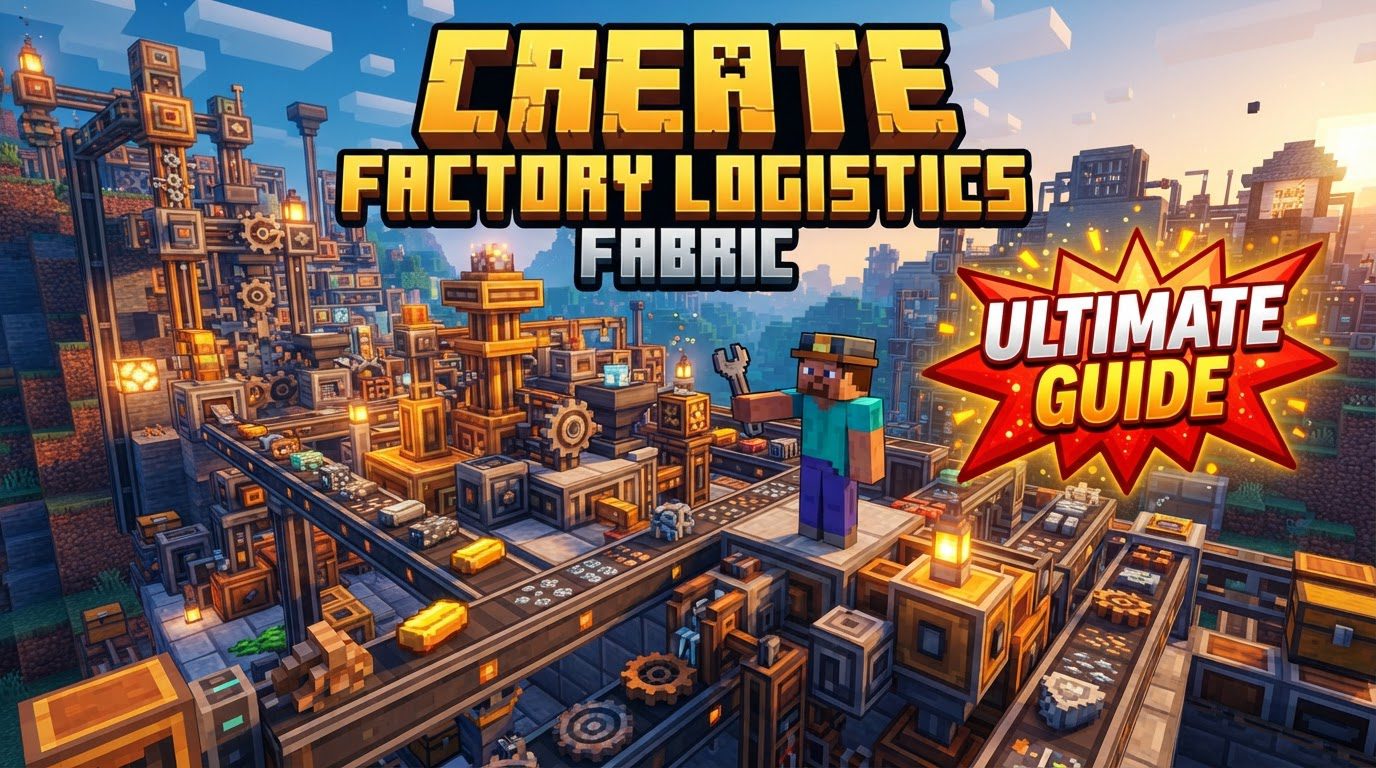
The “Create Factory Logistics Fabric” is not a standalone mod, but rather the “Create Factory Logistics” mod itself, an essential addon for the beloved Create mod. It dramatically elevates the logistical capabilities of your Minecraft factories, offering unparalleled control over both item and fluid transportation, alongside sophisticated inventory management within complex automated setups.
The Core Engine: Understanding Key Components
At its heart, Create Factory Logistics (CFL) introduces a suite of specialized blocks and mechanics designed to build intricate, efficient supply chains. Mastering these components is the first step toward a truly automated factory.
- Logistics Network: This is the player-designed ecosystem for managing bulk item inventories. It’s the overarching system that allows for intelligent storage, retrieval, and automation of factory processes.
- Packages and Jars: The fundamental units of transport. Packages are used for items, while Jars are the unique vessels for fluid transportation within the logistics network.
- Stock Links: These crucial blocks identify a specific storage container (like a chest or barrel) as an active part of your logistics network, allowing items within it to be tracked and managed.
- Stock Tickers: Primarily used for requesting items, often interacting with Mob (Shopkeeper) interfaces to facilitate automated trading or supply.
- Redstone Requesters: Offering precise control, these allow players to order specific items from the logistics network by simply providing a redstone signal, making them invaluable for conditional automation.
- Factory Gauges: These are the brains behind advanced auto-crafting. They monitor item or fluid amounts within the network and can automatically request more if levels drop below a set threshold. They also enable on-demand crafting when powered by redstone.
- Packagers and Bottlers: These are your assembly line workers. Packagers convert raw items into transportable packages. Bottlers perform a similar function for fluids, filling Jars with the liquid.
- Package Frog Ports / Post Boxes: These act as the input and output hubs for packages. Frog Ports are general-purpose I/O points, often connected to chain conveyors. Post Boxes offer the added utility of transferring packages to and from trains, enabling long-distance logistics.
- Chain Conveyors: The arterial roads of your factory, these are central to moving packages efficiently and can also transmit rotation, integrating seamlessly with other Create mechanisms.
- Butlers: Specialized packagers specifically designed for fluids, working in conjunction with Jars to prepare liquids for network transport.
Crafting Your Logistics Blueprint: An Item Network Walkthrough
Implementing a basic item logistics network is a straightforward process once you understand the flow. Here’s a step-by-step example:
- Establish a Central Network Hub: Begin by placing a Warehouse Controller. This block serves as the central brain. Connect multiple Warehouse Transmitters to it, which will act as communication points for your storage.
- Integrate Machines and Storage: Install transmitters on machines that will interact with your network, such as bottling or packing stations. For storage, use Stock Links to designate chests, barrels, or other inventories as part of the network.
- Assign Destination Addresses: This is a critical step. Use signs placed directly on Packagers, Package Frog Ports, or Post Boxes to assign a specific destination address (e.g., “warehouse,” “factory,” “crafting_station”). This address dictates where packages will ultimately travel.
- Initiate Item Dispatch: When items are processed by a Packager that has an assigned address, they will be bundled into a package and sent out onto a connected Chain Conveyor system.
- Facilitate Item Reception: At the receiving end, another Packager or Package Frog Port with a matching address will intercept the package. It will then automatically unpack the items into its connected inventory.
- On-Demand Item Requesting: To request items from your network, first ensure your storage containers are marked with Stock Links. Then, configure a Redstone Requester with the specific item you need. When activated by a redstone signal, the requester will pull that item from any available storage linked to your network.
Liquid Gold: Fluid Management with CFL
CFL doesn’t just excel with items; it revolutionizes fluid handling. The system introduces specific tools to manage liquids with the same precision as solid goods.
The core of fluid logistics revolves around Jars, which are the fluid equivalent of packages. Bottlers and Butlers are the machines responsible for filling these Jars. A Bottler can fill Jars from a fluid source, while a Butler is a specialized packager for fluids, allowing for more complex fluid processing within the network.
For advanced fluid automation, the Fluid Gauge is indispensable. By placing a Fluid Gauge on a fluid storage tank or a machine that consumes fluid, you can monitor its levels. If the fluid amount drops below a configured threshold, the Fluid Gauge can automatically trigger a request for more fluid from your logistics network, ensuring a continuous supply for crafting or processing.
Refining Your Factory: Advanced Automation and Best Practices
Beyond basic transport, CFL offers tools for sophisticated automation and optimization.
- Automated Crafting with Factory Gauges: Place a Factory Gauge on a Packager or a machine involved in crafting. Configure it to monitor the output item. If the stock of that item falls below your desired threshold, the Factory Gauge will automatically request the necessary ingredients from your network to craft more. This enables truly hands-off production. Furthermore, a Factory Gauge can be redstone-powered to trigger on-demand crafting, only producing when a signal is received.
- Centralized Storage Strategy: Imagine farms automatically sending all their produce to one central location. This is easily achievable by placing Package Frog Ports at your farms. Configure them to send items to a “central_storage” address. All harvested items will then be automatically packaged and sent to your main warehouse, streamlining access and organization.
- Address Consistency is Paramount: Reiterate this golden rule. For any package or Jar to reach its intended destination, the address written on the sending point (Packager, Bottler) must precisely match the address on the receiving point (Frog Port, Post Box). Even a single typo can lead to packages getting lost or stuck.
- Managing Network Priority: The logistics system can sometimes pull items from unexpected sources. For instance, if you have a farm with a Stock Link, the system might pull items directly from the farm’s output chest instead of your centralized storage. To prevent this, you can “deprioritize” farm stock links by placing an analog lever next to them and setting it to a low redstone signal. This tells the network to prefer other, higher-priority storage locations first.
Troubleshooting Your Logistics: Common Pitfalls and Solutions
Even the most meticulously designed systems can encounter issues. Being aware of common mistakes can save hours of debugging.
- Forgetting Package Addresses: As mentioned, this is a prime culprit. Packages without a defined destination address will either not be sent or will become stuck, causing a backlog. Always double-check your signs!
- Full Frogports: A common and frustrating issue. If a Package Frog Port is full and cannot accept more packages, it can halt the entire receiving capability of your network. This isn’t just for that specific frogport; a single bottleneck can prevent other frogports from receiving packages too. Ensure ample inventory space is connected to your receiving ports.
- Slow Packaging Systems: Inefficient or undersized packaging and conveyor systems can create significant bottlenecks. If your production outpaces your transport, packages will queue up, slowing down the entire logistics process. Optimize conveyor speeds, increase the number of packagers, or use faster transport methods if needed.
- Network Priority Mismanagement: Without proper prioritization, the logistics system might pull items from any available source, potentially depleting a farm’s output directly instead of drawing from your central storage. As noted, using an analog lever to deprioritize farm Stock Links is a simple yet effective solution.
Create Factory Logistics transforms Minecraft automation from a series of disconnected machines into a cohesive, intelligent factory ecosystem. By understanding its core components, mastering its setup, and learning from common pitfalls, you can construct factories of unprecedented scale and efficiency, truly bringing your industrial dreams to life in the blocky world.
Tags:
YOU MAY ALSO LIKE...


