

Enchanting Infuser How to Increase Enchanting Power
Misplacing even a single bookshelf can drastically cripple your enchanting potential in Minecraft’s Enchanting Infuser mod. Many players overlook the precise requirements for maximizing enchantment levels, inadvertently limiting their access to the most powerful upgrades. Unlike the often-frustrating randomness of vanilla enchanting, the Enchanting Infuser mod grants unparalleled control, but only if you understand its mechanics, particularly how to properly increase your enchanting power.
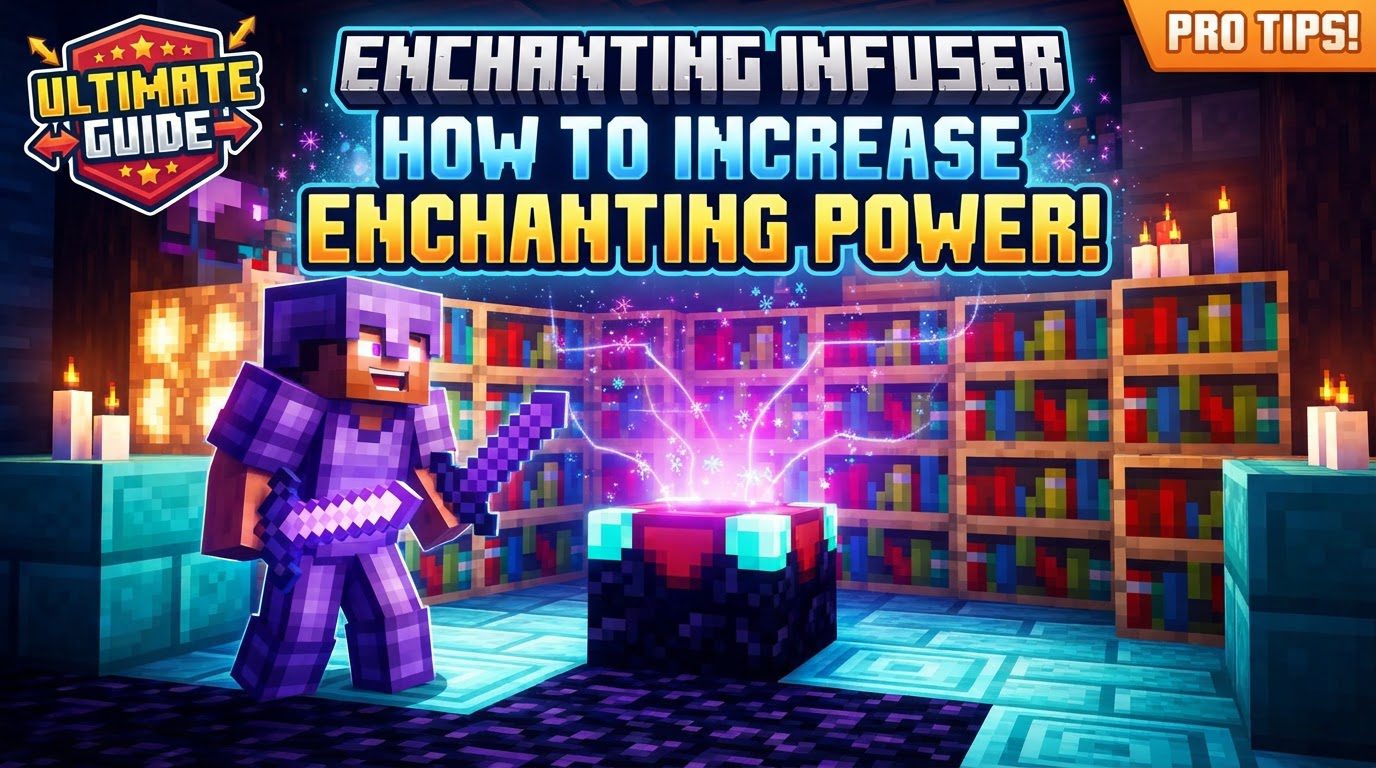
The Enchanting Infuser mod fundamentally redefines the enchanting experience. It moves away from the traditional, luck-based system, allowing players to select specific enchantments for their items. This guide will delve into the intricacies of this powerful tool, focusing on how to harness its full potential by correctly setting up your enchanting station and optimizing your workflow.
Understanding the Infuser Tiers: Basic vs. Advanced
The mod introduces two distinct tiers of infusers, each offering a progressive set of features. Comprehending their differences is the first step towards mastering enchanting power.
- The Basic Enchanting Infuser: This initial version serves as your entry point into controlled enchanting. Its primary function is the straightforward application of selected enchantments onto items. It’s a significant upgrade from the vanilla enchanting table, providing choice over chance.
- The Advanced Enchanting Infuser: This is where the mod truly shines, offering a suite of advanced functionalities that drastically improve enchanting efficiency and item management. Beyond applying new enchantments, the Advanced Infuser can modify existing enchantments on an item, allowing for fine-tuning or correction. It also boasts the ability to repair items using experience levels, providing a convenient in-situ repair station. Furthermore, it allows players to recover valuable experience from unwanted enchantments, effectively recycling failed attempts or unwanted loot. Finally, it provides the capability to create enchanted books, giving you the flexibility to store enchantments for later use or trade. Prioritizing an upgrade to the Advanced Infuser is highly recommended due to its versatility and long-term benefits.
The Foundation of Power: Bookshelf Configuration
Just like the vanilla enchanting table, the Enchanting Infuser draws its power directly from surrounding bookshelves. However, the precise setup is paramount for unlocking the highest possible enchantment levels and the strongest enchantments. Incorrect placement or an insufficient number of bookshelves will severely limit your options.
To maximize your enchanting power, you must place exactly 15 bookshelves around the Enchanting Infuser. These bookshelves need to be positioned one block away from the infuser, with a clear, unobstructed line of sight between them and the infuser block. No blocks, not even air, should interrupt this space. Imagine a 5×5 square with the infuser in the center, and the bookshelves filling the outer ring, leaving the four corner spots empty. This specific arrangement is crucial; fewer than 15 bookshelves, or any obstruction, will result in lower-level enchantment options being presented in the infuser’s interface.
Forging Your Tool: Crafting the Infusers
Before you can begin leveraging the power of controlled enchanting, you’ll need to craft the infuser itself. The recipes reflect the progression of power:
- Crafting the Basic Enchanting Infuser: This requires a blend of mystical and standard materials. You’ll need Crying Obsidian, an existing Enchantment Table (which you’ll likely have from vanilla progression), Amethyst Crystals, and a standard Book.
- Crafting the Advanced Enchanting Infuser: To upgrade to the superior Advanced Infuser, you’ll build upon your Basic Infuser. The recipe calls for your existing Basic Infuser, valuable Netherite Ingots, additional Crying Obsidian, and another Book. The investment in Netherite is well worth the expanded functionalities.
Fueling Your Magic: Experience Management
All operations within both tiers of the Enchanting Infuser, from applying new enchantments to repairing items or recovering experience, consume experience levels. Therefore, a consistent and abundant source of experience is non-negotiable for anyone looking to make the most of this mod.
Efficient experience accumulation is key. Players often rely on well-designed mob farms, XP grinders (such as those utilizing spawners or endermen), or even large-scale villager trading halls to generate the necessary levels. The Advanced Infuser, with its ability to recover experience from unwanted enchantments, offers a unique way to manage and reallocate your existing experience more effectively, reducing waste and providing a degree of experience recycling.
Mastering the Infuser Interface: Selection and Application
Once your infuser is crafted, surrounded by its 15 precisely placed bookshelves, and you’ve accumulated a healthy reserve of experience, the actual enchanting process is straightforward:
- Place Your Item: Open the infuser’s interface and place the item you wish to enchant into the designated slot.
- Browse Enchantments: The interface will then display a list of available enchantments, their levels, and the corresponding experience costs. The options presented will be directly influenced by your bookshelf setup.
- Select Desired Enchantments: Choose the specific enchantments you want to apply to your item. The beauty of this mod is the ability to pick exactly what you need, removing the gamble.
- Apply and Confirm: Once your selections are made, confirm the application. The required experience levels will be deducted, and your item will be enchanted with your chosen abilities.
Maximizing Efficiency: Expert Tips
Beyond the core mechanics, several strategies can further enhance your Enchanting Infuser experience:
- Prioritize the Advanced Infuser: As mentioned, the Advanced Infuser’s capabilities for modifying enchantments, repairing, and experience recovery make it an invaluable tool for any serious player. Upgrade as soon as resources allow.
- Mod Compatibility: The Enchanting Infuser is often designed to work seamlessly with other popular enchantment-expanding mods, such as Apotheosis. Combining these mods can unlock an even wider array of enchantment options and higher tiers, further diversifying your enchanting toolkit. For a smoother experience, consider installing “Enchantment Insights,” a companion mod that provides detailed descriptions of enchantments directly within the infuser’s interface, helping you make informed decisions.
- Treasure Enchantments: By default, some treasure enchantments like Mending might not be directly available through the basic infuser. However, specific datapacks can be installed to enable all treasure enchantments to appear as selectable options within the Advanced Infuser, offering complete control over even the rarest enchantments.
Common Pitfalls to Avoid
Even with the best intentions, players can encounter issues that hinder their enchanting progress. Being aware of these common mistakes can save you considerable frustration:
- Insufficient or Incorrect Bookshelf Placement: This is arguably the most common error. Failing to place all 15 bookshelves, or having them incorrectly spaced (e.g., too close, too far, or with blocks in between), will prevent you from accessing higher-level enchantments. Always double-check your setup to ensure it matches the optimal configuration.
- Ignoring Experience Costs: Underestimating the experience requirements for enchanting, repairing, or modifying can leave you stranded mid-operation. Always ensure you have a healthy surplus of experience before embarking on complex enchanting projects.
- Mod Installation and Configuration Issues: The Enchanting Infuser, like many mods, relies on correct installation and dependencies (e.g., Puzzles Lib, Fabric API, Forge Config API Port). Incorrect installation or a corrupted configuration file can lead to the mod not functioning as intended. Always follow installation instructions carefully and check for dependency requirements.
- Incompatible Enchantments: While the infuser offers choice, it respects the inherent rules of Minecraft enchantment compatibility. Some enchantments simply cannot coexist on the same item (e.g., Protection and Blast Protection on the same armor piece, or Sharpness and Smite on the same sword). Attempting to combine incompatible enchantments will either fail or result in one overriding the other.
By understanding the nuances of the Enchanting Infuser, from its tiered functionality and precise bookshelf requirements to careful experience management and awareness of common pitfalls, you can transform your Minecraft enchanting experience from a game of chance into a strategic and rewarding pursuit. Embrace the control, and craft the perfect gear for any adventure.
Tags:
YOU MAY ALSO LIKE...


