How to Build Aesthetic Bases Using Command Blocks
Did you know that your next Minecraft base can automatically reconfigure its rooms, display custom dynamic messages, or even greet you with a personalized light and sound show every time you enter? This level of dynamic aesthetic, once thought to be exclusive to complex mods or server plugins, is entirely achievable within vanilla Minecraft using the often-underestimated power of command blocks. Far from being just tools for minigames or server administration, these powerful blocks unlock a new dimension of creativity, allowing builders to craft bases that are not only visually stunning but also interactive, evolving, and deeply immersive.
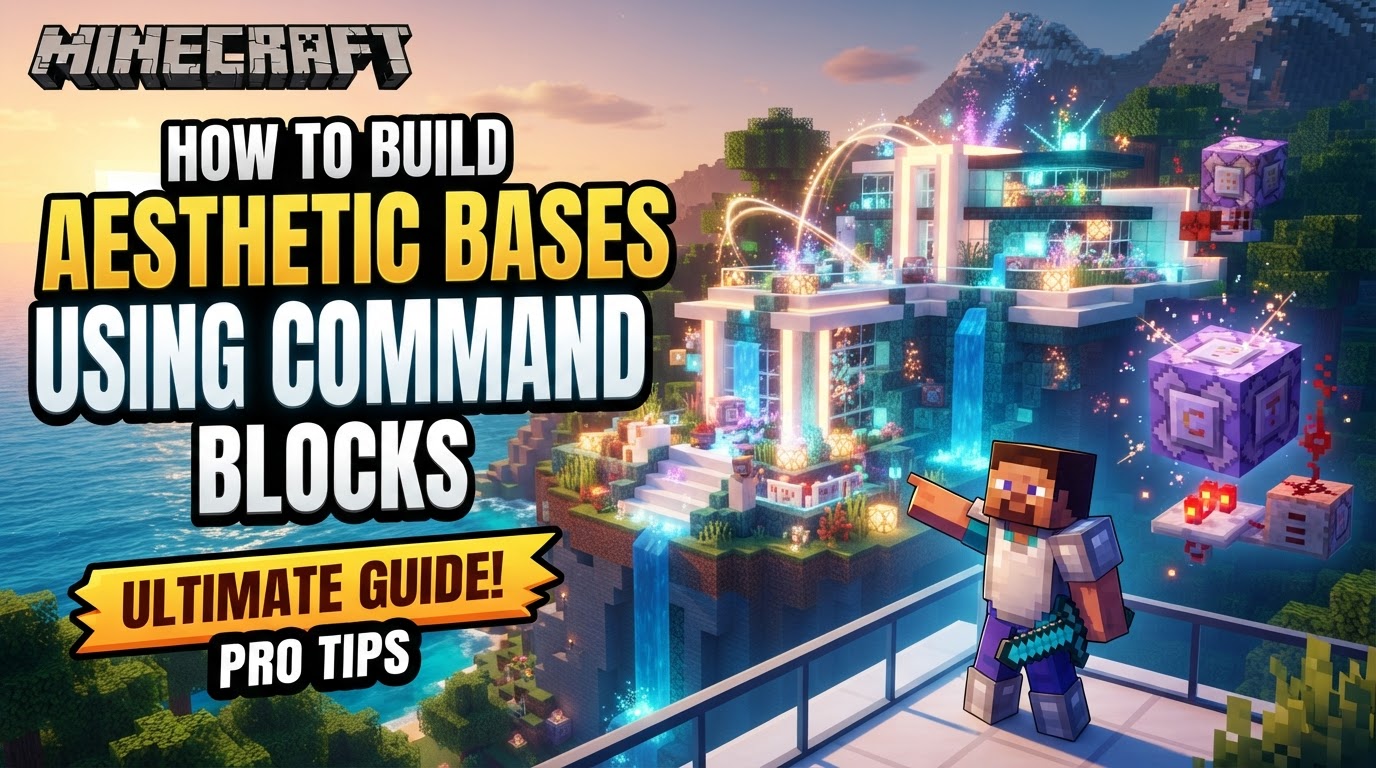
Building an aesthetic base with command blocks transcends traditional block-by-block construction. It’s about designing an experience, automating tedious tasks, and infusing your structures with custom visual and auditory flair. This guide will equip you with the knowledge to transform static builds into dynamic masterpieces, leveraging the game’s core mechanics to bring your most ambitious architectural visions to life.
Establishing the Foundation: Core Building Commands
Before diving into complex interactivity, mastering the fundamental building commands is crucial. These commands drastically accelerate construction and allow for precision that manual placement cannot match, laying the groundwork for your aesthetic designs.
/setblock: Surgical Precision in Placement
This command places a single block at specified coordinates. While seemingly simple, it’s invaluable for precise adjustments, fixing minor errors, or programmatically placing unique decorative elements. Think of it as your single-block brush for intricate details./fill: Rapid Construction and Terraforming
The/fillcommand is a game-changer for large-scale projects. It allows you to fill an entire rectangular region with a chosen block, or even replace specific blocks within that region. This is perfect for instantly creating massive walls, floors, ceilings, or even terraforming landscapes around your base with custom biomes or sculpted terrain features. Imagine instantly generating a colossal dome or a vast, smooth plaza with a single command./clone: Replication and Backup Efficiency
Need to replicate a complex architectural detail, an entire room, or even an identical wing of your base? The/clonecommand copies structures from one location to another. This is incredibly useful for symmetrical designs, creating modular components, or quickly backing up sections of your build before making risky changes./structure: Modular Design Across Worlds
The/structurecommand takes cloning a step further by allowing you to save and load structures across different worlds. This means you can design a magnificent archway, a detailed statue, or an elaborate entrance hall once, save it as a structure, and then import it into any other world. This fosters modular design and incredible reusability, perfect for building a consistent aesthetic across multiple projects.
Breathing Life into Your Base: Dynamic Elements and Interactivity
This is where command blocks truly shine in creating aesthetic and engaging environments. Beyond static structures, these commands introduce movement, sound, and custom effects that make your base feel alive.
/execute: Conditional Power and Dynamic Interaction
The/executecommand is arguably the most versatile, allowing other commands to run from a specific location, as a specific entity, or conditionally based on various criteria. This enables complex interactions, such as lights turning on when a player enters a room, hidden passages opening only for specific users, or custom particle effects appearing only under certain conditions. It’s the engine behind most dynamic aesthetic features.- NBT (Named Binary Tag) Data: Deep Customization
NBT data allows you to modify the properties of blocks and entities, adding unparalleled detail. With the/datacommand (Java Edition), you can change custom names for items in display frames, make mobs invulnerable for decorative purposes (like a guard statue), write custom text on signs with specific colors and styles, or manipulate block states (e.g., changing the direction of a log or the fullness of a composter). This level of customization breathes unique character into every corner of your base. /particle: Visual Flourishes and Ambiance
Introduce captivating visual effects with the/particlecommand. Spawn custom particles like falling leaves in an enchanted forest, shimmering dust around a magical artifact, steam from vents, or ambient glows to highlight architectural features. Particles can dramatically enhance the atmosphere and visual appeal of any area./playsound: Immersive Auditory Experiences
Sound is a powerful tool for immersion. The/playsoundcommand triggers custom sounds, allowing you to create atmospheric effects (e.g., distant thunder in a spooky cellar, gentle babbling brook sounds), interactive audio cues (e.g., a chime when a secret door opens), or even ambient music for different zones of your base./teleport: Functional Movement and Secret Passages
Instantly move players or entities with/teleport. This command can be used for functional elements like efficient elevators, quick travel systems between distant sections of your base, or cleverly concealed secret entrances that whisk players away to hidden rooms.
Understanding Command Block Mechanics: Types and Activation
To effectively implement these commands, you need to understand the different types of command blocks and how they are activated.
- Impulse Command Block: Executes once when powered by a Redstone signal. Ideal for single-action events like opening a door or triggering a one-time sequence.
- Repeating Command Block: Executes continuously every game tick (20 times per second) as long as it’s active. Perfect for continuous effects like particle emitters, constant sound loops, or checking for player presence.
- Chain Command Block: Executes sequentially after the command block pointing to it runs. Chain blocks must be facing the correct direction to form a proper execution chain, allowing for multi-step actions.
- Conditions: “Needs Redstone” vs. “Always Active”:
- Needs Redstone: Requires an external Redstone signal to activate. Useful for controlled, trigger-based commands.
- Always Active: Runs without external power. Essential for Repeating command blocks that need to run constantly or for Impulse/Chain blocks that are part of an always-on system.
- Target Selectors: These powerful modifiers allow you to specify who or what a command affects:
@p: Nearest player@a: All players@e: All entities (including items, mobs, armor stands)@s: The entity executing the command (often the command block itself)@r: Random player
The Blueprint: A Step-by-Step Approach to Aesthetic Command Block Bases
Bringing these concepts together requires a structured approach. Follow these steps to build your aesthetic command block base:
- Conceive the Aesthetic & Functionality: Start with a clear vision. What style are you aiming for? What interactive features do you want (e.g., automatic doors, dynamic lighting, hidden passages, custom ambiances)? Sketch out the layout and integrate these ideas from the start.
- Obtain Command Blocks: In a world with cheats enabled, use
/give @s command_block(and optionallychain_command_block,repeating_command_block) to get the necessary tools. - World Setup: Ensure cheats are enabled. For initial testing or complex builds, consider using a flat world to simplify the environment and focus solely on your command block systems.
- Construct Base Foundations: Use
/filland/cloneextensively to rapidly create the main structural components, terrain modifications, and large-scale block placements. This saves immense time and ensures consistency. - Integrate Dynamic Features: Strategically place command blocks to implement your planned interactive elements. For example, use a repeating command block with
/setblockto toggle lights based on time of day,/playsoundfor ambient effects in specific zones, or/teleportfor fast travel points. - Chain Commands for Complexity: For multi-step actions (e.g., a door opening, then a light turning on, then a sound playing), link Impulse, Repeating, and Chain command blocks together. Remember to orient Chain blocks correctly to follow the execution flow.
- Power and Activate: Connect Redstone mechanisms (buttons, pressure plates, Redstone clocks) to “Needs Redstone” command blocks. Set frequently active command blocks (like particle emitters or presence detectors) to “Always Active” to run continuously without external Redstone.
- Test and Refine: Thoroughly test all command block systems. Debug and adjust commands, timings, or block placements as needed. Expect trial and error; it’s part of the creative process.
Mastering the Art: Advanced Tips for Aesthetic Command Block Builds
Elevate your command block creations with these expert tips:
- Automate Tedious Tasks: Leverage
/filland/cloneto build massive structures, terraform landscapes, and replicate sections of your base quickly, freeing up your time for creative detailing. - Customization with NBT Data: Go beyond basic blocks. Customize signs with colored text, create invisible armor stands holding items for unique displays, or modify block states to add unparalleled detail and interactivity.
- Atmospheric Effects: Implement
/particlefor decorative effects like falling leaves, magical glows, or steam. Combine it with/playsoundfor immersive ambient noises or interactive feedback, creating a truly sensory experience. - Hidden Mechanisms are Key: Conceal command blocks and Redstone wiring within walls, floors, or underground. A clean, aesthetically pleasing base should hide its complex inner workings.
- Functional Decor: Design elements that are both aesthetic and functional. Imagine command-block-powered automatic lighting systems that respond to light levels, hidden doors that blend seamlessly into walls, or multi-floor elevators that are part of the base’s architecture.
- Efficiency is Vital: Opt for Repeating and Chain command blocks for continuous or sequential actions. This reduces the need for extensive Redstone dust, which can be messy and inefficient.
- External Tools for Complex Commands: Don’t hesitate to use online command generators like MCStacker. They can greatly simplify the creation of complex commands, especially those involving intricate NBT data, saving you time and preventing syntax errors.
Avoiding Pitfalls: Common Mistakes and How to Sidestep Them
Even experts encounter issues. Being aware of common mistakes can save you hours of debugging.
- Incorrect Syntax: Typos, missing arguments, or incorrect command structure are frequent errors. Double-check your commands against official Minecraft wikis or use command generators.
- Misdirected Chain Blocks: Chain command blocks must be placed and oriented correctly (the arrow on the block indicates the direction of execution) to execute in sequence. A single misaligned block breaks the chain.
- Wrong Command Block Type/Setting: Using an Impulse block when a Repeating one is needed, or setting a block to “Needs Redstone” without providing power, are common pitfalls. Always verify your block type and activation setting.
- Outdated Tutorials: Minecraft commands can change with updates. Ensure the tutorials or commands you’re using are for your current game version to avoid frustration.
- Performance Issues: Overusing continuously active Repeating command blocks or poorly optimized commands can cause significant lag or even crash the game. Be mindful of how many active command blocks you have and optimize their conditions.
- Forgetting Backups: Always back up your world before undertaking extensive command block projects. Errors can sometimes make the world unplayable, and a backup is your best defense.
- Java vs. Bedrock Differences: Be aware that some commands, like
/datafor NBT editing, are exclusive to Java Edition. Command syntax and behavior can also vary between editions, so ensure you’re using commands appropriate for your game version.
With these tools and insights, your Minecraft base can evolve from a mere structure into a dynamic, interactive environment that continually surprises and delights. Embrace the power of command blocks, and let your imagination build beyond the ordinary.
Tags:
YOU MAY ALSO LIKE...