Building an Ender IO Vacuum Chest for Item Collection, Explained
The Ender IO Vacuum Chest stands as a cornerstone for automated item collection in Minecraft, offering a sophisticated and efficient solution for managing dropped items across various setups, from mob farms to resource gathering areas. Its design integrates storage, collection, and automation into a single, highly versatile block, making it an indispensable tool for any seasoned Minecraft player leveraging the Ender IO mod.
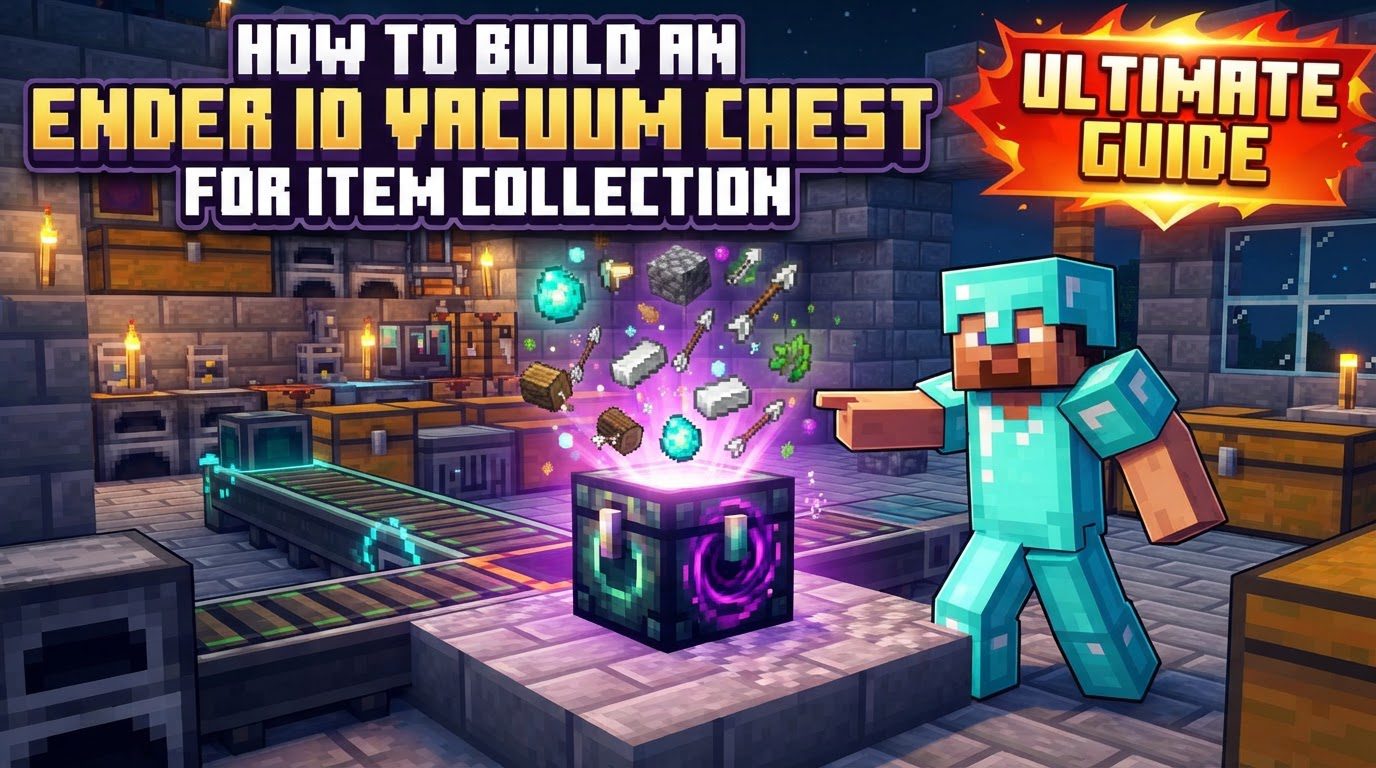
At its core, the Vacuum Chest functions by automatically collecting dropped items within a configurable spherical radius around itself. While the typical maximum range is 6 blocks, certain versions of the mod may extend this capability up to an impressive 16 blocks, allowing for broad area coverage. Beyond its collection prowess, it serves as a robust storage unit, boasting 27 inventory slots, mirroring the capacity of a standard chest. The chest’s operational behavior can be precisely controlled using a Redstone signal, offering flexibility in when and how items are collected. Furthermore, its utility is significantly enhanced by the ability to apply item filters, enabling players to either whitelist specific items for collection or blacklist unwanted ones. Full automation is a key feature, as its inventory can be seamlessly integrated into larger systems, allowing items to be input and output using Ender IO Item Conduits or other compatible item transport pipes. This makes it particularly effective for automating mob farms, where it efficiently gathers mob drops. An added layer of durability is its witherproof nature, ensuring it remains intact even in challenging environments.
Building Your Ender IO Vacuum Chest System
Setting up an Ender IO Vacuum Chest for optimal item collection involves a series of straightforward steps, from crafting the chest itself to configuring its advanced features for seamless automation.
- Craft the Vacuum Chest: The initial step is to craft the Vacuum Chest. The most common recipe involves arranging iron ingots around a standard chest in a crafting grid, with a Pulsating Crystal placed at the bottom center. However, it’s worth noting that some versions of the mod might present an alternative recipe, which typically requires 1 diamond, 8 iron ingots, a chest, and an Ender Pearl. Always consult your modpack’s specific crafting recipes if you encounter discrepancies.
- Place the Vacuum Chest: Once crafted, strategically position the Vacuum Chest in the area where you intend for items to be collected. For instance, in a mob farm, it should be placed where mob drops will fall, ensuring it can reach all desired collection points within its radius.
- Configure Collection Range: After placement, right-click the Vacuum Chest to open its Graphical User Interface (GUI). Within this interface, you will find options to adjust its collection radius. It’s crucial to set this range to adequately cover your desired collection area. The GUI also features a convenient button that, when clicked, will visually display the chest’s active collection range, allowing you to confirm it encompasses all necessary spaces. This visual confirmation is vital to prevent items from falling outside the collection zone.
- Set Redstone Mode (Optional): The Vacuum Chest offers Redstone control over its collection behavior. If you require the chest to only collect items under specific conditions (e.g., when a Redstone signal is present or absent), you can configure its Redstone mode within the GUI. However, for continuous, uninterrupted item collection, ensure the chest is set to “always active” mode, which is often the default or a readily available option.
- Apply Item Filters (Optional): To refine what items the Vacuum Chest collects, you can utilize item filters. Within the chest’s GUI, there is a designated filter slot. Here, you can place an Item Filter, such as a Basic Item Filter. Once placed, configure the filter to either create a whitelist (meaning the chest will only collect the specific items you’ve added to the filter) or a blacklist (meaning it will collect everything except the items you’ve added to the filter). This feature is incredibly powerful for preventing unwanted junk items from filling up your storage or for focusing on collecting only valuable resources from a diverse drops area.
- Automate Item Extraction: For a truly automated system, you’ll want to move collected items out of the Vacuum Chest and into a larger storage system. Attach an Ender IO Item Conduit or any other compatible item transportation pipe to any side of the Vacuum Chest. This conduit will serve as the pipeline for transporting items to their next destination.
- Configure Conduits: The final step in automation involves configuring the attached Item Conduit. Use a Yeta Wrench (an Ender IO tool) to interact with the conduit. Set the connection point to the Vacuum Chest to “extract,” which tells the conduit to pull items out of the chest. Conversely, set the connection point leading to your destination chest, storage drawer, or other inventory to “insert,” directing the items into that storage. Always verify that the arrows displayed on the conduit connections indicate the correct flow direction: out of the Vacuum Chest and into your receiving storage.
Important Tips for Optimal Performance
- Verify Collection Range: Always double-check the chest’s range in its GUI to confirm it adequately covers your intended collection area. A misconfigured range can lead to lost items.
- Utilize Item Filters Wisely: Item filters are your best friends for efficiency. Use them to prevent undesirable items from cluttering your inventory or to concentrate on gathering only specific, valuable resources from a drops area.
- Ensure Continuous Operation: For most automated setups, you’ll want the Vacuum Chest to be constantly collecting. Confirm that its Redstone mode is set to “always active” unless you have a specific reason to control its operation with Redstone.
- Check Conduit Configuration: If items aren’t moving out of your Vacuum Chest, the first thing to inspect is your Item Conduit configuration. Ensure it’s correctly set to “extract” from the Vacuum Chest and “insert” into the receiving inventory. The flow arrows are a quick visual cue.
- Consider Chunk Loading: For systems that operate across long distances or in areas you don’t frequently visit, consider using a chunk loader. This will keep the Vacuum Chest and its connected storage active and processing items even when the chunk they reside in is not loaded by a player, ensuring continuous operation.
Common Mistakes to Avoid
Even with a clear understanding, certain pitfalls can hinder the efficient operation of your Ender IO Vacuum Chest system. Being aware of these common mistakes can save you considerable troubleshooting time.
- Not Activating the Vacuum Chest: A common oversight is forgetting to ensure the chest is active. If the Redstone mode is not set to “always active” and there isn’t a Redstone signal properly triggering it, the chest will simply not collect any items.
- Incorrect Conduit Configuration: This is perhaps the most frequent issue. Failing to properly set your Ender IO Item Conduits to “extract” items from the Vacuum Chest and “insert” them into the destination inventory will completely halt item flow, leading to items accumulating inside the Vacuum Chest.
- Lack of a Valid Destination: If there is no attached storage system, or if the connected storage becomes full, items will accumulate within the Vacuum Chest. Eventually, the chest will fill up, and any new items collected will be lost if not extracted. Ensure you have ample storage capacity linked to the system.
- Misconfigured Item Filters: Item filters can be tricky. If they are not set up correctly for whitelisting or blacklisting, or if there are unexpected bugs related to your specific mod version, the chest might collect unwanted items or fail to collect desired ones. Always test your filters thoroughly.
By diligently following these steps and heeding the advice on common pitfalls, you can construct a highly effective and reliable item collection system using the Ender IO Vacuum Chest. This versatile block will significantly streamline your automated farms and resource gathering efforts, allowing you to focus on other aspects of your Minecraft adventures.
Tags:
YOU MAY ALSO LIKE...