Copying Pages Between Books, Explained
Understanding the Core Mechanics of Book Copying
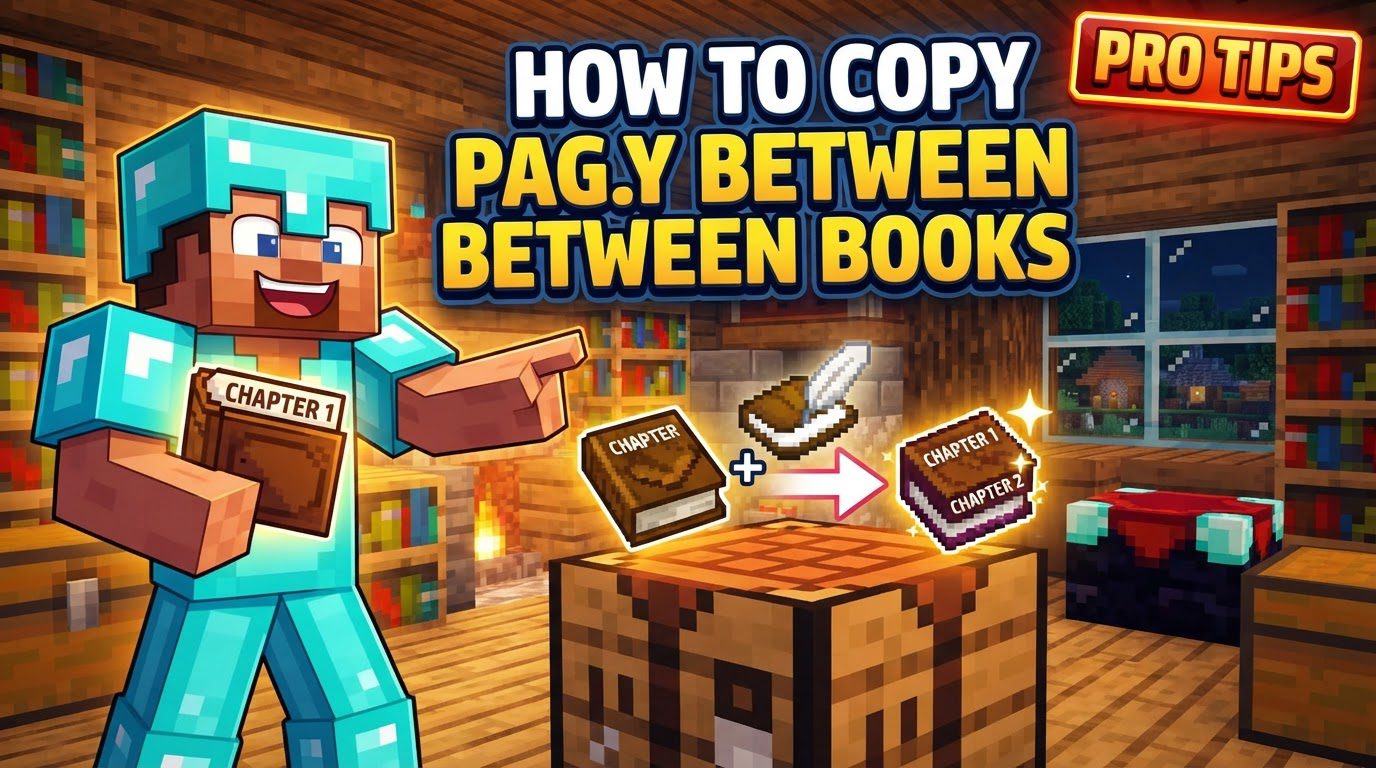
Before diving into the step-by-step process, it’s essential to grasp the fundamental mechanics that govern book copying in Minecraft. These rules ensure a balanced and predictable system for duplication.
- The Original Must Be Signed: The most critical requirement for copying is that the source material must be a “signed written book.” You cannot directly copy an unsigned “Book and Quill.” This distinction is vital; a “Book and Quill” is an editable item, while a signed book is a finalized, permanent document. Attempting to copy an unsigned Book and Quill will simply not yield any results.
- Shapeless Crafting Recipe: The copying process utilizes a shapeless crafting recipe. This means that the precise arrangement of items within your crafting grid (whether it’s your inventory’s 2×2 grid or a crafting table’s 3×3 grid) does not matter. As long as the correct items are present, the recipe will activate.
- Original Book Is Preserved: A significant advantage of this mechanic is that the original signed book is not consumed during the copying process. This allows you to create an unlimited number of copies from a single master document without needing to rewrite it each time, preserving your original work.
- Specific Labeling for Copies: To help players track the origin and copy status of books, all duplicated books receive a special label. A direct copy made from an original signed book will be labeled as “Copy of Original” beneath the author’s name.
- Prevention of Infinite Duplication: Minecraft incorporates a clever mechanism to prevent uncontrolled, infinite duplication of books. Books that are already “Copy of Copy” cannot be copied further. This means you can make copies from an original, and then copies from those first-generation copies, but the chain stops there. This prevents exploits and maintains the integrity of the game’s item economy.
Step-by-Step Guide to Copying Book Pages
The process of copying books is straightforward once you understand the necessary conditions and materials. Follow these steps to successfully duplicate your written works:
- Write and Sign the Original Book:
- Begin by writing all your desired content into a “Book and Quill.” This is the editable version where you compose your text.
- Once you are completely satisfied with the content and have proofread it thoroughly, you must sign the book. Signing finalizes the book, making its contents permanent and uneditable. It transforms the “Book and Quill” into a “signed written book,” which is the only type of book that can be copied. Remember, once signed, there’s no going back to edit the text.
- Gather Your Materials:
- You will need the newly signed book, which now contains all the information you wish to duplicate.
- For each copy you intend to make, you will also need one empty “Book and Quill.” These empty books will serve as the blank canvases onto which your original content will be transcribed.
- Utilize a Crafting Grid:
- Open either your personal inventory to access its 2×2 crafting grid, or interact with a crafting table for its larger 3×3 grid. Both will work equally well for this shapeless recipe.
- Place Items into the Grid:
- Place your signed book into any slot within the crafting grid.
- Then, place one or more empty “Book and Quills” into the remaining slots of the crafting grid. The exact arrangement does not matter, as it is a shapeless recipe.
- Retrieve Your Copies:
- Once the items are correctly placed, the copied book(s) will appear in the output slot of the crafting interface.
- Simply take the copied book(s) from the output slot into your inventory. You will notice they are labeled “Copy of Original” (or “Copy of Copy” if you were copying a first-generation copy). Your original signed book will remain in your inventory, ready for more duplication.
Important Tips for Efficient Book Copying
To maximize your efficiency and utility when working with copied books, consider these helpful tips:
- Create Multiple Copies Simultaneously: You don’t have to make copies one by one. To create multiple copies at once, simply place your original signed book in the crafting grid and surround it with as many empty “Book and Quills” as you have available crafting slots. For example, in a 3×3 crafting grid, you can place the signed book in the center and up to eight empty “Book and Quills” around it to produce eight copies in a single crafting action.
- Excellent for Sharing Information: Copied books are an invaluable tool for sharing various types of information with other players on a server or in a multiplayer world. This can include server rules, detailed instructions for a complex build, custom quest lines, menu options for shops, or even fictional stories and lore you’ve created.
- In-Game Copy/Paste (Java Edition): For those playing on Java Edition, you can copy and paste text directly within the “Book and Quill” editor. Use the standard keyboard shortcuts: Ctrl+C to copy selected text and Ctrl+V to paste it. This significantly speeds up the process of transferring text within the game, though it has limitations for very large texts.
- External Tools for Large Text Volumes: When dealing with exceptionally long texts or extensive documents that need to be formatted across many pages, external programs can be incredibly useful. Tools like Gutencraft, for instance, can assist in formatting and splitting large text files into page-sized chunks that are suitable for in-game pasting. Some advanced users also leverage tools like NBTExplorer to directly extract or insert raw text data into book NBT tags, offering ultimate control for complex projects.
Common Mistakes to Avoid When Copying Books
While the process is generally straightforward, certain pitfalls can lead to frustration. Being aware of these common mistakes can save you time and resources:
- Attempting to Copy Unsigned Books: This is the most frequent error. As reiterated, an unsigned “Book and Quill” cannot be copied. Always ensure your book is signed before attempting to duplicate it. If you put an unsigned book and empty quills in the crafting grid, nothing will happen.
- Trying to Edit a Signed Book: Once a book has been signed, its content is permanently locked. There is no in-game method to edit a signed written book. Therefore, it’s crucial to review your text thoroughly for any errors or omissions before committing to signing.
- Copying Books Labeled “Copy of Copy”: Remember the anti-duplication mechanism. If a book is already labeled “Copy of Copy,” it signifies the end of its copy chain. Any attempts to duplicate such a book will fail, as the game prevents infinite reproduction. Ensure you’re always copying from an “Original” or “Copy of Original” book.
- Bedrock Edition Glitches: Players on Bedrock Edition should be aware of reported glitches related to book copying. Some users have experienced issues where the empty “Book and Quill” disappears during the copying process without producing a copy, and in some cases, the original book might unexpectedly drop as an item. While not universal, it’s a known potential bug that can lead to loss of materials.
- Issues with Mechanical Crafters: If you are utilizing automated crafting setups, such as those involving mechanical crafters, be cautious when attempting to copy books. Some players have reported that using mechanical crafters for this process might result in only receiving the copied book, while the original signed book is inadvertently consumed or lost from the input slot, contrary to the standard manual crafting behavior.
- Pasting Limits for Large Texts: While the in-game copy-paste (Ctrl+C/Ctrl+V) functionality in Java Edition is useful, it has practical limitations. You generally cannot paste extremely large amounts of text (e.g., text longer than what comfortably fits on a single page of a book) in one go. You may need to paste text page by page or in smaller chunks.
By understanding these mechanics, following the steps carefully, and being mindful of common mistakes, you can effectively utilize Minecraft’s book copying feature to enhance your gameplay experience and streamline information sharing within your world.
Tags:
YOU MAY ALSO LIKE...