Minecraft Elytra Mod
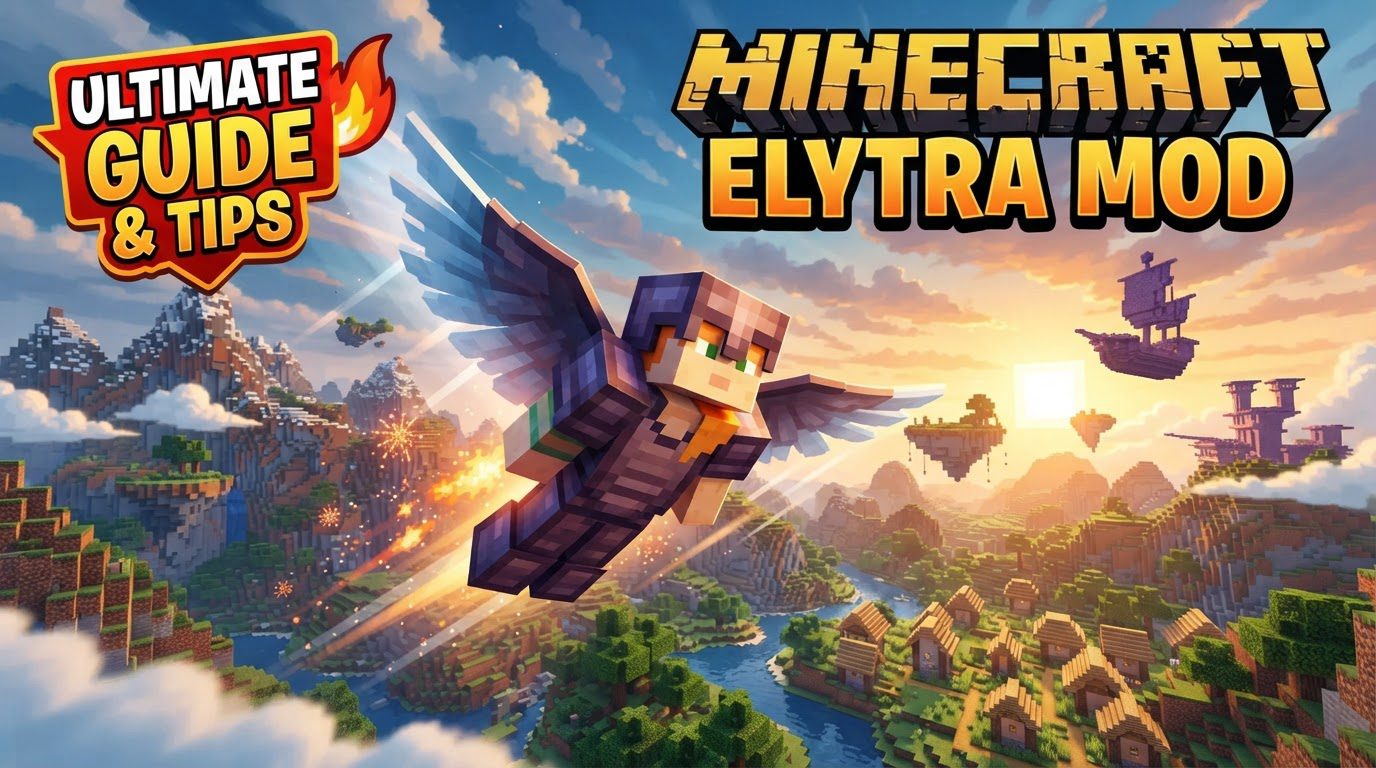
Contrary to a common misconception, there isn’t a single ‘Minecraft Elytra Mod’ that unilaterally governs flight in the blocky world. Instead, the term refers to a vibrant category of modifications, each designed to enhance, alter, or add entirely new functionalities to Minecraft’s iconic gliding item, the Elytra. These community-driven enhancements transform the core gliding experience, addressing player desires for greater customization, improved control, easier accessibility, or even increased challenge. From purely aesthetic changes to fundamental gameplay overhauls, Elytra mods offer a diverse array of options for players looking to redefine their airborne adventures.
Customizing Your Flight Experience
Many players seek Elytra mods for personalization, as vanilla Minecraft offers limited visual options. A suite of mods opens up a world of aesthetic possibilities.
- Dyeing and Banners: Many mods allow players to dye their Elytra any color imaginable, mirroring the flexible dyeing system found in leather armor. Beyond simple color changes, some modifications also enable the application of banner patterns directly onto the Elytra, similar to how banners can be placed on shields. This allows for intricate designs and personal emblems to be proudly displayed as you soar through the skies.
- Advanced Visuals: Newer Minecraft versions, alongside specific mods, support the integration of armor trims onto Elytra, adding another layer of visual flair. For those who enjoy nocturnal adventures or wish to stand out, Elytra can be made to glow in the dark by combining them with a glow ink sac, creating a striking visual effect. A unique feature offered by some mods is the ability to split a single Elytra into two separate wings. This allows for individual customization of each wing, offering unprecedented control over the final appearance, before reassembling them back into a functional Elytra. Crucially, these aesthetic modifications typically preserve any existing enchantments or custom names bestowed upon the Elytra, ensuring your prized item remains intact.
Crafting Your Wings
Obtaining Elytra in vanilla Minecraft typically involves a challenging journey to End Cities. ‘Craftable Elytra’ mods introduce alternative crafting recipes, often requiring late-game materials like phantom membranes and nether stars. This ensures the Elytra remains valuable but offers a more predictable acquisition path, bypassing reliance on RNG or extensive End exploration for players who prefer crafting.
Mastering Control and Enhancing Utility
Beyond aesthetics and acquisition, Elytra mods significantly refine the flight experience, offering enhanced control and quality-of-life improvements.
- Precision Flight: Some modifications provide more precise movement adjustments and customizable settings, allowing players to fine-tune their aerial maneuvers. This can include anything from subtle pitch and yaw controls to more robust speed and acceleration adjustments, transforming gliding into a more intricate and responsive art form.
- Seamless Transitions: Usability is greatly improved by features like hotkeys, which allow for quick and effortless swapping between a chestplate and Elytra. This eliminates the need to open the inventory mid-flight or before takeoff. Furthermore, certain mods introduce automatic Elytra equipping when a player holds fireworks, streamlining the process of initiating and sustaining flight. For newcomers or those seeking a less strenuous takeoff, an ‘Easy Fly’ feature can simplify the initial launch, making the transition from ground to air much smoother. To keep pilots informed, mods can also add in-game heads-up displays (HUDs) that show vital flight information, such as current speed, altitude, or remaining durability, directly on the screen.
Adjusting the Challenge of Flight
While many mods enhance Elytra flight for ease or aesthetics, another subset introduces elements that increase challenge or alter balance.
- Consequences of Flight: Certain mods add friction damage upon landing, requiring players to execute smoother touchdowns to avoid taking damage. This adds a layer of skill to landing. Another common feature is the configuration for Elytra to deactivate if the player takes any damage during flight, forcing quick reactions to re-deploy and prevent a fatal fall. For those seeking a more realistic or punishing experience, some modifications introduce mechanics like air loss or damage when flying too high, adding a vertical limit to exploration. Environmental factors can also play a role, with Elytra functionality being disabled in specific conditions, such as during rain or upon contact with liquids, adding dynamic challenges to flight planning.
Integrating Elytra Mods: A Step-by-Step Guide
Integrating these enhancements into your Minecraft world is straightforward, requiring careful attention to detail.
- General Mod Installation:
- Download the mod file, ensuring it specifically matches your Minecraft version (e.g., 1.19.2, 1.20.1) and your chosen mod loader (either Forge or Fabric). Using the wrong version or loader is a common source of issues.
- Locate your Minecraft installation’s “mods” folder. This is typically found within your
.minecraftdirectory. Place the downloaded.jarfile directly into this folder.
- Elytra Customization (Example using a ‘Customizable Elytra’ type mod):
- To dye an Elytra: Place the Elytra in a crafting table alongside the desired dye color.
- To apply a banner pattern: Place the Elytra in a crafting table with the chosen banner. The pattern will transfer to the wings.
- For individual wing customization: Place the Elytra alone in a crafting table. It will split into two separate wing items. Customize each wing individually (e.g., with different dyes or banners), then combine them back in the crafting table to re-form the customized Elytra.
- To make an Elytra glow: Combine the Elytra with a glow ink sac in a crafting table.
- To revert an Elytra to its vanilla appearance: Hold the customized Elytra and right-click on a cauldron that is filled with water. This will cleanse the Elytra of its custom colors and patterns.
Essential Tips for a Smooth Flight
For a seamless modded Elytra experience, keep these tips in mind.
- Version Compatibility is Key: Always double-check that the mod’s version number precisely aligns with your specific Minecraft game version. A mismatch is the most frequent cause of mods failing to load or function correctly.
- Dependencies Matter: Many advanced Elytra mods, or even simpler ones, may rely on other prerequisite mods or libraries (often called ‘dependencies’) to function. Always read the mod’s description page carefully and install any required dependencies alongside the main mod.
- Multiplayer Considerations: If you’re playing on a server and using mods that introduce visual customizations (like Elytra Trims or custom textures) or new effects (like Elytra Contrails), these mods often need to be installed on the server itself, not just your client, for other players to be able to see your unique effects.
Troubleshooting Common Elytra Mod Issues
Even with careful installation, issues can arise. Here are common problems and their approaches.
- Mod Conflicts: When multiple mods are installed, they can sometimes interact unexpectedly, leading to conflicts. This might manifest as Elytra functionality ceasing entirely, behaving erratically, or causing game crashes. Identifying conflicts often involves a process of elimination, adding and removing mods one by one.
- Incorrect Installation or Missing Dependencies: The mod simply won’t work if it’s not placed in the correct “mods” folder, if you’ve downloaded the wrong version for your mod loader (Forge vs. Fabric), or if crucial prerequisite dependencies are missing. Always re-verify these steps first.
- Modpack Configuration Overrides: If you’re playing a pre-made modpack, it’s possible that the pack’s developers have intentionally disabled or significantly altered Elytra functionality through their configuration files. In such cases, you might need to manually adjust these configuration settings to enable or modify the Elytra features you desire.
- Unexpected Elytra Deactivation: A particularly frustrating issue in modded Minecraft is when the Elytra suddenly deactivates upon taking any form of damage, even minor fall damage or a slight hit from a mob. This can lead to sudden, uncontrolled falls. While sometimes an intentional challenge feature, it can also be an unintended side effect of mod interactions. Checking mod configurations for damage-related deactivation settings is a good first step.
Elytra mods profoundly enrich the Minecraft experience, from personalizing aesthetics with custom colors and banners to gaining fine-tuned control or introducing new challenges. They transform gliding into a dynamic, customizable, and engaging aspect of gameplay, elevating beloved mechanics with community innovation.
Tags:
YOU MAY ALSO LIKE...