Minecraft How to Find Nether Fortress
Many adventurers mistakenly believe that all dark, imposing structures in the Nether are fortresses, leading to frustration when they encounter a Bastion Remnant instead. Understanding the distinct characteristics and generation patterns of Nether Fortresses is crucial for a successful search.
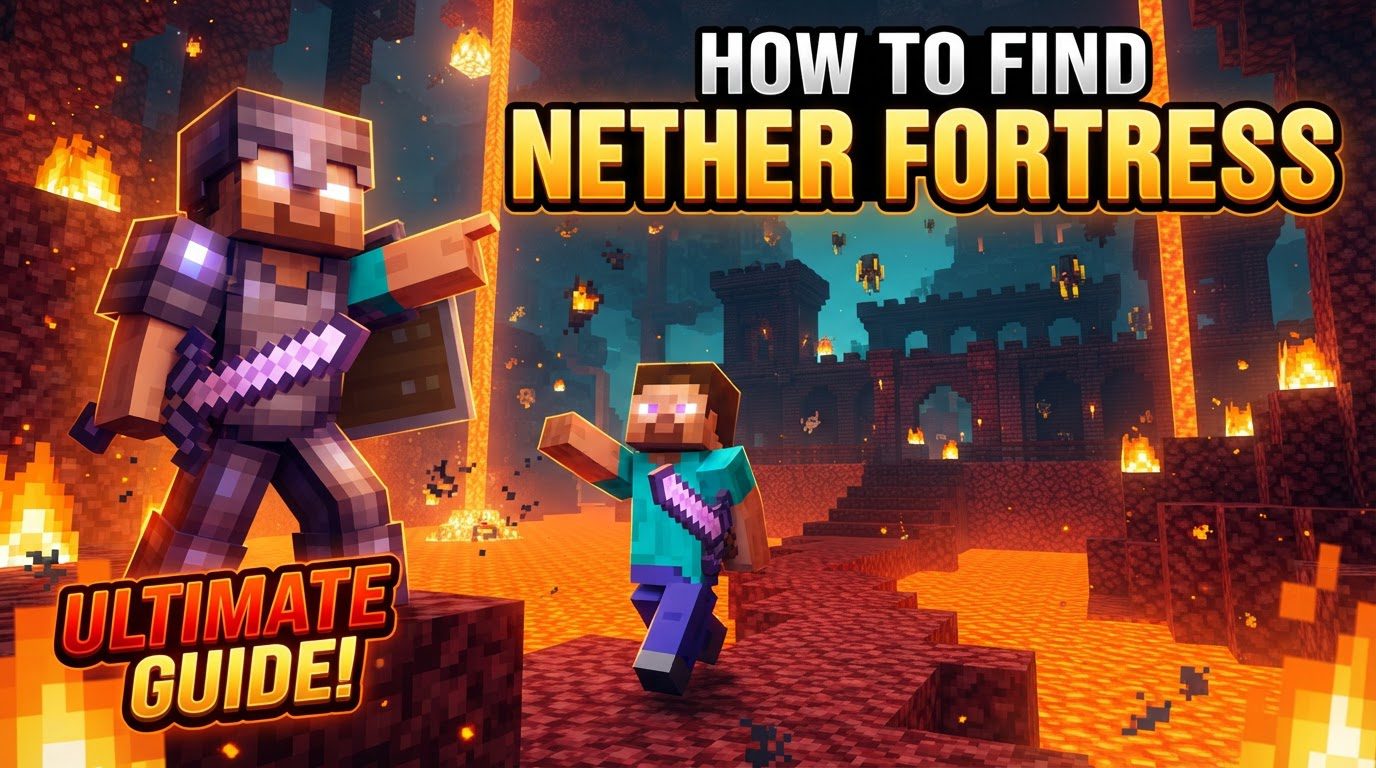
The Elusive Nether Fortress: What You’re Looking For
A Nether Fortress is a sprawling, castle-like structure primarily constructed from dark Nether Bricks, often featuring intricate bridges, hallways, and rooms. These formidable structures are the primary source for Wither Skeletons (and their coveted skulls), Blaze spawners, and Nether Wart. Unlike some other structures, Nether Fortresses can generate in all Nether biomes, from the crimson hues of the Warped Forest to the desolate landscapes of the Soul Sand Valley.
A critical piece of information, especially for players on modern versions (post-1.16), is that the Nether is divided into regions. Within any given region, either a Fortress or a Bastion Remnant can spawn, but never both. This means if you find a Bastion, you’ll need to travel further to locate a Fortress. For Java Edition players, there’s a subtle generation bias: fortresses tend to generate more frequently on the positive side of the X-axis. These structures are substantial, generating within a 368×368 block section in Java Edition and a larger 416×416 block section in Bedrock Edition, so they are not tiny, easily missed features.
Preparing for Your Treacherous Journey
Venturing into the Nether unprepared is one of the most common and costly mistakes a player can make. The Nether is a hostile dimension, fraught with dangers like lava, fall damage, and numerous aggressive mobs. Before you even step through your portal, ensure you have:
- Good Armor and Weapons: Diamond or Netherite gear is highly recommended. A strong sword and bow are essential for dealing with Blazes, Ghasts, and Wither Skeletons.
- A Reliable Pickaxe: To mine Nether Bricks or dig through terrain if needed.
- Plenty of Blocks: Stone, Cobblestone, or any fire-resistant material for bridging over lava oceans or creating temporary shelters.
- Fire Resistance Potions: These are invaluable. They can save you from a fiery death if you fall into lava or are hit by a Blaze fireball.
- Food: For healing and hunger.
- Torches: To light up areas and prevent mob spawns, though the Nether’s natural light can be tricky.
- A Bucket of Water (for emergencies): While water evaporates in the Nether, it can be placed briefly on a block to extinguish yourself if you catch fire.
To improve your chances of spotting these dark structures against the Nether’s already dim backdrop, consider increasing your game’s brightness settings. This simple adjustment can make a significant difference in visibility.
Finding Fortresses Without Cheats: The Explorer’s Path
For purists who prefer to play without using commands or external tools, finding a Nether Fortress relies on systematic exploration and keen observation. The process is straightforward but requires patience and vigilance:
- Enter the Nether: Set up a safe portal hub in the Overworld and build a small, reinforced area around your Nether portal to prevent immediate attacks.
- Choose a Direction and Stick to It: Begin exploring, generally moving in a consistent direction. Many players find success by traveling along the positive X-axis in Java Edition, given its generation bias. Alternatively, moving along the Z-axis or even diagonally can work. The key is to cover new, unexplored ground efficiently rather than wandering aimlessly.
- Scan the Horizon: Constantly look for distinct, dark, castle-like structures made of Nether Bricks. These fortresses are quite large and, despite their dark coloration, often stand out against the varying hues of the Nether landscape, especially when viewed from a distance or an elevated position.
- Utilize the Nether’s Verticality: For safer travel and better vantage points, consider digging tunnels near the Nether ceiling (around Y-level 120-125). Periodically dig down a few blocks and create a small viewing platform to scout the area below for fortresses, then continue your high-altitude tunnel. This minimizes exposure to ground-level threats.
- Beware of Lava Oceans: The Nether is riddled with vast lava oceans. When crossing them, always build protective walls on your bridges. This shields you from unpredictable Ghast fireballs that can knock you into the lava below, leading to instant death and item loss.
Advanced Location Techniques: Using Tools and Commands
If you’re less inclined towards extensive, perilous exploration, or simply want to speed up the process, Minecraft offers several methods to locate fortresses, provided you have the necessary permissions or tools:
The ‘/locate’ Command (Requires Cheats)
The simplest and most direct method, if cheats are enabled in your world, is to use the /locate command. Type the following into your chat:
/locate structure minecraft:fortress
The game will then provide the coordinates (X, Y, Z) of the nearest Nether Fortress. You can then teleport directly there using /tp X Y Z or navigate manually.
External World Seed Tools
Websites like Chunkbase’s Nether Fortress Finder are incredibly powerful. By inputting your world’s seed (which can be found using /seed in-game), these tools can generate a map of your world, showing the exact locations of all Nether Fortresses. This is an excellent option for planning your expeditions before you even enter the Nether.
The F3 + Pie Chart Method (Java Edition Specific)
This method is a bit more technical but can be very effective for Java Edition players looking for a fortress within loaded chunks:
- Open the Debug Screen: Press F3.
- Open the Pie Chart: Press F3 + 1 (for versions 1.20.2 and later) or similar key combinations depending on your specific Minecraft version.
- Navigate the Pie Chart: You’ll see a complex menu. Use your mouse or number keys to navigate through it. You’re looking for either
tick.level.blockEntities(for versions 1.17-1.21.8) ortick.blockEntities(for versions 1.21.9 and later). - Look for “Fortress”: Within that section, if a Nether Fortress is loaded in your current vicinity, you will see an entry for “Fortress” with a percentage next to it.
- Interpret the Data: Move around and observe the “Fortress” percentage. A higher percentage generally indicates you are closer to a loaded fortress. If you don’t see it, move in a direction and check again. You might need to relog or switch dimensions in older versions for unloaded block entities to clear from the pie chart, providing a more accurate reading for your current area.
Distinguishing Fortresses from Bastion Remnants
As mentioned, a common mistake is confusing Nether Fortresses with Bastion Remnants. While both are large, dark structures, they are distinctly different:
- Nether Fortresses: Made of Nether Bricks, inhabited by Blazes, Wither Skeletons, and Magma Cubes. They often have long bridges and open, castle-like architecture. These are where you find Blaze spawners and Nether Wart.
- Bastion Remnants: Made primarily of Blackston, Gilded Blackston, and Magma Blocks. They are home to Piglins and Hoglins. Their architecture is more compact and often resembles ruined castles, bridges, or treasure rooms. They contain valuable loot but no Blaze spawners or Nether Wart.
Remember, in modern versions, these two structures do not coexist in the same region. If you find one, travel a significant distance (hundreds of blocks) in any direction to search for the other.
Conclusion: Your Nether Fortress Awaits
Finding a Nether Fortress is a rite of passage for many Minecraft players, unlocking crucial resources and challenges necessary for progression. Whether you choose to embark on a perilous journey of exploration or utilize the game’s built-in tools and external aids, thorough preparation and an understanding of fortress generation mechanics are your greatest assets. Stay vigilant, stay prepared, and soon you’ll be reaping the rewards hidden within these iconic Nether structures.
Tags:
YOU MAY ALSO LIKE...