What Happens When You Stack Incompatible Enchantments
A common misconception among new Minecraft players is that any enchantment can be combined with another if enough experience is spent. This is far from the truth. Minecraft’s enchanting system, while incredibly powerful, is governed by a fundamental principle of mutual exclusivity for certain enchantments. Understanding these incompatibilities is not just a matter of game mechanics; it’s crucial for efficient resource management, strategic item preparation, and ultimately, mastering the art of enchanting.
The Foundation of Enchantment Conflict: Why Incompatibilities Exist
At its core, the concept of “stacking incompatible enchantments” refers to the attempt to place mutually exclusive enchantments on a single item. The game’s developers implement these restrictions primarily for two reasons: to prevent conflicting effects and to maintain game balance. Allowing certain combinations would either create nonsensical outcomes (e.g., an item that both repairs itself with XP and has infinite uses) or would render an item absurdly overpowered, removing much of the challenge and strategic choice from gameplay.
These incompatibilities are hard-coded into the game, meaning they cannot be bypassed through standard survival mechanics. They force players to make meaningful decisions about how they want to specialize their tools, armor, and weapons, adding a layer of depth to Minecraft’s progression system.
Navigating the Labyrinth of Incompatibility Groups
Different item types have their own sets of mutually exclusive enchantments. Recognizing these groups is the first step to avoiding frustration at the anvil. Here’s a breakdown of the most common and important incompatibilities:
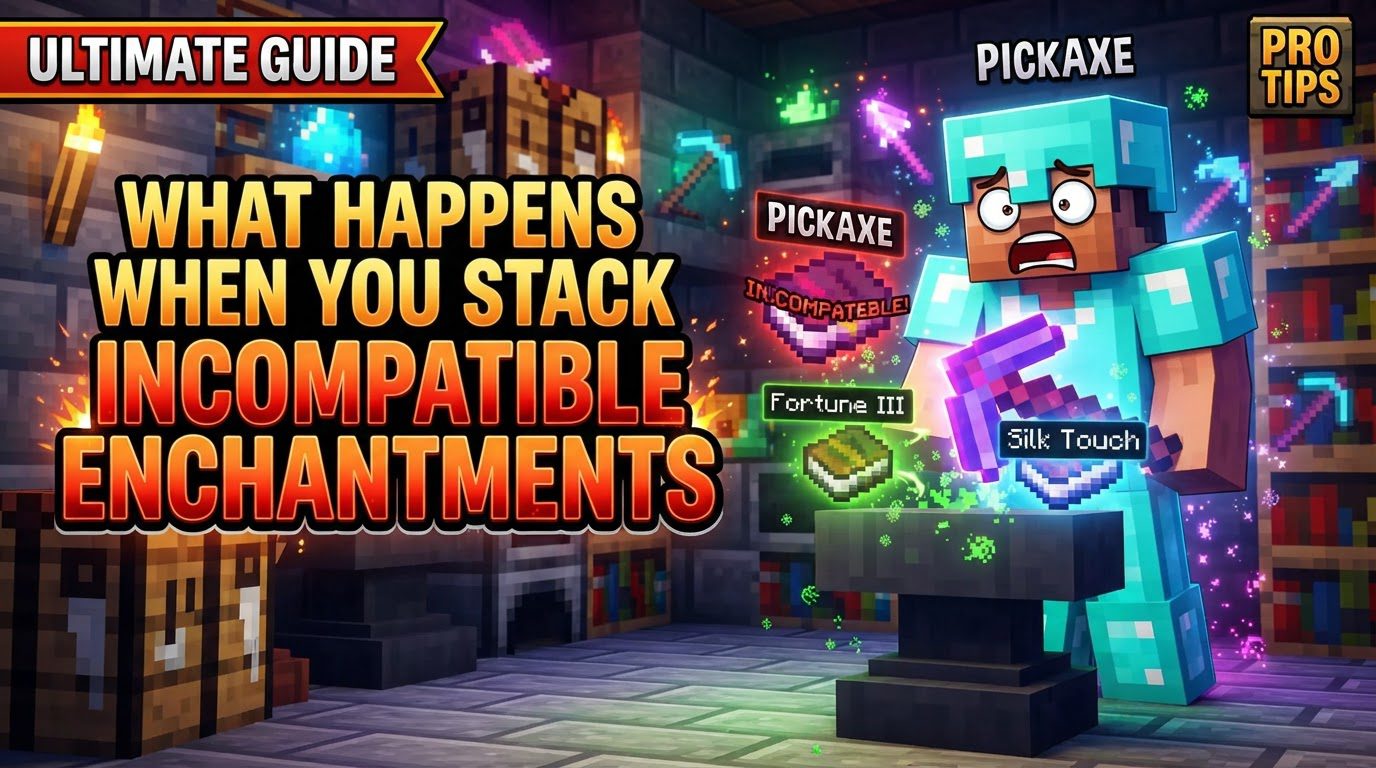
- Tools (Pickaxes, Shovels, Axes): The most prominent conflict here is between Fortune and Silk Touch. Fortune increases the drop rate of certain blocks (like diamonds, coal, redstone), while Silk Touch allows you to harvest the block itself (like ore blocks, glass, mycelium). These two effects are fundamentally opposed: you either want the block or its drops.
- Armor (Helmets, Chestplates, Leggings, Boots): Armor pieces cannot have different types of Protection enchantments simultaneously. This includes Protection, Fire Protection, Blast Protection, and Projectile Protection. You must choose one general protection or a specific elemental/explosion protection based on your needs.
- Weapons (Swords, Axes): Damage-boosting enchantments are mutually exclusive. You cannot combine Sharpness (general damage increase), Smite (increased damage to undead mobs), and Bane of Arthropods (increased damage to arthropods like spiders, cave spiders, silverfish, and bees) on the same weapon. Each targets a different category or offers a broad boost, requiring a choice.
- Boots: For footwear, Depth Strider (increases underwater movement speed) and Frost Walker (freezes water blocks into ice as you walk) are incompatible. Both modify how you interact with water, but in distinctly different ways.
- Bows: The primary conflict for bows is between Infinity and Mending. Infinity allows you to fire arrows indefinitely with just one arrow in your inventory, while Mending repairs the bow using experience points picked up. You cannot have both.
- Crossbows: Crossbows feature an incompatibility between Multishot (fires three arrows/fireworks at the cost of one) and Piercing (arrows penetrate multiple entities). These are different mechanisms for projectile behavior.
- Tridents: Tridents have complex incompatibilities involving movement and retrieval. Loyalty (trident returns to you after being thrown) and Riptide (propels you forward in water or rain when thrown) cannot coexist. Similarly, Channeling (summons a lightning bolt on impact during a thunderstorm) is also incompatible with Riptide.
The Anvil’s Verdict: Preventing Incompatible Combinations
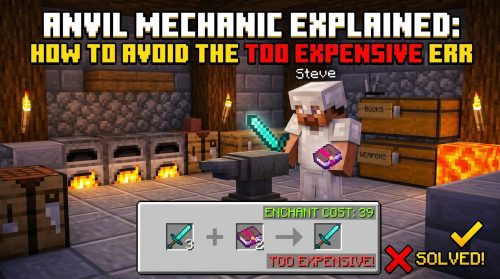
In survival mode, the anvil is your primary tool for combining enchantments. However, it also serves as the gatekeeper against incompatible pairings. The process is straightforward, but the outcome is definitive:
- Place Primary Item: Begin by placing the item you wish to enchant (e.g., your sword, pickaxe, or armor piece) in the first slot of the anvil GUI. This is the item that will receive the new enchantment.
- Place Sacrifice Item or Book: Next, place an enchanted book containing the enchantment you want to add, or another item with that enchantment, into the second slot.
- Anvil Prevents Combination: If the enchantment from the sacrifice item or book is incompatible with an existing enchantment already on your primary item, or if the combination itself is mutually exclusive for that item type, the anvil will clearly indicate this. You will see an “X” displayed over the output slot, signifying that the combination is not possible. Crucially, no experience cost will be shown, as the operation cannot be performed.
This “X” is the game’s way of preventing players from wasting valuable experience levels and anvil durability on impossible combinations. It’s a clear signal that you need to rethink your enchanting strategy for that particular item.
Beyond Vanilla Limits: Forcing Incompatibles with Commands and Mods
While the anvil prevents incompatible enchantments in standard survival gameplay, there are ways to bypass these restrictions. Using creative mode commands or certain modifications (mods) allows players to force enchantments onto items regardless of their vanilla incompatibility. However, the behavior of such “forced” items can be varied and sometimes unpredictable:
- Armor with Conflicting Protection Enchantments: If you force multiple protection types (e.g., Protection, Fire Protection, Blast Protection) onto a single armor piece, all enchantments will typically take effect individually, offering combined resistance to various damage types. This can make the armor extremely powerful.
- Weapons with Conflicting Damage Enchantments: Similarly, forcing Sharpness, Smite, and Bane of Arthropods onto a sword will generally result in all three enchantments applying their damage bonuses individually when relevant. This creates a weapon that is devastating against all mob types.
- Tools with Silk Touch and Fortune: This is a unique case. If a tool possesses both Silk Touch and Fortune, Silk Touch typically takes priority for blocks where both effects could apply (e.g., ore blocks). This means you would get the ore block itself rather than its drops. However, Fortune would still apply to other blocks where Silk Touch has no effect, such as crops or gravel, increasing their drops.
- Bows with Mending and Infinity: A bow enchanted with both Mending and Infinity presents an interesting dynamic. Both enchantments can work individually. However, the bow cannot be repaired by Mending while Infinity is actively saving arrows (i.e., as long as you have at least one arrow). For Mending to repair the bow, you would need to run out of arrows, effectively deactivating Infinity’s primary benefit. Moreover, despite Infinity, the bow still requires at least one arrow in your inventory to fire.
- Tridents with Loyalty and Riptide (or Channeling and Riptide): If a trident is forced to have both Loyalty and Riptide, Riptide functions as expected, propelling the player. However, the trident cannot be thrown by the player in the traditional sense; it can only be launched via a dispenser. This significantly limits its utility. The same behavior applies to Channeling and Riptide; Riptide takes precedence, disabling the player’s ability to throw the trident for Channeling’s effect.
It’s important to remember that such combinations are outside the intended game design and can lead to unintended balance issues or unexpected limitations, even if they seem beneficial.
Strategic Enchanting: Best Practices and Tips
Since standard gameplay prevents incompatible enchantments, a smart approach is necessary:
- Identify Incompatibilities Early: Before investing experience levels or rare books, consult resources like the Minecraft Wiki to understand which enchantments are mutually exclusive for your target item. This saves time and resources.
- Utilize Separate Tools/Items: The most common workaround for incompatible utility enchantments is simply to carry two items. For instance, have one pickaxe with Silk Touch for collecting specific blocks and another with Fortune for maximizing ore and crop yields. This applies to weapons too; you might have a Sharpness sword for general combat and a Smite sword for fighting undead.
- Prioritize Needs Based on Situation: Choose the enchantment that best suits your immediate or long-term goals. For bows, Mending is excellent for long-term durability and resource saving (no need for enchantment books to repair), while Infinity is ideal for situations where arrow conservation is paramount, especially early game or against large groups.
- Be Aware in Modded Gameplay: If you’re playing on a server or client with mods, check if any modifications (like “Merge Enchantments” or similar) are installed. These can significantly alter vanilla incompatibility rules, sometimes allowing combinations that are otherwise impossible.
- Leverage Creative Mode/Commands for Testing: In creative mode or with operator permissions, use
/enchantor/givecommands to experiment with incompatible enchantments. This is an excellent way to see how they behave without impacting your survival world, helping you understand their nuanced interactions.
Avoiding Pitfalls: Common Mistakes to Sidestep
Even seasoned players can fall into common traps when it comes to enchantment incompatibility:
- Wasting XP on Anvil Attempts: Repeatedly trying to combine incompatible enchantments on an anvil in survival mode is futile. The “X” will always appear, and you’ll only deplete your experience levels and reduce your anvil’s durability for no gain. Learn the incompatibilities to avoid this.
- Assuming Full Functionality of Forced Enchantments: Just because you can force incompatible enchantments via commands doesn’t mean they will always work perfectly or as intuitively as you might expect. As seen with the Mending/Infinity bow or the Loyalty/Riptide trident, there can be significant caveats or outright limitations to their combined functionality.
- Ignoring Balance Reasons for Incompatibilities: Forgetting that these restrictions are often in place for game balance can lead to frustration. The game is designed to make you choose and strategize, rather than creating a single, all-powerful item that trivializes challenges. Accepting these limitations is part of mastering Minecraft’s enchanting system.
In conclusion, understanding what happens when you attempt to stack incompatible enchantments is fundamental to becoming an efficient and strategic Minecraft player. While the anvil acts as a firm gatekeeper in survival, the nuances of forced incompatibles offer a glimpse into the game’s underlying mechanics. By respecting these rules and planning your enchantments carefully, you can maximize your gear’s potential and enhance your overall gameplay experience.
Tags:
YOU MAY ALSO LIKE...