Common misconceptions about Java vs Bedrock performance
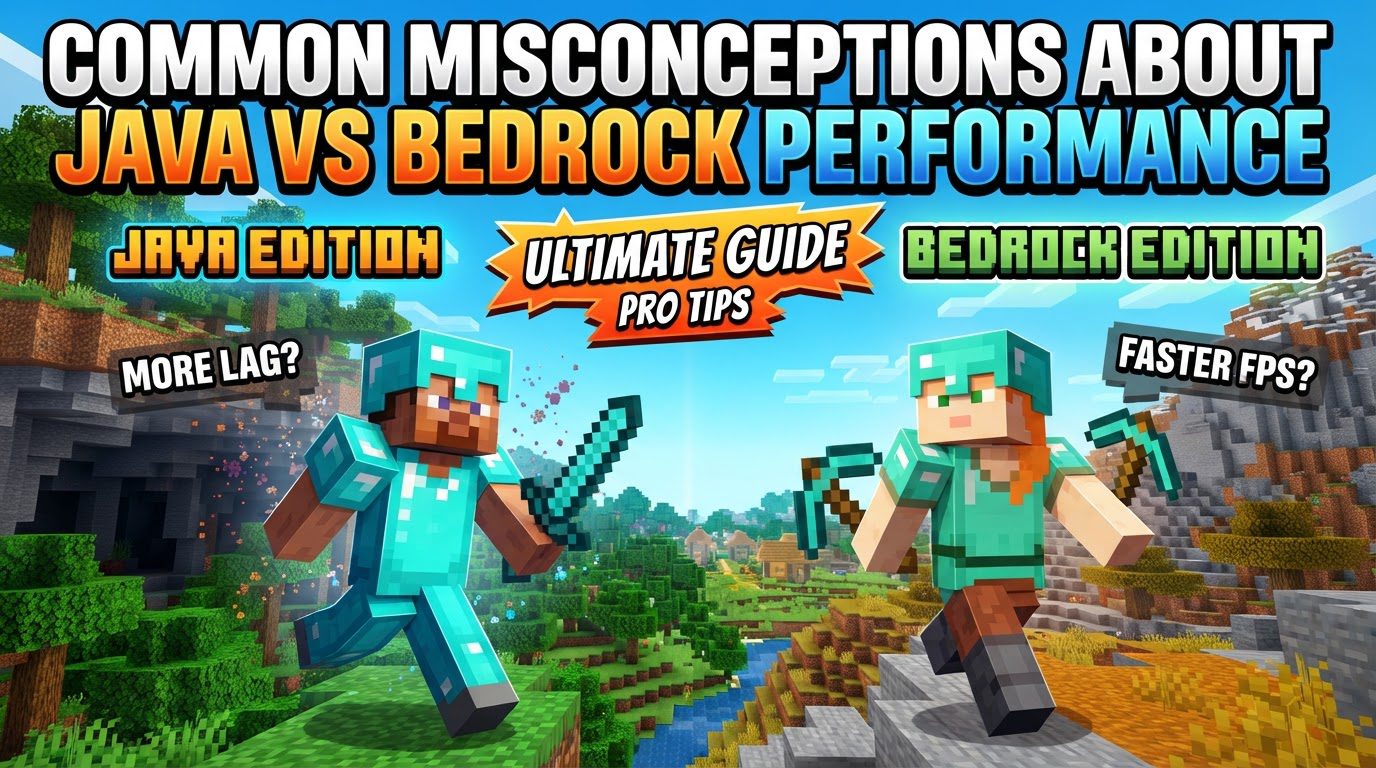
Many players assume that Bedrock Edition always outperforms Java Edition of Minecraft. While Bedrock generally offers smoother vanilla performance, especially on less powerful hardware, this blanket statement overlooks crucial nuances and the significant impact of community-driven optimizations available to Java players. Understanding the architectural differences between these two versions is key to dispelling common myths about their respective performance.
The Core Divide: Programming Languages and Architecture
The fundamental reason for Minecraft’s performance disparities lies in its underlying code. Minecraft Java Edition, as its name suggests, is written in Java and runs on a Java Virtual Machine (JVM). The JVM acts as an intermediary layer, translating Java code into instructions the computer can understand. While this allows Java Edition to be highly cross-platform compatible (running on Windows, macOS, and Linux with the same codebase), it introduces a layer of abstraction that can inherently be less efficient than native code. The JVM itself consumes resources, and Java’s garbage collection processes can sometimes lead to performance spikes or stutters.
In contrast, Minecraft Bedrock Edition is coded in C++. C++ is a lower-level language, allowing for much more direct control over hardware resources. This enables developers to optimize the game specifically for a wide array of platforms, from mobile devices and consoles to Windows 10/11. This native compilation is a primary driver behind Bedrock’s reputation for being more lightweight and efficient, consuming less RAM and CPU, and often delivering higher framerates and quicker world loading times, particularly on hardware that isn’t top-tier.
Resource Management and Vanilla Performance
Out of the box, without any modifications, Bedrock Edition typically shines in terms of resource usage. Players on laptops, integrated graphics, or older systems will often find Bedrock a much more fluid experience. Its efficient C++ codebase allows it to run well with minimal RAM and CPU overhead. Java Edition, especially when loading large worlds, rendering complex scenes, or dealing with numerous entities, can quickly become a resource hog, demanding significant RAM and CPU power to maintain stable framerates.
However, this is where the first major misconception arises: “Bedrock always outperforms Java.” This isn’t entirely true in all contexts. While vanilla Bedrock often provides a better baseline, the vast modding ecosystem of Java Edition allows for incredible performance gains. Mods like OptiFine (which has been around for years) and more recently Sodium (often paired with Lithium and Phosphor/Iris) can dramatically optimize Java’s rendering engine, chunk loading, and overall resource management. With these mods, Java Edition can often rival or even surpass Bedrock’s client-side framerates, transforming a stuttering experience into a buttery smooth one on capable hardware.
Dispelling the Myth of Java’s “Inherently Bad” Performance
The perception that “Java’s performance is inherently bad” often stems from playing vanilla Java Edition without any optimizations. Mojang’s vanilla Java code, while robust, hasn’t always prioritized raw performance to the same extent as the Bedrock team, which targets a much broader and less powerful hardware spectrum. The Java community, however, has stepped up to fill this gap. Developers have created highly sophisticated performance-enhancing mods that rewrite significant portions of the game’s rendering and update logic. This means that while vanilla Java might struggle, a properly optimized Java installation can deliver an exceptional experience. Ignoring these readily available tools is a common mistake that leads to an unnecessarily poorer experience.
Redstone: A Tale of Two Logics
Beyond raw framerates, performance also encompasses how game mechanics behave. Redstone systems are a prime example of where Java and Bedrock diverge significantly, impacting the feasibility and efficiency of contraptions. Java Redstone is renowned for its predictability, quasi-connectivity (powering blocks diagonally), and precise 1-tick pulse behaviors. These characteristics allow for the creation of incredibly compact, complex, and reliable machines, which are often the backbone of advanced farms and automated systems.
Bedrock Redstone, however, operates with a different logic, often characterized by a more random block update order. This means that many sophisticated Java-specific Redstone designs simply won’t work or will behave unreliably in Bedrock Edition without substantial modification. Assuming Redstone contraptions designed for one version will function identically in the other is a common mistake that can lead to frustration and wasted effort. While Bedrock Redstone is functional, it requires a different approach and often results in larger, less compact contraptions for similar functionality.
Chunk Loading, Visuals, and Active Simulation
Another area of significant difference is how chunks are loaded and simulated. Bedrock Edition often boasts impressive visual render distances, allowing players to see up to 96 chunks away without needing third-party modifications. This creates a visually expansive world, and Bedrock’s C++ optimization handles this visual rendering efficiently.
However, a crucial misconception here is believing that “higher render distance in Bedrock means a more active world.” This is not the case for many game mechanics. While you can see far in Bedrock, the game actively simulates mechanics like mob AI, crop growth, and Redstone updates only within a much smaller “ticking area” around the player, typically around 4 chunks. Beyond this ticking area, chunks are visually present but largely “frozen” in time until the player moves closer. Java Edition, while often having a lower default visual render distance (e.g., 32 chunks), tends to simulate a larger number of loaded chunks more consistently, meaning more game logic is active in the background within that loaded radius.
This distinction is vital for players who rely on off-screen farms or complex automated systems. A Bedrock player might see their distant farm, but it won’t be actively producing items unless it’s within their ticking area or a specific “always active” chunk area has been set (which is often limited).
Server Performance and Ecosystems
The performance differences extend to multiplayer servers as well. Bedrock servers, thanks to their C++ foundation, tend to scale more efficiently with larger player counts and generally use less memory compared to Java servers for the same number of players. This makes Bedrock a strong contender for public servers aiming for broad cross-platform accessibility and efficient resource utilization.
Java servers, on the other hand, are more CPU-intensive due to the JVM overhead and the complex calculations often associated with plugins and mods. However, Java’s server ecosystem (Spigot, Paper, Fabric, Forge) offers unparalleled customization, deep plugin support, and a vast array of modding possibilities that Bedrock simply cannot match. If extensive modding, custom game modes, and fine-grained control are priorities, Java servers are the go-to, but operators must be prepared for higher resource demands and more intricate optimization challenges.
Optimizing Your Minecraft Experience
Understanding these differences allows players to make informed decisions and optimize their gameplay:
- For Java Client Performance: Always utilize performance-enhancing mods. Sodium (often with Lithium and Phosphor/Iris for Fabric) or OptiFine (for Forge/vanilla) can significantly boost FPS, reduce stuttering, and smooth out gameplay.
- Java RAM Allocation: Do not rely on the default 1GB RAM allocation. For general play, 4GB is a good starting point, and for heavily modded instances, 6GB-8GB or more might be necessary. Improper RAM allocation is a frequent cause of poor Java performance.
- Server Choice: Choose Bedrock for servers if cross-platform play, efficient resource usage with many players, and mobile accessibility are priorities. Opt for Java servers if extensive modding, specific plugins, and deep customization are desired, but be prepared for higher resource demands and more complex server management.
In conclusion, the performance narrative between Minecraft Java and Bedrock Editions is far more nuanced than a simple “one is better than the other.” Both have strengths and weaknesses rooted in their core architecture, development philosophies, and target audiences. By understanding these distinctions and leveraging the available optimization tools, players can ensure they get the best possible experience from their preferred version of Minecraft.
Tags:
YOU MAY ALSO LIKE...