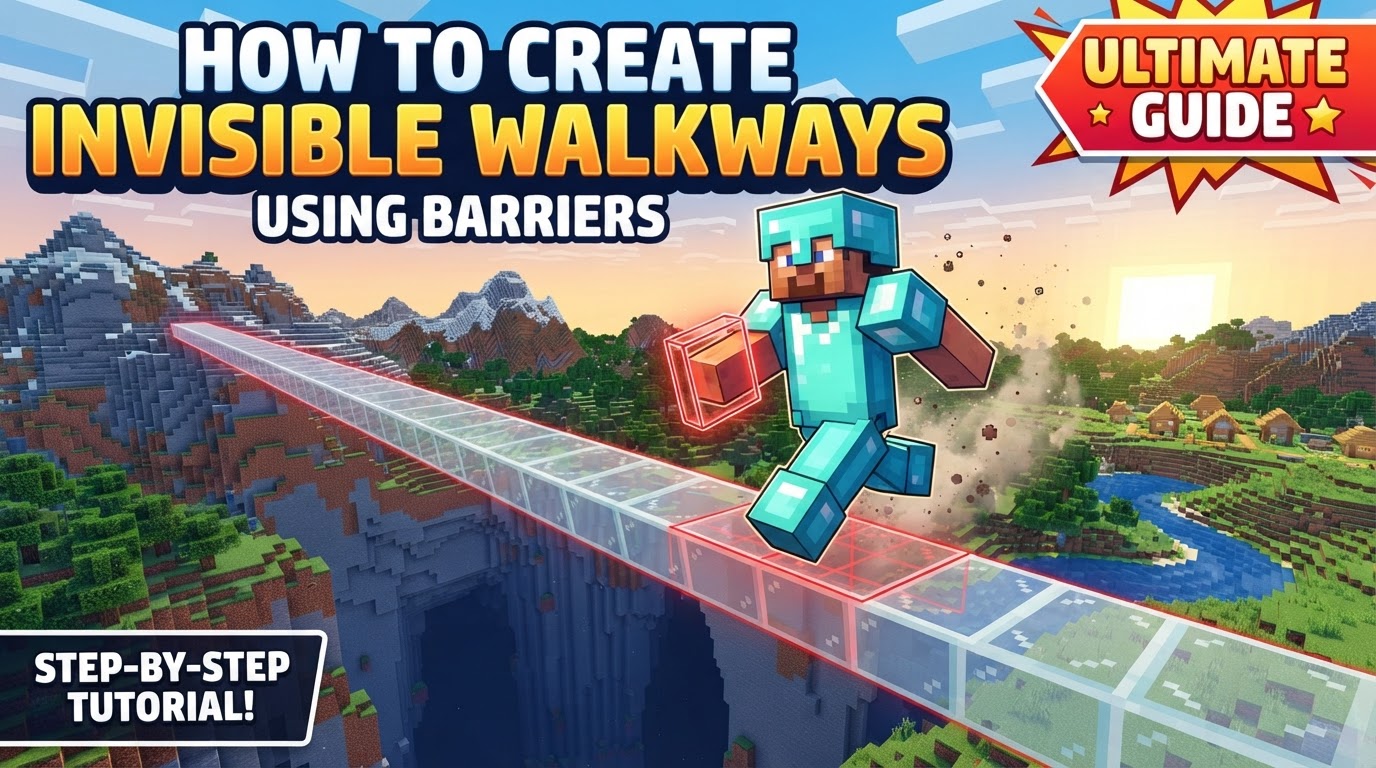
How to Create Invisible Walkways Using Barriers
One of the most common oversights when attempting to create truly invisible structures in Minecraft is forgetting a fundamental prerequisite: barrier blocks can only be acquired and manipulated in Creative mode or with cheats enabled. Without this crucial first step, the dream of an unseen pathway remains just that – a dream.
The Enigmatic Barrier Block: Understanding Its Nature
Barrier blocks are among Minecraft’s most unique and powerful utility blocks, offering unparalleled possibilities for map makers, server administrators, and creative builders. At their core, they are completely invisible, solid blocks that players cannot walk through or destroy when in Survival or Adventure mode. This inherent invisibility is their defining characteristic, making them perfect for crafting seamless, unnoticeable structures.
However, their invisibility isn’t absolute under all circumstances. A barrier block only reveals its presence as a distinctive red “stop” or “no” sign symbol when a player is actively holding a barrier block in their hand in Creative mode. The moment the player switches to another item in their hotbar or puts the barrier block away, any placed barrier blocks immediately vanish from sight, becoming perfectly invisible to the eye.
Beyond their primary function, barrier blocks possess several other noteworthy properties that contribute to their versatility:
- Light and Redstone Permeability: Unlike most solid blocks, barrier blocks do not obstruct light, allowing natural or artificial light sources to pass through them unimpeded. Similarly, redstone signals can travel through barrier blocks without interruption, making them ideal for concealing complex redstone contraptions.
- Unparalleled Durability: Barrier blocks boast the highest blast resistance in the entire game, rendering them virtually indestructible by explosions. Furthermore, they are immune to being pushed or pulled by pistons, ensuring their placement remains fixed regardless of surrounding mechanical contraptions.
- Mob-Proof Surface: Mobs are unable to spawn on barrier blocks. This feature is particularly useful for controlling mob populations in specific areas or creating safe, mob-free zones without visible boundaries.
- Weather Interaction: An often-overlooked property is their ability to block weather effects. Rain and snow will not pass through barrier blocks, meaning any blocks placed underneath them will remain dry and clear. While useful for protection, this can sometimes subtly reveal the presence of an invisible ceiling if players notice a sudden lack of precipitation in an area.
Acquiring Your Invisible Building Blocks
Before you can begin constructing your hidden pathways, you first need to obtain the barrier blocks themselves. This process is straightforward but requires specific game conditions:
- Enable Cheats or Be in Creative Mode: Barrier blocks are not naturally occurring blocks in Minecraft and cannot be crafted. They are administrative tools. Therefore, you must either be playing in Creative mode or have cheats enabled in your world settings if you are in Survival mode. Without this, the necessary command will not function.
- Utilize the ‘/give’ Command: Once the prerequisites are met, open your chat window. This is typically done by pressing the ‘T’ key on your keyboard. In the chat, type the command:
/give @s barrier. If you are trying to give the block to another player on a server, replace@swith their in-game name (e.g.,/give Steve barrier). Press Enter, and a barrier block will appear in your inventory.
Constructing Your Invisible Path: A Step-by-Step Guide
With barrier blocks in hand, the real fun begins. Placing them to form an invisible walkway is much like placing any other block, with a crucial step to achieve true invisibility.
- Select the Barrier Block: Ensure the barrier block is currently selected in your hotbar. As long as you are holding it, any existing barrier blocks in your vicinity, including those you are about to place, will be visible to you. They will appear as a faint outline or the distinct red “no” symbol, making precise placement much easier.
- Place Barrier Blocks Strategically: Just like dirt, stone, or wood, place your barrier blocks in the exact shape and location where you desire your invisible walkway to be. You can build them up, across gaps, or even create intricate patterns. Think about the path you want players to take and build solid layers of barrier blocks to support their movement.
- Achieve True Invisibility: This is the critical final step. Once you have placed all the barrier blocks for your walkway, simply switch to any other item in your hotbar, or put the barrier block away into your inventory. Instantly, all the barrier blocks you’ve placed will vanish from sight, leaving behind a seemingly empty space that players can surprisingly walk across.
Beyond the Walkway: Advanced Techniques and Creative Applications
The utility of barrier blocks extends far beyond simple invisible pathways. With a bit of planning and creativity, they can unlock a plethora of design possibilities:
- Pre-Planning Your Path: Before committing to barrier blocks, especially for complex designs, it’s wise to map out your desired walkway using temporary visible blocks like dirt or wool. This allows you to visualize the path, adjust its dimensions, and ensure it aligns perfectly with your vision before rendering it invisible. Once satisfied, you can replace these temporary blocks with barriers.
- The Visibility Toggle Trick: Always keep at least one barrier block in your hotbar. This allows you to instantly toggle the visibility of all nearby barrier blocks. If you need to make an adjustment, check for errors, or simply confirm the placement, switch to your held barrier block, make your changes, and then switch back to another item to re-enable invisibility.
- Creating Floating Illusions: Barrier blocks are fantastic for crafting the illusion of floating objects. By placing a barrier block directly beneath a painting, torch, item frame, or any other block that can be placed on a side, you can make these items appear to defy gravity, adding a magical or mysterious touch to your builds.
- Invisible Containment and Restriction: For adventure maps, minigames, or server builds, barrier blocks are invaluable for restricting player or mob movement without employing visible walls or fences. You can create invisible mazes, guide players along specific routes, or establish invisible boundaries for arenas, all while maintaining a clean, unobstructed aesthetic.
- Expediting Placement with Mods: For truly massive constructions involving hundreds or thousands of barrier blocks, manual placement can be tedious. Tools like the Axiom mod (a popular client-side utility for builders) can significantly expedite this process. Such mods often allow users to select large areas and quickly fill them with barrier blocks, replacing air blocks or other specific block types, drastically cutting down build time.
Avoiding Common Pitfalls: Ensuring True Invisibility
While barrier blocks are powerful, certain mistakes can undermine their effectiveness or lead to frustration:
- Forgetting to Enable Cheats: This is arguably the most frequent error. If you find the
/givecommand isn’t working, double-check that cheats are enabled for your world or that you are in Creative mode. - Not Switching Items: After placing barrier blocks, it’s crucial to switch away from holding the barrier block in your hotbar. If you continue to hold it, the placed barriers will remain visible with their distinctive outline, completely defeating the purpose of an invisible walkway.
- Placing in Survival Mode Without Intent: While barrier blocks can exist in Survival mode, they cannot be obtained naturally, broken by players, or even seen. If you accidentally place barriers while in Creative and then switch to Survival, you won’t be able to remove them without switching back to Creative or using commands. Plan your placements carefully.
- Ignoring Weather Effects: Remember that barrier blocks block rain and snow. If your “invisible” walkway is overhead, players might notice a perfect, dry patch below, subtly indicating the presence of an unseen ceiling. Consider the environment and weather patterns when designing.
- Overlooking Particle Interactions: In some versions or with certain graphic settings, particle effects (like those from torches, campfires, or player actions) might subtly interact with or be blocked by invisible barrier blocks. This can sometimes give away their presence. If absolute invisibility is paramount, consider adjusting particle settings to “Minimal” in your video options to mitigate this.
Mastering barrier blocks opens up a new dimension of creativity in Minecraft, allowing you to design truly immersive, surprising, and functional spaces that defy conventional building methods. With careful planning and attention to detail, your invisible walkways and structures will astound and delight.
Tags:
YOU MAY ALSO LIKE...