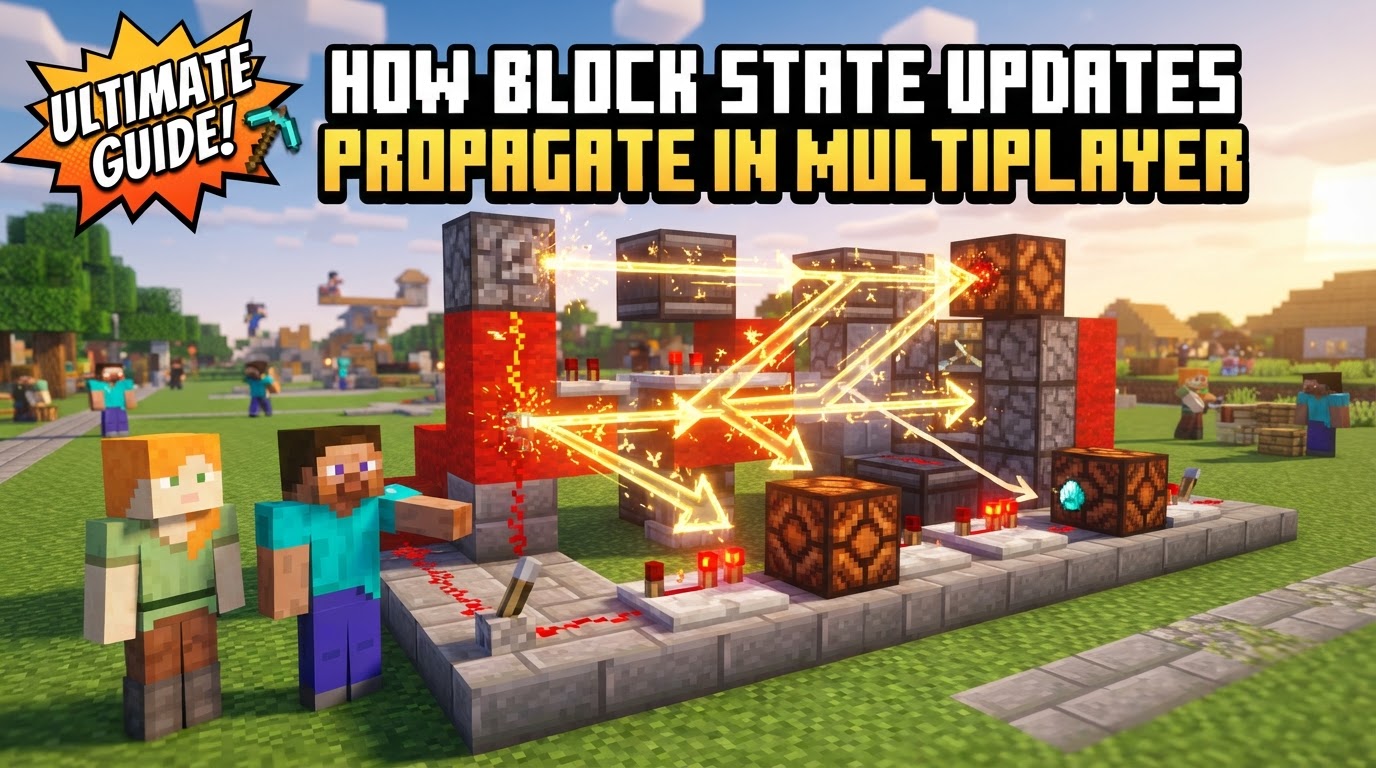
How Block State Updates Propagate in Multiplayer
A common misconception among new Minecraft players, and even some seasoned modders, is that their client directly dictates changes to the game world. In reality, every block placed, every block broken, and every redstone dust flickered is merely a suggestion sent to the true master of the realm: the Minecraft server. Understanding this fundamental principle is key to grasping how block state updates propagate in multiplayer, a complex dance of communication and validation that underpins the entire gameplay experience.
The Foundational Pillars of Block State Management
At its core, Minecraft’s multiplayer architecture is built upon several critical mechanics that ensure a consistent and fair world for all players. These principles dictate not only how changes are communicated but also who has the final say.
- Server Authority: The Ultimate Arbiter
The most crucial concept is that the server holds absolute authority over the game world’s state. This means every block’s type, its orientation, its color, and any other attribute is definitively determined by the server. Clients cannot unilaterally change these states; they can only request changes. This design prevents cheating, ensures world consistency, and maintains integrity across all connected players. - Client-Server Communication: A Constant Dialogue
Minecraft operates on a robust client-server model. The client (your game instance) and the server are in continuous communication, exchanging various messages and packets to keep the world synchronized. This dialogue is the backbone of multiplayer, allowing players to interact with a shared environment that remains consistent for everyone. - Block States: The Modern Blueprint of Blocks
Gone are the days when blocks relied solely on numerical metadata. Modern Minecraft uses “block states,” which are properties that define how a block appears and behaves. These can include attributes like the direction a furnace faces, the color of wool, the growth stage of a crop, or the power state of a redstone lamp. Block states provide a more abstract and flexible way to represent the diverse characteristics of blocks. - The Network Protocol: Language of Updates
All communication between the client and server, especially concerning block state changes, occurs via a predefined network protocol. This protocol specifies the structure and content of network packets, which are small bundles of data. When a block changes on the server, a specific packet is crafted and sent to relevant clients to inform them of the update. - Chained Block Updates: Reactions in the World
A single block state change often isn’t an isolated event. When a block’s state changes, it can trigger “block updates” in its adjacent (neighboring) blocks. These neighboring blocks then react to the change, potentially altering their own states or propagating further updates. This chain reaction is fundamental to many game mechanics, from redstone circuitry to fluid flow and plant growth. - Redstone Update Order: Precision and Priority
For redstone contraptions, the order in which block updates are processed is critically important. Redstone components have a specific, often intricate, update order and priority within the game tick. For instance, redstone repeaters are typically programmed to update before comparators in the same game tick, ensuring predictable and deterministic circuit behavior. Ignoring this precise order can lead to unexpected and often frustrating outcomes in complex builds.
The Lifecycle of a Block State Update: A Step-by-Step Breakdown
When a player interacts with the world, a series of precise steps are initiated to ensure that the change is reflected accurately and consistently across all connected clients.
- Client Action: Player Initiates Interaction
The process begins when a player performs an action on their client, such as placing a block, breaking one, or interacting with a lever. The client-side game registers this input and prepares to communicate the player’s intention. - Packet to Server: Requesting a Change
Immediately after the client registers the action, it sends a network packet to the server. This packet doesn’t directly tell the server to change a block; instead, it informs the server of the player’s intended action, including details like the block’s coordinates and the type of interaction. - Server Validation & Update: The Server’s Decision
Upon receiving the packet, the server performs crucial validation checks. It verifies if the action is legitimate (e.g., does the player have permission? Is the block in a valid location? Does the player possess the item?). If the action passes validation, the server then internally updates the game world’s block state. This is the definitive change; the block’s state truly changes only on the server. - Server to Clients: Broadcasting the New Reality
Once the server has successfully updated its internal world state, it sends update messages (more network packets) back to the player’s client and all other relevant clients within render distance. These packets contain the confirmed new block state, ensuring all players are informed of the change. - Client Rendering: Visualizing the Update
Clients receive these update packets and, in turn, adjust their local representation of the world. This makes the change visible to players, ensuring that what they see on their screen matches the server’s authoritative state. This entire process happens incredibly quickly, often within milliseconds, making the updates appear instantaneous to the player. - Initial Synchronization: Joining the World
When a player first joins a server or moves into a new, unloaded chunk, the server sends a comprehensive set of block states for that entire area to the client. This “initial synchronization” ensures that the client’s visual world is fully up-to-date from the moment the player enters or explores a new region.
Advanced Considerations and Modding Tips
For those delving into modding or simply seeking a deeper understanding, several best practices and performance considerations come into play.
- Client is Input-Only: A Modding Mantra
When developing mods, it’s paramount to design logic such that the client only ever sends player input actions to the server. All world-changing logic, calculations, and block state modifications must reside on the server. Attempting to directly manipulate world states client-side will lead to desynchronization and potential bugs. - Explicit Synchronization for Custom Data
For modded elements, especially those involving complex block entities (like custom machines or storage blocks), developers need to explicitly handle data synchronization. This might involve sending custom packets from the server to the client when the block is updated, when a chunk loads, or periodically to ensure the client has the most current information for rendering and interaction. - Staggering Updates for Performance
Not all block updates are time-critical. For performance optimization, updates for non-essential or visually distant blocks (like plant growth in unloaded chunks or certain background processes) can be staggered or checked less frequently. This reduces server load and network traffic, especially in large-scale multiplayer environments.
Navigating Common Pitfalls and Challenges
Despite the robust system, certain challenges and common mistakes can arise, particularly in modded environments or when pushing the boundaries of redstone.
- Client-Side State Manipulation: The Desync Trap
A frequent error in modding is trying to change block states directly from client-side code. Since only the server can make definitive changes, this inevitably leads to a desynchronization where the client sees one thing, but the server (and other players) sees another. This creates frustrating visual glitches and gameplay inconsistencies. - Mismatched Modded Blockstates: The Invisible Wall
In environments with multiple mods or custom content, mismatched block states between the server and a client can cause significant issues. If a client expects a block to have a certain state that the server doesn’t provide (or vice versa), it can result in visual discrepancies, rendering issues, or even “invisible walls” where a player is blocked by a visually absent block. - Client “One Tick Behind”: The Nature of Latency
Due to inherent network latency and the processing time required for the client-server communication loop, a client’s display of a block update can often be slightly delayed – sometimes by as much as one game tick (50 milliseconds). This isn’t a bug but a natural consequence of network communication, meaning the server’s internal state is always marginally ahead of what the client is rendering. - Update Suppression Risks: Treading Carefully
“Update suppression” involves intentionally stopping block updates from propagating. While sometimes used in highly technical builds, it carries significant risks. Improperly implemented update suppression can lead to server crashes, world corruption, or unpredictable behavior, often requiring specialized mod protections or extreme caution. - Ignoring Update Order: Redstone’s Bane
Forgetting or misunderstanding the specific update order of redstone components can lead to complex contraptions failing unexpectedly. A repeater powering a comparator might not trigger in the expected sequence if their update timings are misaligned, resulting in logic gates that don’t function or machines that break.
Ultimately, the propagation of block state updates in Minecraft multiplayer is a masterclass in distributed systems. It’s a testament to the server’s unwavering authority, the constant chatter between client and server, and the intricate dance of block reactions that combine to create a dynamic, consistent, and endlessly engaging blocky world for millions of players.
Tags:
YOU MAY ALSO LIKE...