Everything About Block State Metadata Persistence
A common misconception among Minecraft players and modders alike revolves around how the game stores and retrieves block information. While seemingly simple, the underlying system of Block State Metadata Persistence is a sophisticated architecture that defines the very nature and appearance of blocks, far beyond their basic type. This system, introduced to replace a more primitive and limited numerical metadata approach, offers unparalleled flexibility and clarity in how blocks behave and look within the game world.
Understanding Block States
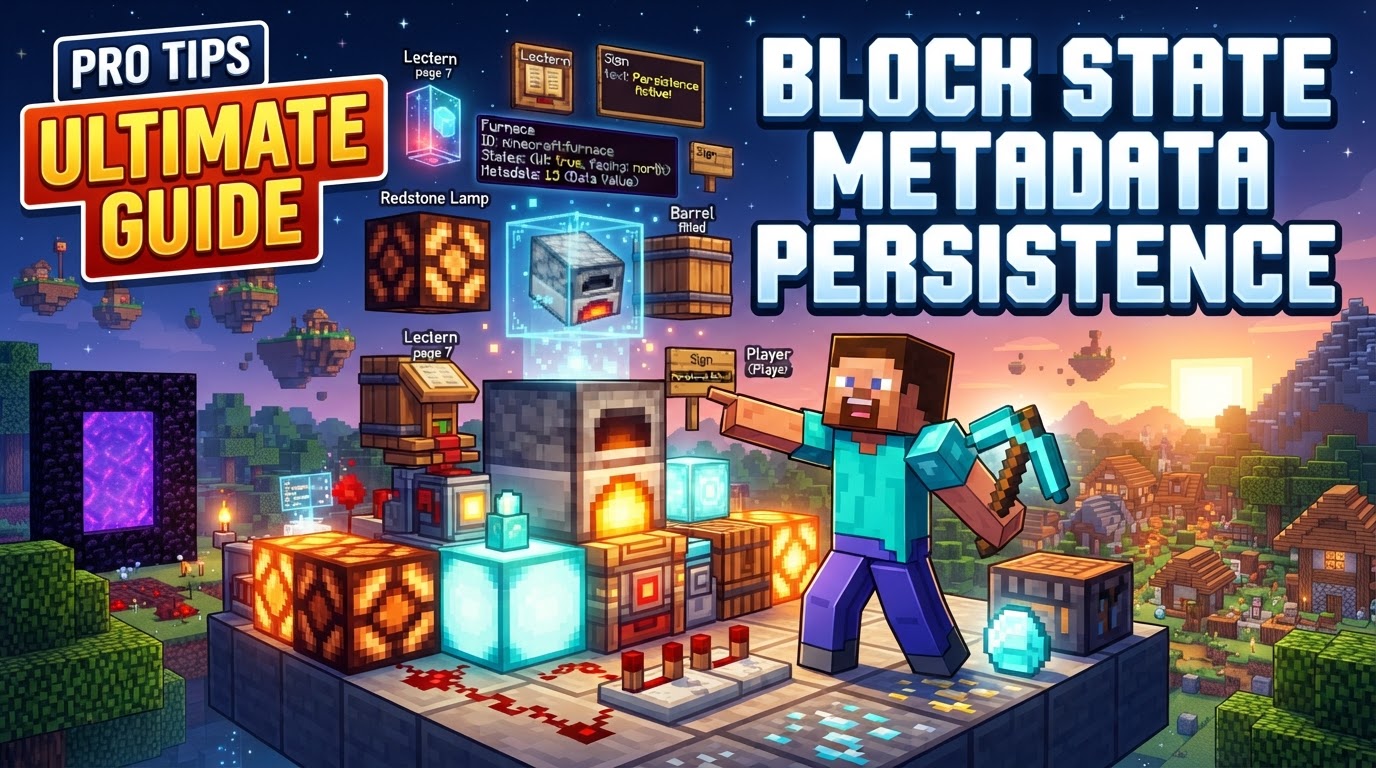
At its core, a block state is a piece of data intrinsically linked to a single block in the Minecraft world. It functions as a comprehensive descriptor, containing crucial information about the block through various properties. These properties are not merely cosmetic; they dictate everything from a block’s rotation to its activation status (essential for redstone contraptions) or even the age of a growing crop. This granular control allows for a dynamic and responsive game environment.
Block states operate on a system of properties and values. Each property is defined by a specific type, such as a boolean (true/false), an integer, or a string, and has a finite set of possible values. For instance, an oak log block doesn’t just exist as “oak_log”; its block state includes an “axis” property that can hold values like ‘x’, ‘y’, or ‘z’, determining its orientation. This structured approach makes block data far more intuitive and manageable compared to the older, often cryptic numerical metadata.
A fundamental characteristic of block state objects is their immutability. This means that once a block state object is created, it cannot be directly altered. When a property of a block state needs to change – for example, a lever being flipped – the game doesn’t modify the existing object. Instead, it retrieves or creates an entirely new block state object that incorporates the updated property. All potential combinations of block state properties are pre-generated at game startup, ensuring that the necessary immutable objects are readily available.
The transition to block states marked a significant improvement over the older metadata system used prior to Minecraft 1.8. The previous method relied on a single numerical value stored alongside each block, which was inherently limited in the amount of information it could convey and often led to confusion due to arbitrary numerical assignments. Block states abstract these properties into human-readable definitions, making development and understanding significantly easier.
It’s crucial to distinguish between Block States and Block Entities. While block states are excellent for storing a finite number of block properties that primarily influence visual appearance or simple interactions, they are not designed for complex data storage. For blocks requiring more intricate information – such as the contents of a chest, custom names on an item frame, or advanced logic for a command block – Block Entities (historically known as Tile Entities) are employed. Block Entities store their data in NBT (Named Binary Tag) format, allowing for arbitrary and complex data structures. The clever use of block states for common properties helps reduce reliance on NBT data, which in turn minimizes world file sizes and prevents potential performance issues (TPS lags).
The visual manifestation of block states is often defined within JSON files found in the game’s assets. These files act as a bridge, mapping specific combinations of block state properties (often referred to as variant strings) to corresponding 3D models. This mapping is what ultimately dictates how a block appears in the world, ensuring that a log with axis=x renders horizontally, while one with axis=y renders vertically.
The Persistence Cycle: Saving and Loading Block Data
The journey of block state persistence begins the moment a world is created or a block is introduced:
- World Generation and Initial State: When a new world is generated, or a player places a block, it is assigned a default block state. For instance, a newly placed oak log will typically default to an
axis=ystate, orienting it vertically. - Chunk-Based Storage: Minecraft’s world is logically divided into 16x16x256 block segments called “chunks.” All block data, including their respective block states, is meticulously stored within these chunks. To optimize performance and storage, only chunks that have been generated or modified by a player are retained in memory and eventually saved.
- Saving Data: When a chunk is unloaded from memory (e.g., as a player moves away) or when the game performs a world save, the block states for every block within that chunk are serialized. This process converts the in-game block state objects into a format suitable for storage. The serialized data is then written to the world save files, often undergoing compression (such as Zlib) to significantly reduce the overall file size. For any Block Entities present in the chunk, their specific NBT data is also saved alongside the block states.
- Loading Data: Conversely, when a player re-enters an area, the game identifies the relevant chunks that need to be displayed. These chunks are then loaded from the world save files. The game deserializes the stored block states, converting the saved data back into active block state objects. These objects are then applied to the blocks, meticulously restoring their properties and visual appearance to their last saved configuration.
- Modifications and Updates: Any subsequent changes to a block’s state – whether it’s a crop advancing through growth stages, a furnace smelting an item, or a lever being toggled – are carefully recorded. Chunks containing such altered blocks are flagged as “dirty.” This “dirty” status ensures that when the next save operation occurs, these modified chunks are prioritized for serialization and saving, guaranteeing that all changes are persistently stored and not lost. For Block Entities, developers must explicitly call a method like
markDirty()whenever their internal data changes, as this is the signal for the game to include their updated NBT data in the next save cycle.
Strategic Choices for Block Data
Effective management of block data is paramount for stable and performant Minecraft creations:
- Choose Wisely Between Block States and Block Entities: This is a recurring theme for a reason. Always use block states for properties with a finite, predefined number of values that primarily influence a block’s appearance or simple, predictable interactions. Reserve block entities exclusively for complex, dynamic data, inventories, custom names, or behaviors that require frequent, unique updates or large amounts of information per block. Misusing block states for complex data will lead to unmanageable code, while misusing block entities for simple variations creates unnecessary overhead.
- Manage Property Combinations Carefully: Every possible combination of block state properties must be defined and accounted for, typically in JSON files. Be acutely aware that adding too many properties, or properties with a large number of possible values, can lead to a “combinatorial explosion.” This results in an exponential increase in the total number of block states, generating very large and complex block state files, consuming more memory, and potentially increasing game loading times and resource pack sizes.
- Organize Block State JSONs Methodically: For modders and resource pack creators, adhering to strict naming conventions and file structures is vital. Ensure that block state JSON files are named according to the block ID (e.g.,
condensed_oak_log.jsonfor a block namedcondensed_oak_log) and are correctly placed within the asset folders. Proper organization facilitates easier development, debugging, and compatibility. - Utilize Default States and Placement Logic: Leverage the
defaultBlockState()method for your custom blocks and theregisterDefaultState()method in constructors to establish the initial, most common block state. Furthermore, override thegetStateForPlacement()method. This allows you to customize the block state that is applied when a player places the block, enabling intelligent placement based on factors like player orientation (e.g., placing a pillar block facing the player) or the surrounding environment.
Common Pitfalls and How to Avoid Them
Even seasoned Minecraft developers can stumble over certain aspects of block state persistence:
- Confusing Block States with Block Entities: This remains the most frequent error. Trying to store dynamic, complex, or unique-per-block data within a block state is fundamentally incorrect. Block states are for predefined, limited variations, while block entities are the designated mechanism for arbitrary, unique data. A chest’s contents, for example, are stored in its block entity’s NBT data, not as a property of its block state. Understand this distinction to avoid frustrating data loss or convoluted code.
- Excessive Block State Properties: As mentioned, overusing properties or defining properties with too many values can lead to an unmanageable number of block states. This combinatorial explosion not only bloats file sizes and consumes more memory but also makes the block state definition process cumbersome and error-prone. Always strive for the simplest possible set of properties that achieve the desired functionality and appearance.
- Ignoring Immutability: Attempting to directly modify a
BlockStateobject in code will not yield the expected results because these objects are immutable. Instead, when you need to change a property, you must request a newBlockStateobject that incorporates your desired changes. This new object then replaces the old one for the specific block instance. - Not Marking Block Entities Dirty: For any data stored within a block entity, failing to call the appropriate
markDirty()method after an internal change means those modifications will not be saved persistently. When the chunk unloads or the game saves, the old, unchanged data will be written to disk, leading to data loss across game sessions or when chunks are reloaded. Always ensure that any modification to a block entity’s internal NBT data triggers a call tomarkDirty().
Mastering Block State Metadata Persistence is key to developing robust, efficient, and visually rich Minecraft content. By understanding its mechanics, making informed choices between states and entities, and avoiding common pitfalls, creators can unlock the full potential of Minecraft’s block system.
Tags:
YOU MAY ALSO LIKE...