Gravestone Mod Fabric 1.21.1
Losing all your hard-earned items and experience upon death in Minecraft can be one of the most frustrating experiences, often leading to lost progress and demotivation. Thankfully, for players exploring the blocky realms on Fabric 1.21.1, the Gravestone Mod comes to the rescue. This indispensable modification fundamentally transforms the death mechanic, ensuring that your valuable inventory and a significant portion of your experience points are preserved, offering a much-needed layer of safety and peace of mind. Instead of a frantic scramble to retrieve scattered items before they despawn, players can return to a neatly packaged gravestone, ready to restore their progress. This guide will delve into everything you need to know about integrating and utilizing this essential mod, covering its core features, installation steps, common pitfalls, and expert tips.
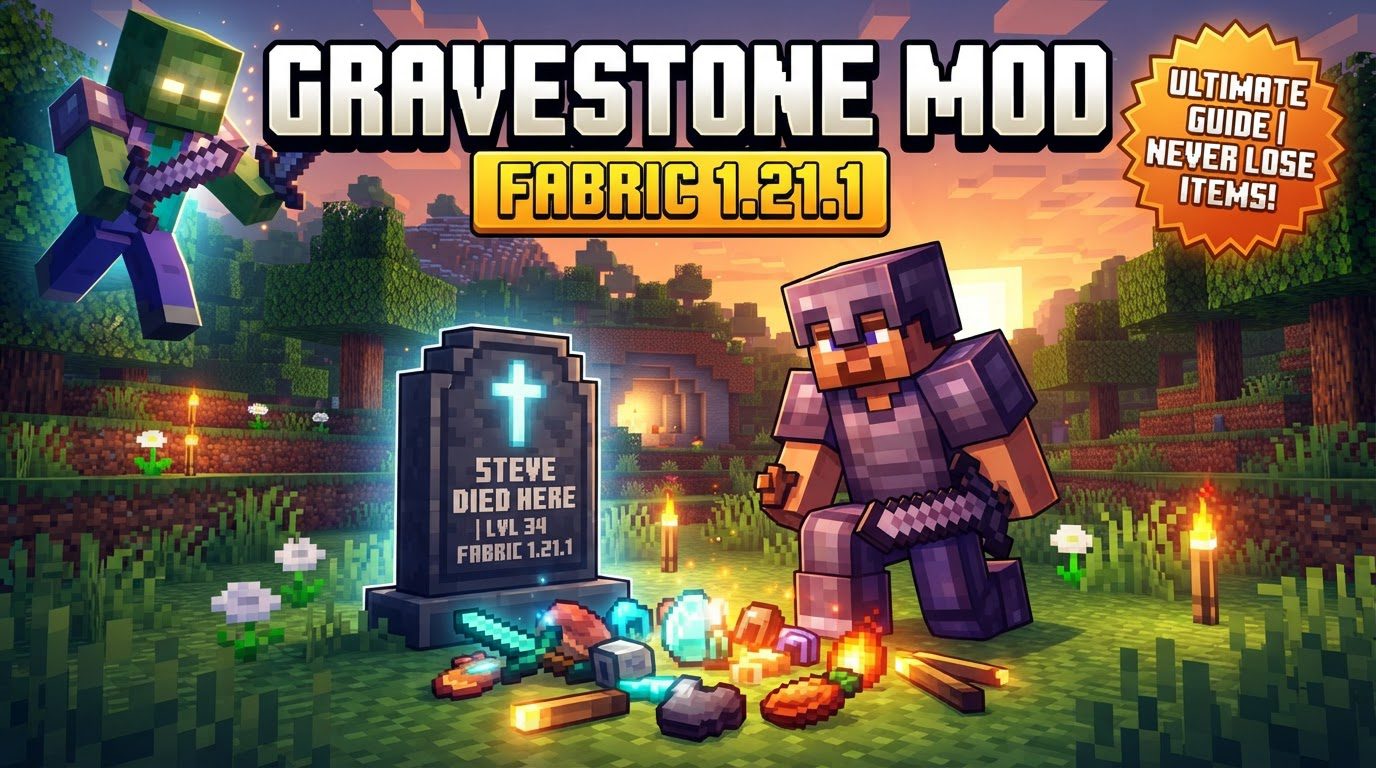
Guardians of Your Gear: Understanding Gravestone Mechanics
The Gravestone Mod’s primary purpose is to mitigate the harsh penalties of dying in Minecraft. It achieves this through several clever mechanics that ensure your adventures remain rewarding, even when disaster strikes. Upon your untimely demise, the mod instantly creates a gravestone block at the precise location where you fell. This gravestone acts as a secure container, diligently storing your entire inventory, preventing items from scattering or despawning.
- Item Preservation: The gravestone serves as a secure vault for all your carried items, eliminating panic-induced sprints to recover gear before it vanishes.
- Experience Point Retention: A substantial portion of your hard-won experience (XP) is also saved within the gravestone, often halved as a slight penalty, but preventing complete loss.
- The “Curse of Vanishing” Exception: Items enchanted with “Curse of Vanishing” are designed to disappear upon death and will, by design, not be saved by the gravestone, maintaining this specific game mechanic.
- Death Message Display: Right-clicking the gravestone will display the death message, offering a quick recap of your unfortunate end.
- Effortless Retrieval: Recovering your stored possessions is straightforward. Simply break the gravestone, and all its contents – both items and experience – will be released back into the world.
- Smart Placement: Should you meet your end while inside a block or wall, the gravestone finds the nearest available space directly above your death spot, ensuring it’s always accessible.
- High Configurability: Many gravestone mods are highly customizable, allowing players to tweak various aspects, from appearance to item handling rules, for a personalized experience.
Setting Up Your Safeguard: Installation on Fabric 1.21.1
Integrating the Gravestone Mod into your Minecraft 1.21.1 Fabric instance is a straightforward process, but precision is key to avoiding compatibility issues. Follow these steps for a smooth installation:
- Fabric Loader Prerequisite: Ensure you have the Fabric loader installed for Minecraft 1.21.1. The Gravestone Mod, like all Fabric mods, requires this foundational component.
- Download the Mod File(s): Visit reputable modding websites like Modrinth or CurseForge. Search for “Gravestone Mod” or “Gravestones” (e.g., “Gravestones” by Pneumono) specifically for Fabric 1.21.1. Download the correct
.jarfile and any required dependencies (e.g., Fabric API or PneumonoCore). - Place in the Mods Folder: Locate your Minecraft installation directory (e.g.,
.minecraft). Inside, you’ll find a folder namedmods. Drag and drop all downloaded.jarfiles into thismodsfolder. - Launch Minecraft: Start your Minecraft launcher. Select the Fabric profile you created and launch the game. The Gravestone Mod should now be active.
Reclaiming Your Progress: In-Game Usage Explained
Once the Gravestone Mod is successfully installed, its operation is seamless and intuitive, aiming to get you back to adventuring with minimal disruption after an unfortunate incident.
- The Moment of Death: The instant you die, a distinctive gravestone will appear at the exact coordinates of your demise. This visual marker is your beacon back to your lost possessions.
- Return to the Scene: Your immediate task is to navigate back to this death location.
- Break to Retrieve: Once you’ve located your gravestone, simply break it like any other block. All the items it contained will burst forth, and your preserved experience points will be released for you to pick up.
- (Optional) Inspecting Details: Before breaking, you can right-click the gravestone to display the death message, offering context about how you met your end.
Maximizing Your Experience: Expert Tips for Gravestone Users
To get the most out of your Gravestone Mod experience and avoid common headaches, keep these expert tips in mind:
- Strict Version Matching: Always download the mod version specifically designed for Minecraft 1.21.1 and the Fabric loader. Incompatible versions are the leading cause of issues.
- Configuration File Mastery: Fabric (and Quilt) mods store their configuration files in your
.minecraft/configfolder, often within a subfolder named after the mod’s ID. These files allow you to fine-tune various parameters. Remember that client-side and server-side configurations are distinct, even in single-player, which runs an internal server. - Modpack Etiquette: If including the Gravestone Mod in a custom modpack, it’s highly recommended to provide clear credit to the mod creator(s) and link back to their official mod page on platforms like Modrinth or CurseForge.
Navigating Challenges: Common Mistakes and Troubleshooting
Even with a well-designed mod, users can encounter issues. Being aware of common mistakes and how to address them can save a lot of frustration:
- Mod Not Working or Game Crashing: The most frequent culprit is version incompatibility. Double-check you have the correct version for Fabric 1.21.1. If issues persist, gather detailed descriptions and crash logs (from
.minecraft/crash-reports) and report them to the mod developer. - No Gravestone on Bedrock: In specific scenarios, dying directly on a bedrock block may prevent a gravestone from spawning. This is an edge case to be aware of.
- Confusion with Configuration Files: Client and server configuration files are separate entities. Even in single-player, an internal server runs, meaning some settings might need adjustment in a server-specific config file if the mod offers both.
- Missing “Curse of Vanishing” Items: Items enchanted with “Curse of Vanishing” are inherently designed to disappear upon death. The Gravestone Mod respects this vanilla mechanic and will not save these items; this is an intended feature, not a bug.
- Misidentifying Minimap Features: Death waypoints or beacons on a minimap are typically features of separate minimap mods (e.g., Xaero’s Minimap, JourneyMap), not usually part of the Gravestone Mod itself. The Gravestone Mod’s role is solely to spawn the gravestone block.
The Gravestone Mod for Fabric 1.21.1 is an invaluable addition to any Minecraft playthrough, transforming a potentially devastating event into a minor setback. By understanding its mechanics, ensuring correct installation, and being aware of common pitfalls, you can enjoy a more forgiving and ultimately more enjoyable Minecraft experience, allowing you to venture forth with confidence, knowing your hard-earned progress is safely guarded.
Tags:
YOU MAY ALSO LIKE...