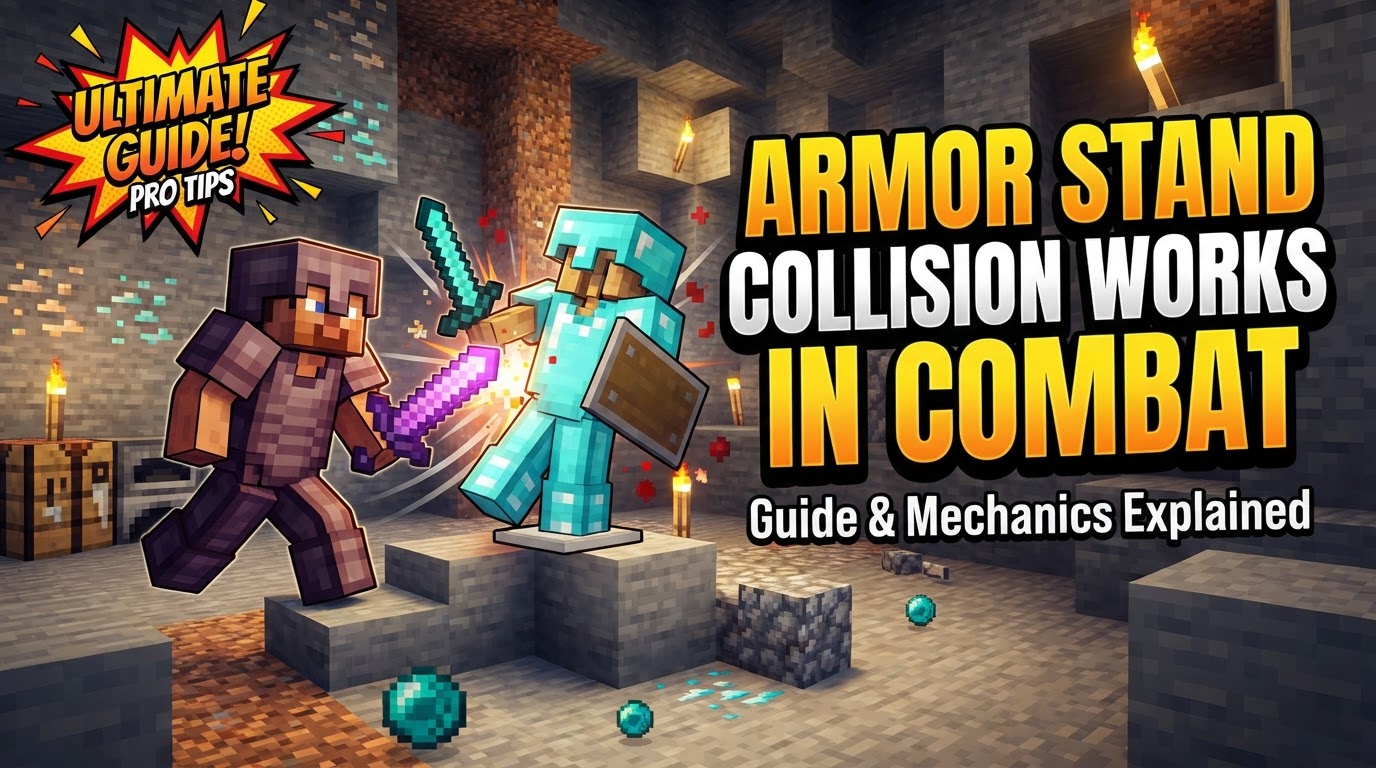
How Armor Stand Collision Works in Combat
Accidental destruction is a common pitfall when players first encounter the combat-related properties of armor stands in Minecraft. Often perceived as mere decorative blocks for displaying gear, these inanimate entities possess a surprising array of mechanics that can significantly impact combat scenarios, both intentionally and unintentionally. Understanding their physical interactions, damage vulnerabilities, and advanced command functionalities is crucial for leveraging them effectively or avoiding frustrating encounters.
The Fundamental Nature of Armor Stands in Combat
At their core, armor stands are classified as inanimate entities within the game world. This distinction is vital, as it governs many of their interactions. Unlike living mobs, they don’t have health bars in the traditional sense, nor do they actively engage in combat. However, their physical presence and responsiveness to certain damage sources make them far from static.
Physical Durability and Destruction
- Breakability: An armor stand is remarkably fragile when directly attacked. It can be destroyed by attacking it just twice quickly. Upon destruction, it drops itself as an item, along with any armor or items it was holding. This fragility is a primary reason for accidental destruction in busy combat zones.
- Damage Sources: While immune to the passive damage from cacti, armor stands are susceptible to various forms of destruction.
- Arrows: A single arrow can break an armor stand.
- Explosions and Fireworks: These powerful forces will destroy an armor stand, but notably, they will not drop the armor stand item itself, only any equipped gear. This is an important distinction for clean-up or specific trap designs.
- Bedrock Edition Specifics: Players on Bedrock Edition encounter additional vulnerabilities. Armor stands in this version can be “killed” by Harming or Decay potions, lava, fire, and even campfires. When destroyed by these means in Bedrock, they play a distinct player death sound, adding to the dramatic effect.
Enchantment Interactions and Unexpected Effects
Most armor enchantments applied to gear placed on an armor stand are purely cosmetic; they do not confer their magical properties. However, a select few enchantments remain active, creating unique combat interactions:
- Thorns: If an armor stand is equipped with armor enchanted with Thorns, any player who attacks that armor stand will take damage. This can be used for unexpected traps or to create a “punishing” training dummy.
- Frost Walker: While less directly combat-oriented for the stand itself, an armor stand wearing Frost Walker boots will still generate frosted ice when placed over water, which can affect player movement in an area.
- Depth Strider: Similarly, Depth Strider boots on an armor stand don’t directly enhance combat but demonstrate the active nature of certain enchantments.
The Impact of Hitboxes
Every armor stand possesses a hitbox. This invisible boundary, while essential for player interaction, can be a significant nuisance in combat. The hitbox can interfere with player movement, blocking paths, or making it difficult to target enemies behind or near the stand. In player-versus-player (PvP) environments, a poorly placed armor stand can inadvertently obstruct crucial maneuvers or attacks, leading to frustration.
For Java Edition players, further customization is available through NBT tags. Commands like /summon and /data allow for the creation of armor stands with arms, specific poses, invulnerability, no gravity, and even the ability to dual-wield items. These advanced features open up a world of possibilities for intricate combat scenarios and displays.
Bedrock Edition armor stands inherently come with arms and are more easily posed through the game interface. They also have the unique ability to be affected by status effects, offering another layer of potential interaction that Java Edition does not natively share for armor stands.
Advanced Collision Control: The Marker Tag
One of the most powerful tools for managing armor stand collision, particularly in command-driven combat systems, is the Marker:1b NBT tag. When this tag is applied to an armor stand, it completely removes its hitbox. This crucial modification renders the armor stand non-colliding, meaning players can walk straight through it without obstruction.
The `Marker:1b` tag is invaluable for scenarios where armor stands are used purely for visual effects, as command-driven proxies, or as part of complex redstone contraptions that require their presence without physical interference. It allows for dynamic visual elements or command triggers that do not impede player movement or combat flow.
Strategic Combat Applications and Training
Beyond simple display, armor stands offer practical uses in combat training and custom game mechanics:
- Invulnerable Training Dummies: To create a reliable, indestructible target for practicing combat techniques, an armor stand can be made invulnerable using commands. The command
/data merge entity @e[type=armor_stand,sort=nearest,limit=1] {Invulnerable:1b}(Java Edition) will achieve this, transforming a fragile stand into a robust training dummy that absorbs damage without breaking. - Creating “Attacking” or Moving Entities: For more dynamic combat simulations, armor stands can be paired with invisible mobs. The technique involves placing an armor stand and an invisible mob (such as a zombie) together. Then, a repeating command block continuously teleports the armor stand to the mob’s location, creating the illusion of a moving, potentially “attacking” entity. To prevent the mob from despawning, it is essential to name it using a nametag. This method is excellent for custom boss fights or complex arena designs.
- Command Block Utility: Armor stands are incredibly versatile in command block programming. Their ability to hold items, be posed, and have various NBT tags makes them perfect for creating dynamic visual effects, complex game mechanics, and interactive combat challenges that go far beyond what a standard mob can offer.
Common Pitfalls and Best Practices
To effectively integrate armor stands into combat scenarios, it’s vital to be aware of potential issues:
- Accidental Destruction: As mentioned, their fragility means armor stands can be unintentionally broken during intense combat. Always consider making them invulnerable with commands if they are meant to persist through a fight.
- Collision Interference: The default hitbox can be a significant problem. If an armor stand’s physical presence is not desired, employing the
Marker:1btag is the best practice to eliminate collision and ensure smooth player movement. - Unwanted Item Drops: When an armor stand is destroyed, any equipped armor or items will drop to the ground. In combat arenas or command block creations, this can lead to clutter, lag from too many items, or unintended item dispersal. Plan for item collection or destruction if armor stands are meant to be temporary.
- Mob Management for Movement: When using an invisible mob to drive an armor stand’s movement, always remember to name the mob. An unnamed mob will eventually despawn, halting your carefully crafted moving entity.
- Performance Impact: While powerful, extensive use of complex command block systems involving many armor stands, especially with frequent teleportation or data modification commands, can potentially lead to performance issues or lag on your server or client. Optimize your commands and entity count for smoother gameplay.
In conclusion, armor stands are far more than decorative items. Their unique entity properties, combined with the extensive customization offered by NBT tags and commands, make them powerful tools for enhancing Minecraft combat. Whether creating sophisticated training dummies, dynamic moving targets, or intricate command-driven battle arenas, understanding their collision mechanics and vulnerabilities is key to unlocking their full potential.
Tags:
YOU MAY ALSO LIKE...