Configuring a Custom Structure in a Datapack, Explained
Integrating custom structures into Minecraft datapacks allows you to populate your worlds with unique, player-designed content. This guide offers a comprehensive walkthrough, detailing the essential mechanics and a step-by-step process to configure your custom structures for seamless in-game generation.
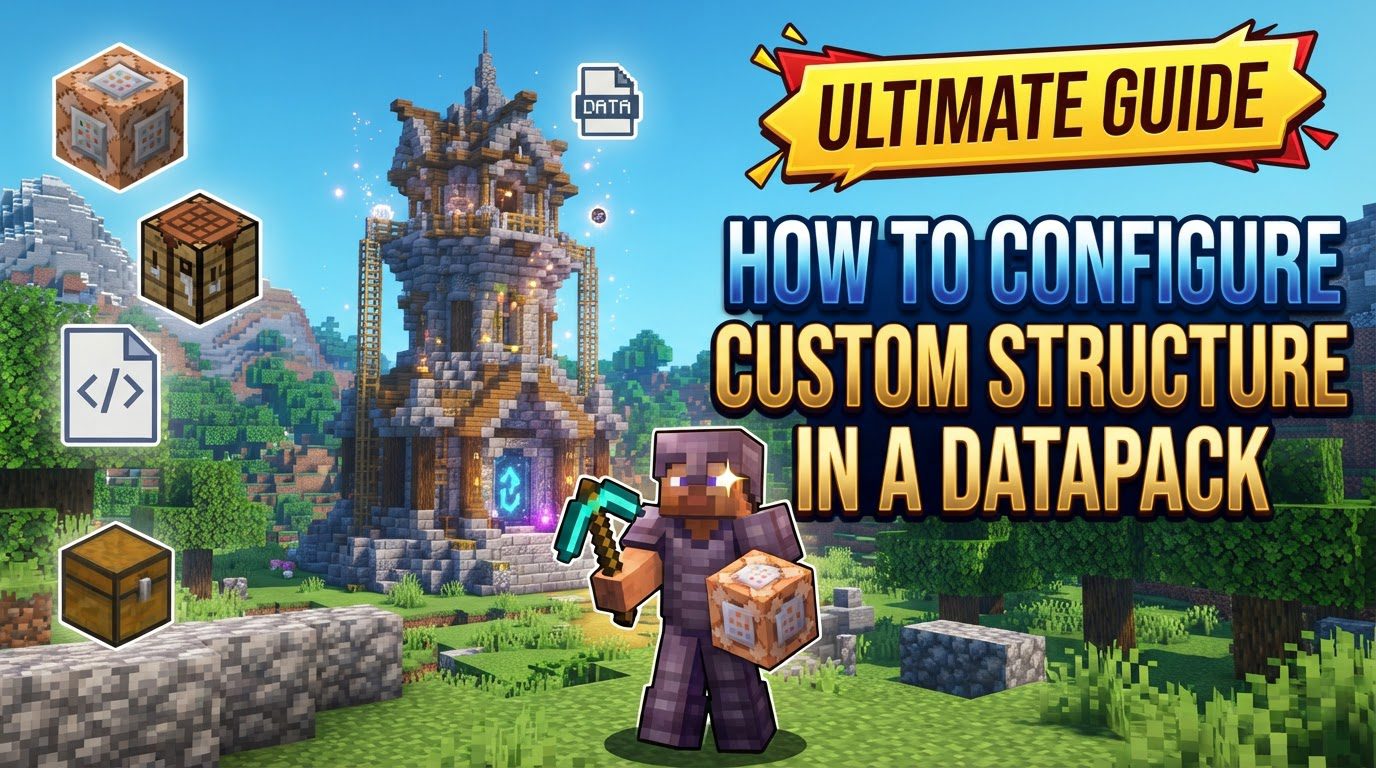
Key Mechanics for Custom Structures
-
Structure Blocks:
/give @s minecraft:structure_block. Defines a bounding box around your build, saving it as a.nbtfile – your structure’s blueprint. -
Structure Voids:
minecraft:structure_void. Used to raise a structure’s apparent bottom or fill air, ensuring clean integration without replacing existing terrain blocks. -
Jigsaw Blocks: Essential for modular and complex structures. They enable multi-part designs, randomization, and procedural generation by defining connection points between pieces.
-
NBT Files: Binary files generated by Structure Blocks, containing all block data and entities of your custom build.
-
JSON Configuration Files: A series of JSON files within your datapack dictate how and where your
.nbtstructure spawns. These include:-
Structure JSON: Defines general properties like the structure type (often
minecraft:jigsaw), biome tags for spawning, terrain adaptation, and references a template pool. -
Template Pool JSON: Links the structure’s
.nbtfile(s), defines individual elements (parts), their spawn weights, and a fallback if placement fails. -
Structure Set JSON: Dictates the overall generation behavior, such as placement type (e.g., random spread), average spacing between structures, and minimum separation distance.
-
Biome Tag JSON: Allows structures to spawn in specific biomes, including those from other datapacks or mods, by listing their IDs. This provides precise control over biome integration.
-
-
Datapack Folder Structure: A specific hierarchy is required for Minecraft to recognize your custom structures. This includes `data//worldgen/structure`, `worldgen/template_pool`, `worldgen/structure_set`, and `tags/worldgen/biome/has_structure` for JSON files, and `structure` for NBT files.
-
Namespace: A unique identifier (e.g.,
your_datapack_name) for your datapack’s files. It prevents conflicts with vanilla assets or other datapacks, ensuring your custom content loads correctly.
Step-by-Step Process for Custom Structure Configuration
Follow these steps to integrate your custom structure into a Minecraft datapack:
-
1. Build the Structure: Construct your desired structure in a Minecraft world.
-
2. Save with Structure Blocks: Use a Structure Block to define the bounding box. Use
minecraft:structure_voidoptionally. Save with a unique name to generate the.nbtfile. -
3. Locate NBT File: Exit world, find
.nbtfile ingenerated//structure/(or similar). Copy it. -
4. Create Datapack: Create datapack folder in `datapacks` directory, including
pack.mcmetaanddata//structure. -
5. Place NBT File: Paste
.nbtfile intodata//structure/within your datapack. -
6. Create JSON Files: Define generation logic in these files, using your consistent
:-
Template Pool JSON: In
data//worldgen/template_pool/, links to.nbtand defines elements/weights. -
Structure JSON: In
data//worldgen/structure/, defines type, biome tags, and links to template pool. -
Structure Set JSON: In
data//worldgen/structure_set/, specifies spawning rules (placement, spacing, separation). -
(Optional) Biome Tag JSON: For precise biome control, create in
data//tags/worldgen/biome/has_structure/to target specific biome IDs.
-
-
7. Enable and Test: Load/reload world with datapack enabled. Use
/locate structure :to confirm generation.
Important Tips for Success
-
Utilize Structure Voids: Employ
minecraft:structure_voidfor clean generation, especially for elevated structures or preserving underlying blocks. -
Embrace Jigsaw Blocks: For intricate/varied structures, Jigsaw blocks offer powerful modularity and randomization.
-
Use VS Code with Extensions: Use VS Code with “Datapack Helper Plus” for syntax highlighting and autocompletion, minimizing JSON errors.
-
Test Frequently: Test frequently during development to catch and resolve issues early.
-
Reference Vanilla Files: Reference vanilla files for examples of structure configuration, aiding understanding and best practices.
-
Unique Namespaces: Use a distinct namespace to avoid conflicts with vanilla assets or other datapacks.
Common Mistakes to Avoid
-
Incorrect Folder Structure: Incorrect datapack hierarchy (e.g., `pack.mcmeta`, `data`, `namespace`, `worldgen` paths) prevents loading/functioning.
-
Typos in JSON Files: Typos, incorrect values, or missing punctuation in JSON files often cause validation failures. Use a linter.
-
Using `structures` Instead of `structure`: For Minecraft 1.21+, NBT files go in `structure` (singular), not `structures`.
-
Missing `pack.mcmeta`:
pack.mcmetais crucial; ensure it’s at the datapack root. -
Incorrect Block IDs or Parameters: Incorrect block IDs (e.g., `netherrack` instead of `minecraft:netherrack`) in NBT/JSON cause generation errors.
-
Structure Not Found: If
/locate structurefails, check `structure_set`, `structure`, `template_pool` JSONs, and `namespace:name` call. -
Structures Overlapping: Use different `salt` values and appropriate `spacing`/`separation` in `structure_set` JSON to prevent overlapping. Consider “features” for simple elements.
-
Not Enabling Datapack: Always enable the datapack in world settings or via
/datapack enablethen/reload.
Tags:
YOU MAY ALSO LIKE...