Generating a Large Biomes World Type
Understanding the Large Biomes World Type in Minecraft
The “Large Biomes” world type in Minecraft offers a distinct and expansive gameplay experience, diverging significantly from the standard world generation. It’s designed for players who crave vast landscapes, extensive exploration, and ample space for grand creative endeavors. When you choose this world type, you’re opting for an Overworld where biomes are generated at a dramatically larger scale compared to the default settings, transforming the very fabric of your Minecraft adventure.
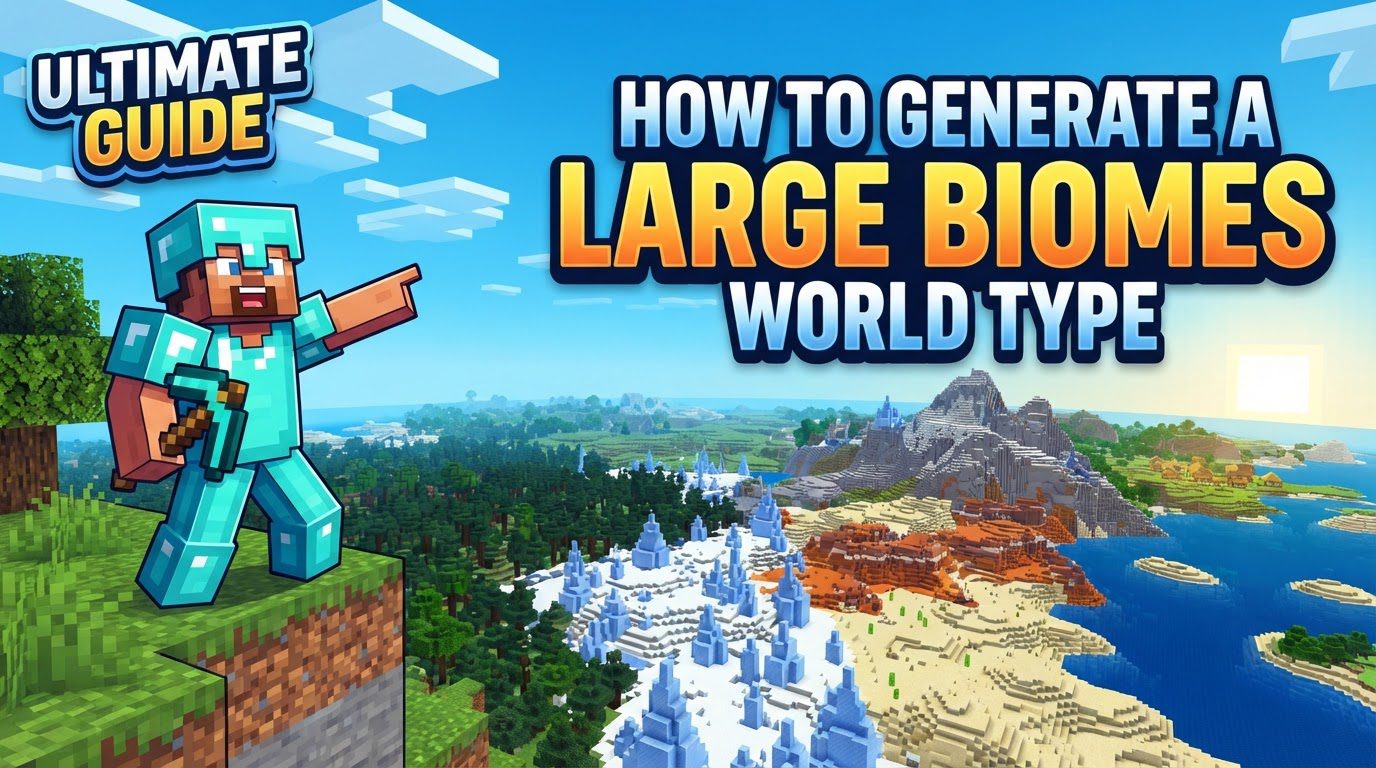
Historically, the scale of “Large Biomes” has seen some evolution. Prior to Minecraft version 1.18, this world type generated biomes with an impressive sixteen times the area of default worlds. This meant that the biomes extended four times further along both the X and Z axes, creating truly monumental natural divisions in the landscape. Post-1.18, while the exact multiplier changed with the introduction of new world generation systems, biomes are still described as having “significantly larger climate zones” or approximately a fourfold expansion over their regular counterparts. This ensures that the core promise of expansive biomes remains intact, providing sprawling forests, deserts, and oceans that seem to stretch endlessly.
It’s important to note that the “Large Biomes” setting specifically impacts the Overworld. The biomes generated in the Nether dimension remain unaffected by this world type selection, maintaining their standard size and distribution. Additionally, players should be aware that the terrain generation in “Large Biomes” worlds, particularly after the 1.18 update, may not exhibit geographical consistency with a Default world generated using the exact same seed. This means that if you generate a “Large Biomes” world and a “Default” world with the identical seed, you might find different landforms and biome placements, adding to the unique character of each “Large Biomes” world.
Generating a Large Biomes World in Java Edition
Setting up a “Large Biomes” world in Minecraft Java Edition is a straightforward process, whether you’re playing solo or managing a multiplayer server.
For Singleplayer Worlds:
-
Step 1: Launch Minecraft and Select Singleplayer
Begin by opening your Minecraft Java Edition launcher and starting the game. From the main menu, navigate to and click on the “Singleplayer” option. This will take you to your list of existing singleplayer worlds.
-
Step 2: Create a New World
On the Singleplayer world selection screen, locate and click the “Create New World” button. This initiates the process of setting up a fresh Minecraft world from scratch.
-
Step 3: Access World Type Options
You will now be presented with various world creation settings. Look for the “World Type” option. In some older versions of Minecraft, this setting might be found under a sub-menu labeled “More World Options,” so be sure to check there if you don’t see it immediately.
-
Step 4: Select “Large Biomes”
Once you’ve found the “World Type” setting, you’ll typically see options like “Default,” “Flat,” “Amplified,” and others. Click or toggle through these options until “Large Biomes” is selected. This crucial step configures the world generator to create the expansive biomes you desire.
-
Step 5: Configure Other Settings and Create
Before finalizing your world, take a moment to configure any other desired world settings, such as difficulty, game mode (Survival, Creative, etc.), allowing cheats, and entering a specific seed if you have one in mind. Once all your preferences are set, click the “Create New World” button to generate and enter your vast, new Minecraft world.
For Multiplayer Servers:
-
Step 1: Access Your Server’s `server.properties` File
To implement “Large Biomes” on a multiplayer server, you’ll need to access the server’s configuration file, typically named `server.properties`. This file contains all the core settings for your Minecraft server and can usually be found in the main directory where your server software is located.
-
Step 2: Locate the `level-type` Setting
Open the `server.properties` file with a text editor (like Notepad, Sublime Text, or VS Code). Within this file, search for the line that begins with `level-type=`. This setting dictates the overarching generation style of your server’s world.
-
Step 3: Change the Value to `minecraft:large_biomes` or `LARGEBIOMES`
Edit the `level-type` line. For Minecraft versions 1.16 and later, you should change its value to `minecraft:large_biomes`. If you are running an older version of Minecraft, the correct value to use might simply be `LARGEBIOMES`. Ensure you type this exactly as specified to avoid generation errors.
-
Step 4: Delete the Existing World Folder (If Converting)
This is a critical step if you are changing an established server to “Large Biomes.” If you have an existing world folder (usually named “world” by default), you must delete it before launching the server with the new `level-type` setting. Failing to do so will result in players spawning in the old world generation, and the “Large Biomes” setting will only apply to newly generated chunks on the edges of your existing world. For a truly fresh “Large Biomes” experience, a clean slate is essential.
-
Step 5: Start or Restart Your Server
Save the changes to your `server.properties` file and then start or restart your Minecraft server. It will now generate a new world according to the “Large Biomes” specification, offering an expansive landscape for all players.
Important Tips for Playing in Large Biomes Worlds
Playing in a “Large Biomes” world presents unique opportunities and challenges. Here are some tips to enhance your experience:
-
Immersive and Realistic Gameplay
Large Biomes offer a more immersive and realistic gameplay experience. The sheer scale of the environment can make your journeys feel more epic and the world more alive, ideal for players who truly enjoy extensive exploration and discovery.
-
Space for Grand Projects
These expansive biomes provide ample space for large-scale building projects within the confines of a single biome. Whether you envision a sprawling desert city, a massive forest sanctuary, or an enormous ocean base, you’ll have the room to realize your grandest architectural ambitions without quickly running into a different biome.
-
Rewarding Rare Biome Discovery
Due to the vastness of individual biomes, rare biomes will naturally be more challenging to find. However, the effort required to discover them makes their eventual unearthing feel incredibly rewarding, adding a significant sense of accomplishment to your exploration.
-
Efficient Transportation is Key
With such vast distances to cover, efficient transportation methods become crucial. Plan to utilize Nether highways for rapid travel across the Overworld, equip yourself with an Elytra for swift aerial movement, and consider setting up teleporters (using commands or ender pearls for example) between key locations to save immense amounts of travel time.
-
Establish Outposts and Share Resources
Given how spread out resources and different biomes can be, it’s highly advisable to set up biome-specific outposts. These smaller bases can serve as resource collection points, temporary shelters, and fast travel hubs. On multiplayer servers, consider establishing communal resource sharing systems to ensure everyone has access to necessary materials despite the distances.
-
Increase Render Distance
To truly appreciate the majestic scale of the biomes and the distant horizons, increase your render distance in your video settings. This will allow you to see further into the landscape, enhancing both immersion and navigation.
Common Mistakes and Considerations to Avoid
While “Large Biomes” offers a fantastic experience, there are several pitfalls and important considerations to keep in mind:
-
Bedrock Edition Limitations
A direct “Large Biomes” world type setting is currently not available in Minecraft Bedrock Edition. Players on Bedrock wishing for expansive biomes must rely on carefully selected world seeds that naturally generate more spread-out and larger biome formations through standard generation algorithms.
-
Challenging Early Survival Spawns
Spawning in a particularly challenging biome, such as a vast desert or a cold tundra, can make early survival significantly more difficult. The long distances required to find other biomes with more diverse resources (like trees for wood or animals for food) can be a harsh introduction to your new world.
-
Longer Travel Times
Expect and prepare for significantly longer travel times to discover diverse biomes or to locate specific resources. What might be a short journey in a default world could be an epic trek spanning multiple in-game days in a “Large Biomes” world.
-
Increased Server RAM Requirements
Running a “Large Biomes” server demands more system resources, especially RAM. This is due to the increased chunk generation and the need to load larger distances to render the expansive biomes effectively. It’s recommended to budget at least 4GB of RAM for a server supporting 5-10 players to ensure smooth performance and prevent lag.
-
Impact of Changing `level-type` on Existing Servers
If you change the `level-type` setting on an existing server that already has a generated world, the “Large Biomes” generation will only apply to newly explored chunks. All chunks that were previously generated will remain as they were, leading to potentially jarring transitions between the old and new world generation styles. For a consistent “Large Biomes” experience, starting a fresh world by deleting the old world folder is always the best approach.
Tags:
YOU MAY ALSO LIKE...