Crafter Block Redstone Signal Output
One of the most frequent misconceptions when first encountering the Minecraft Crafter block is assuming it functions like other Redstone components that react to a continuous signal. Unlike a furnace or dispenser, holding a constant Redstone signal to a Crafter will only trigger a single crafting operation. This crucial detail, its pulse-based activation, is fundamental to harnessing its immense potential for automated crafting. Understanding this and other unique signal mechanics is key to building efficient, reliable auto-crafting systems.
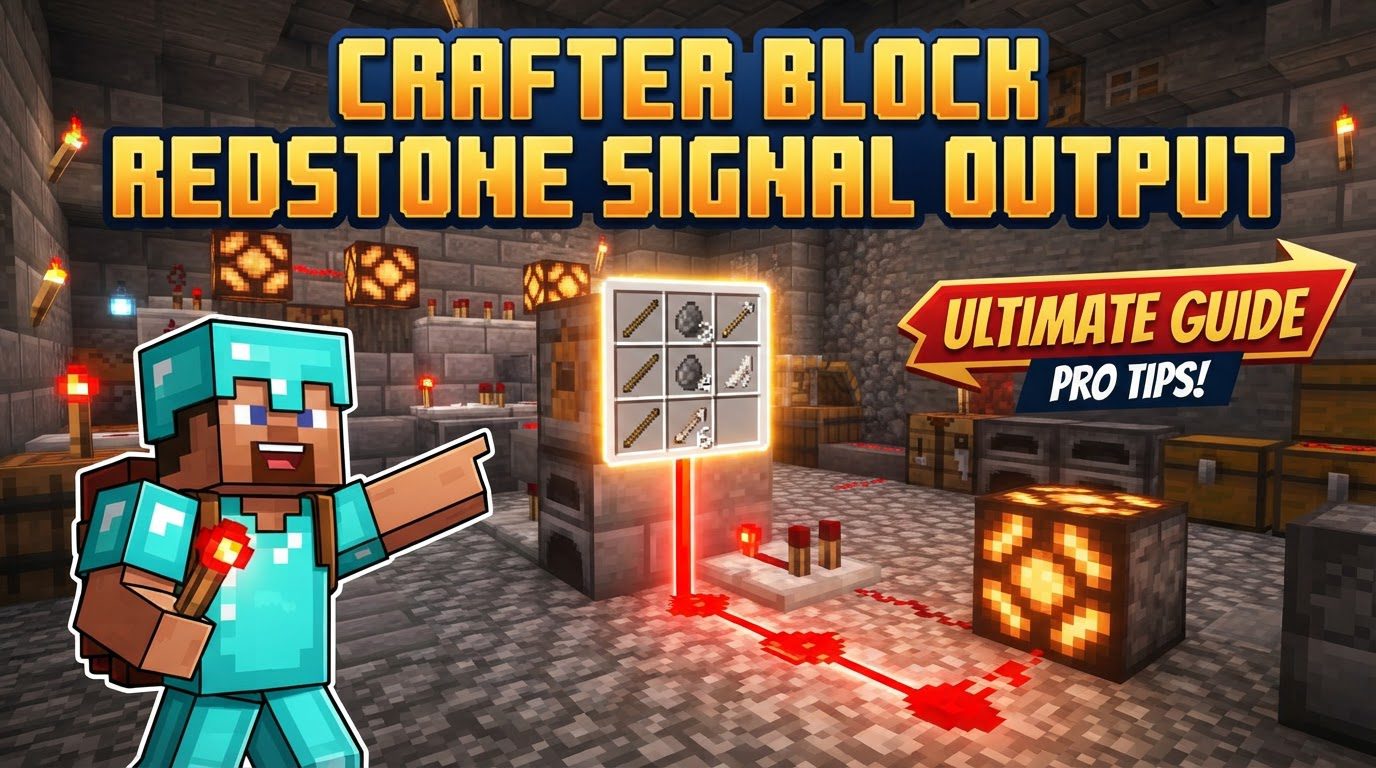
The Crafter’s Unique Redstone Heartbeat
At its core, the Crafter performs its function – consuming ingredients and ejecting a crafted item – solely upon receiving a Redstone pulse. This means the signal must transition from off to on, and then back off, for the Crafter to be ready for the next operation. A steady, uninterrupted signal will only yield one crafted item. The crafted item is always ejected from the “face” of the block, which is the side featuring the open, mouth-like texture. This pulse-based activation contrasts sharply with many other Redstone devices and is the primary principle to internalize when designing any automation involving this block.
Another distinctive characteristic is the Crafter’s immunity to quasi-connectivity. Unlike pistons or dispensers, which can be indirectly powered by Redstone signals one block above or to the side, the Crafter requires direct powering or a signal transmitted through an adjacent solid block. Transparent blocks, such as glass, will not transmit power to the Crafter, making proper block choice essential for indirect powering scenarios.
Decoding Comparator Output: Beyond Item Quantity
The Redstone Comparator is an indispensable tool for interacting with a Crafter, but its output mechanism is far from intuitive. While comparators typically measure the fill level of containers (like chests or barrels) and output a signal strength from 1 to 15 based on the quantity of items, the Crafter behaves differently. A Comparator placed adjacent to a Crafter reads its state not by the number of items it contains, but by the number of occupied or explicitly disabled slots within its 3×3 crafting grid.
This means that whether a slot contains one item or a full stack, it counts as ‘one’ for the comparator’s output. Furthermore, if you disable an empty slot in the Crafter’s GUI (by clicking it while empty), that disabled slot also contributes to the comparator’s signal strength. The maximum Redstone signal strength a Crafter can output via a comparator is 9, achieved when all nine slots are either filled with an item or explicitly disabled. This specific behavior is paramount for creating precise crafting logic, allowing you to detect when a recipe is fully loaded and ready to be crafted.
Architecting Automated Crafting: A Step-by-Step Approach
Building an efficient auto-crafting setup with the Crafter involves a systematic process, leveraging its unique Redstone interactions:
- Recipe Configuration and Slot Management: The first step is to define your recipe within the Crafter’s 3×3 grid. Crucially, any slots not required for the specific recipe you intend to automate must be explicitly disabled. This is done by opening the Crafter’s GUI and clicking on the empty slots. Disabling unused slots is vital to prevent hoppers from placing ingredients incorrectly and to avoid unintended crafting outcomes. For example, crafting paper from three sugarcane requires disabling the other six slots.
- Ingredient Delivery and Product Collection: Hoppers are the backbone of any automated system. They are used to feed raw materials into the Crafter. Hoppers can input items from the top or sides of the Crafter. For collecting the crafted products, place a hopper directly underneath the Crafter’s “face” (the side with the open texture) or pointing into it from the side where items are ejected. This ensures all crafted items are efficiently collected.
- Reading Crafter State with Comparators: Place a Redstone Comparator facing away from the Crafter. This comparator will output a signal strength corresponding to the number of occupied or disabled slots, as discussed above. This signal is your primary feedback mechanism, indicating the Crafter’s readiness.
- Crafting Logic: Signal Conditioning and Activation: This is where the magic of Redstone comes in. You need to design a circuit that takes the comparator’s output and uses it to generate a single Redstone pulse to the Crafter *only* when the exact conditions for your recipe are met. For instance, if your recipe uses 5 slots (and the other 4 are disabled), the comparator will output a strength of 9. Your circuit should then detect this strength 9 and, in response, send a momentary pulse to the Crafter. Redstone comparators in ‘comparison’ or ‘subtraction’ mode are excellent for creating this precise logic.
- Activation Loop for Continuous Crafting: To achieve continuous crafting, the conditioned Redstone signal that activates the Crafter must be part of a loop. Often, this involves a Redstone clock or a mechanism that detects when the Crafter has finished its operation (e.g., by detecting a drop in the comparator signal after crafting) and then re-enables the pulse generation once new ingredients are available.
Essential Tips for Robust Crafter Setups
- Prioritize Slot Disablement: Always disable any slots not directly involved in your recipe. This is the single most effective way to prevent misfeeds from hoppers and guarantee consistent crafting results. Without this, a hopper might fill an unintended slot, leading to an incorrect or failed craft.
- Hoppers are Your Best Friends: Master hopper mechanics. Understand that hoppers can feed into the top and sides of a Crafter, and that the Crafter ejects items from its face, which can then be collected by a hopper placed appropriately.
- Embrace Comparator Logic: Utilize the comparison and subtraction modes of Redstone Comparators. These modes allow you to build sophisticated logic gates that can check for specific signal strengths, ensuring crafting only occurs when the exact ingredient configuration is present.
- Solid Blocks for Power: When powering a Crafter indirectly with Redstone dust, always use solid blocks. Transparent blocks (like glass, leaves, fences) will not transmit the Redstone signal to the Crafter, leading to non-functional setups.
Avoiding Common Crafter Redstone Traps
Even experienced Redstone engineers can stumble with the Crafter’s unique demands. Being aware of common pitfalls can save significant troubleshooting time:
- The Continuous Signal Fallacy: The most common mistake is assuming a continuous Redstone signal will result in continuous crafting. Remember, the Crafter requires a distinct pulse (off-on-off) for each craft. If your system isn’t crafting repeatedly, check your pulse generator.
- Neglecting Disabled Slots: Failing to disable unused slots can lead to frustratingly inconsistent crafting. Hoppers might fill slots you didn’t intend, resulting in the Crafter making an entirely different item or failing to craft anything at all. Always configure your recipe and disable slots first.
- Misinterpreting Comparator Output: Do not expect the Crafter’s comparator output to be based on the quantity of items inside, like a chest. It strictly counts occupied or disabled slots, with a maximum output of 9. Building logic around item quantity will lead to failure.
- Incorrect Hopper Placement for Output: Placing a hopper directly underneath the Crafter’s input slots (e.g., where ingredients are fed in) will extract ingredients rather than collect the crafted product. The crafted item is ejected from the “face” of the Crafter, so place your output hopper there.
- Using Inadequate Power Blocks: Attempting to power a Crafter through transparent blocks is a dead end. Always ensure that any Redstone dust leading to the Crafter, or any block directly powering it, is a solid, non-transparent block.
The Crafter block, while initially demanding a slight shift in Redstone thinking, ultimately empowers players to create incredibly intricate and efficient automated production lines. By understanding its pulse-based activation, the unique comparator output, and diligently avoiding common missteps, you can elevate your Minecraft automation to new heights.
Tags:
YOU MAY ALSO LIKE...